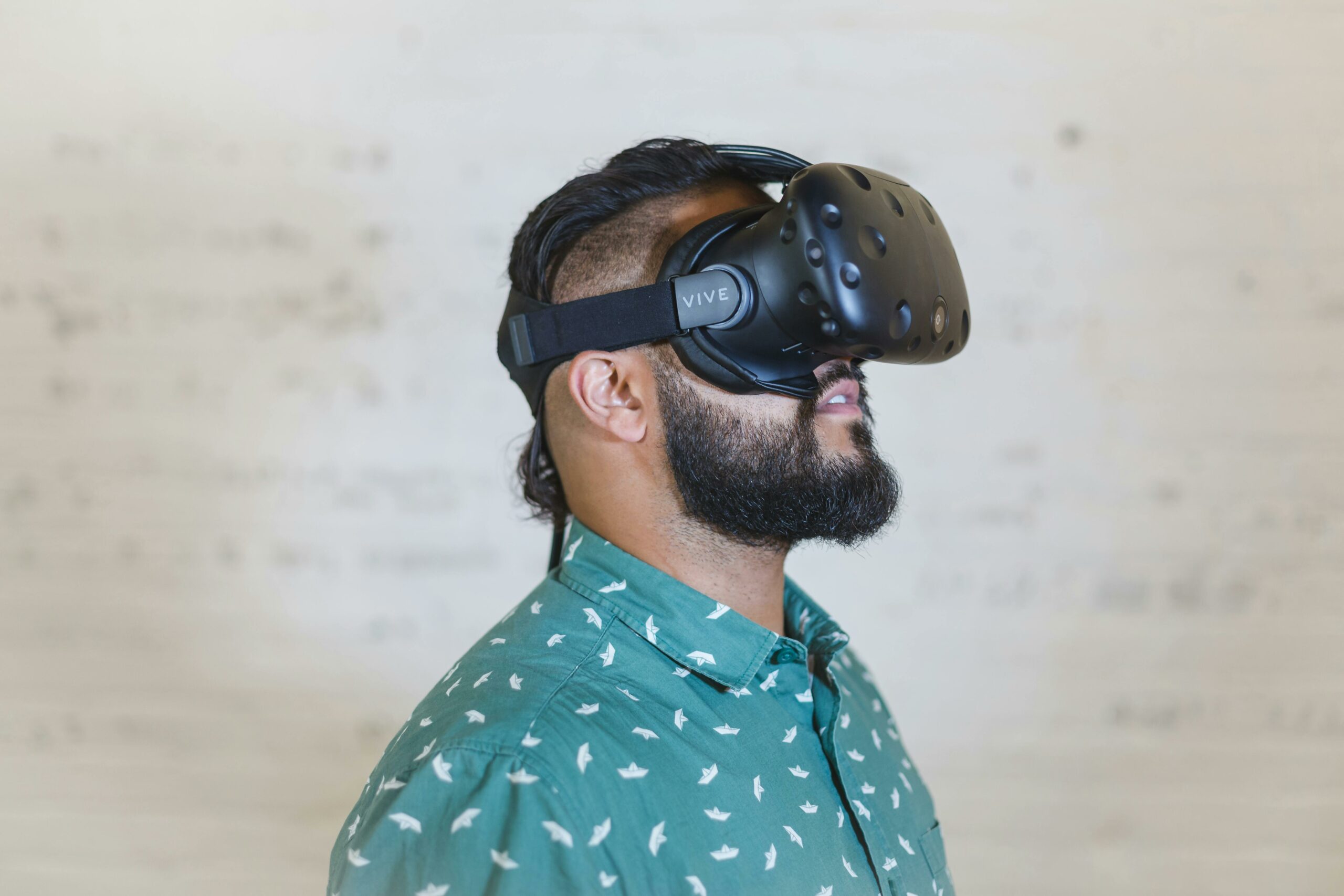

VR social media is moving from novelty clips to repeatable content formats, measurable campaigns, and real creator income in 2026. The shift is simple: audiences now expect presence, not just video, and platforms reward experiences that keep people interacting. For marketers, that means new creative rules, new metrics, and new risks around disclosure and usage rights. For creators, it means deliverables that look more like product design than filming. This guide breaks down the terms, the numbers, and a step-by-step way to plan, price, and measure VR-first social content.
In practice, VR social media refers to social content that is experienced in a headset or spatial environment, plus the social layer around it: co-watching, live presence, shared spaces, and remixable assets. It includes 180 or 360 video, volumetric capture, avatar-led storytelling, and interactive world clips that are posted as teasers, highlights, or replays on traditional feeds. Because teams often mix VR deliverables with standard short-form, you need shared definitions before you brief a creator or sign a contract.
Start by defining the core marketing terms in plain language so everyone prices and reports the same way. CPM is cost per thousand impressions, which helps compare VR teasers to standard video. CPV is cost per view, useful when platforms report “plays” more reliably than impressions. CPA is cost per acquisition, the bottom-line metric when you can track signups, purchases, or installs. Engagement rate is engagements divided by reach or impressions, but you must specify which denominator you use. Reach is unique people who saw the content; impressions are total times it was served. Whitelisting means running paid ads through a creator’s handle with permission. Usage rights define where and how long you can reuse assets. Exclusivity restricts the creator from working with competitors for a period, which should raise the fee.
Concrete takeaway: put these definitions in the first page of your brief and again in the contract exhibit. If you do not, you will end up with mismatched reporting, unexpected licensing costs, or a creator who refuses paid usage after the content performs.
Formats that actually perform – and how to pick the right one
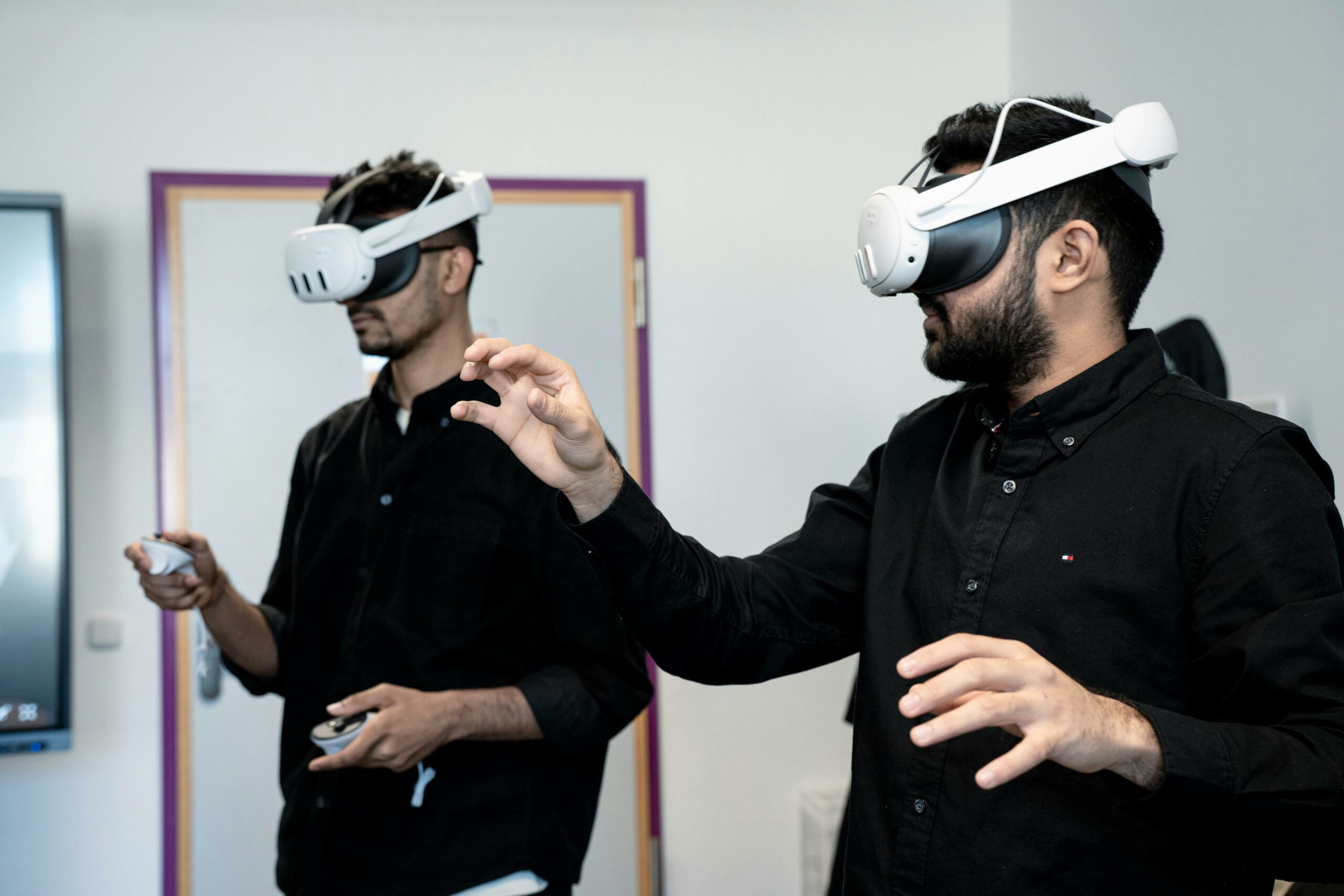
VR content fails when it copies flat video pacing. It wins when it uses presence: letting viewers look around, choose a viewpoint, or feel like they are in the room. In 2026, most brands succeed with a “hybrid ladder” – a VR-native experience that produces multiple flat outputs for distribution. That approach also reduces risk because you can test the teaser performance before investing in a bigger interactive build.
Use these decision rules to pick a format. Choose 180 video when you want intimacy and faces, such as creator-led demos, backstage access, or travel. Choose 360 video when the environment is the hero, like events, retail walkthroughs, or sports. Choose volumetric or avatar content when you need repeatability and fast iteration, because you can reshoot lines without rebuilding the whole scene. Choose interactive world clips when the product benefit is best shown through exploration, such as a game, a virtual showroom, or a training simulation.
- Fast test: 15 to 30 second “flat teaser” cut from a VR scene to validate hook and audience fit.
- Core asset: 60 to 180 second VR experience with clear moments designed for clipping.
- Community layer: live co-watch, Q and A in a virtual space, or a creator-led tour.
Concrete takeaway: storyboard “clip moments” first. If you cannot list 5 clip moments that work in a normal feed, your VR asset will be hard to distribute and harder to measure.
VR adds new signals, but you still need a measurement spine that maps to business outcomes. Start with a simple funnel: attention, engagement, intent, and action. Then decide which metrics you can trust based on where the content lives: in-headset platform analytics, social platform analytics for teasers, and your own site or app analytics for conversions. When teams skip this step, they end up celebrating “views” that do not correlate with lift.
For attention, track impressions, 3 second views, and view-through rate on teaser posts. For engagement, track saves, shares, comments, and click-to-profile. For VR-native experiences, add average session length, return visits, and interaction rate, such as object clicks or menu selections. For intent, track link clicks, add-to-cart, wishlist adds, or email signups. For action, track purchases, installs, or qualified leads, ideally with a clean attribution method.
Here are practical formulas you can use in a spreadsheet:
- CPM = (Total spend / Impressions) x 1000
- CPV = Total spend / Views
- Engagement rate by reach = Total engagements / Reach
- CPA = Total spend / Conversions
Example calculation: you pay $6,000 total for a VR teaser package and boost it with $4,000 paid spend, so total spend is $10,000. The teasers generate 800,000 impressions and 120,000 views, and you track 250 purchases. CPM is (10,000 / 800,000) x 1000 = $12.50. CPV is 10,000 / 120,000 = $0.083. CPA is 10,000 / 250 = $40. If your margin per purchase is $70, the campaign is profitable before you even count long-term lift.
Concrete takeaway: report one primary KPI per funnel stage and one business KPI. If you cannot connect the VR experience to a business KPI, treat it as brand spend and set expectations accordingly. For deeper measurement standards, align your reporting language with the IAB measurement guidance where relevant: IAB standards and resources.
Pricing and deliverables – benchmarks, deal structure, and negotiation
VR deliverables are priced less like a single post and more like a mini production plus licensing. Costs vary widely based on capture method, editing complexity, and whether the creator is also building an interactive scene. The cleanest way to avoid surprises is to separate fees into four buckets: creative fee, production costs, usage rights, and performance incentives. That structure makes negotiation faster and reduces the chance you overpay for rights you do not need.
Use this table as a starting point for common VR social deliverables. These are not universal rates, but they are practical planning ranges for 2026 when working with experienced creators in North America and Western Europe. Adjust by niche, creator demand, and production complexity.
| Deliverable | What you get | Typical price range | Best for |
|---|---|---|---|
| VR teaser pack | 3 to 5 short vertical clips cut from VR footage | $1,500 to $8,000 | Testing hooks and audiences |
| 180 video feature | 60 to 120 seconds VR-native narrative or demo | $4,000 to $20,000 | Product storytelling with presence |
| 360 environment tour | Guided walkthrough plus 2 teaser cuts | $6,000 to $30,000 | Events, retail, travel, sports |
| Live VR session | 30 to 60 minutes hosted experience with moderation | $3,000 to $25,000 | Community building and launches |
| Interactive world clip | Short interactive scene plus social highlights | $10,000 to $75,000+ | High-impact activations |
Negotiation checklist you can use on every call:
- Ask what is included: capture, edit rounds, sound design, captions, and file delivery specs.
- Separate usage rights from the creative fee. If you want paid ads, specify duration and channels.
- Define whitelisting terms: ad account access method, approval process, and max spend.
- Price exclusivity as a clear add-on, for example +20 to +50 percent depending on category.
- Add a performance bonus tied to a metric you can verify, such as tracked purchases or qualified leads.
Concrete takeaway: if a creator quotes one all-in number, ask them to itemize it into the four buckets. You will usually find room to trade rights for cost, or add performance upside without raising the base fee.
A step-by-step campaign framework you can run in 30 days
VR projects can sprawl, so you need a tight process that protects timelines and measurement. A 30-day plan works well because it forces you to ship a test asset, learn, and then scale. The key is to treat the VR experience as the source footage and the social posts as distribution, not the other way around.
Step 1 – Define the audience moment. Write one sentence: “We want X audience to feel Y and do Z.” Then list the top three objections you need to overcome. Step 2 – Choose the format using the decision rules above and lock the deliverables. Step 3 – Build a brief that includes the definitions, the hook, the must-say claims, and the do-not-say list. Step 4 – Set tracking: UTM links, discount codes, landing page, and a clear attribution window. Step 5 – Produce and pre-approve clip moments so the creator can edit faster. Step 6 – Publish the teaser ladder, then boost the best performer. Step 7 – Report results and decide whether to iterate or expand into a bigger interactive build.
This table can run your execution without extra meetings:
| Phase | Tasks | Owner | Deliverables |
|---|---|---|---|
| Week 1 – Planning | Audience moment, KPIs, format selection, creator shortlist | Brand + creator | One-page plan + measurement sheet |
| Week 2 – Briefing | Script outline, clip moments, compliance review, tracking setup | Brand | Final brief + UTM links + claim list |
| Week 3 – Production | Capture, first edit, one revision round, export specs | Creator | VR master + 3 to 5 teasers |
| Week 4 – Launch | Publish ladder, community prompts, paid boost, daily checks | Brand + creator | Live posts + paid report |
| Day 30 – Review | KPI readout, creative learnings, next test plan | Brand | One-slide summary + next steps |
Concrete takeaway: do not approve a VR shoot without a clip-moment list and a tracking plan. Those two items prevent most “cool but unmeasurable” outcomes.
Compliance, disclosure, and rights – what to put in writing
VR does not change the basics of advertising disclosure, but it can make disclosure easier to miss because the viewer is immersed. Require clear, unavoidable disclosure in the teaser captions and inside the VR experience when it is sponsored. Also, confirm that any claims about performance, health, or pricing are substantiated. If you are unsure, default to conservative language and keep proof on file.
For US campaigns, align with the FTC’s endorsement guidance and make disclosure hard to miss: FTC Endorsements and Testimonials guidance. In addition, spell out usage rights in plain terms: channels, duration, territories, and whether you can edit the content. If you plan to run ads, include whitelisting permission and a process for approvals. Finally, handle music and third-party assets carefully because VR edits often reuse stems, ambient audio, or environment textures that may not be licensed for paid use.
Concrete takeaway: add a “rights grid” to the contract exhibit. List each asset and whether it is allowed for organic, paid, website, email, and in-store screens, plus the end date for each.
Common mistakes and best practices for creators and brands
Most VR social campaigns underperform for predictable reasons. The first is treating VR as a single hero video and forgetting distribution. Another is ignoring comfort: shaky camera movement and fast cuts can cause discomfort, which kills watch time and brand sentiment. Teams also misprice rights, then get stuck when they want to turn a winning clip into an ad. Finally, many campaigns skip community prompts, even though VR audiences respond strongly to participation and shared experiences.
Common mistakes to avoid:
- Measuring only views, without session length or downstream actions.
- Publishing VR assets without a flat teaser ladder and a paid plan.
- Requesting broad exclusivity without paying for it.
- Assuming whitelisting is included by default.
- Overloading the first 10 seconds with motion or scene changes.
Best practices that consistently improve results:
- Open with a stable frame and one clear objective, then invite exploration.
- Design three “shareable moments” that work as 6 to 12 second clips.
- Use a single source of truth for metrics and definitions, then report weekly.
- Negotiate modular rights so you can scale paid spend if performance is strong.
- Run a small A and B test on the teaser hook before investing in a bigger build.
Concrete takeaway: if you only fix one thing, fix distribution. A great VR experience with weak teasers will not travel, but average VR footage with strong teasers can still drive efficient CPA.
Tools and workflows – how teams ship faster without losing quality
Speed matters because VR trends move quickly, and creators do not want a month of approvals. A practical workflow is to lock the brief, approve clip moments, and then limit revisions to one structured round. Keep file specs simple: agree on aspect ratios, caption style, and export formats before production. Also, decide where the “master” lives, because VR files are large and version control gets messy.
For planning and creator discovery, keep your research organized and benchmark performance across similar creators and niches. A good habit is to save campaign notes, rates, and outcomes in one place so you can negotiate from evidence next time. If you want more tactical guides on creator selection, pricing, and measurement, use the InfluencerDB Blog influencer marketing playbooks as a reference point for templates and checklists.
Concrete takeaway: treat VR like a product sprint. One owner, one timeline, one measurement sheet, and one revision round is usually enough to ship high-quality work without burning the relationship.
Before you greenlight spend, run this checklist. It is short on purpose, because VR projects already have enough moving parts. If you cannot check every box, scale down the deliverables until you can.
- Focus audience moment written in one sentence.
- Deliverables list includes teasers, master asset, and community prompt.
- Definitions for CPM, CPV, CPA, engagement rate, reach, and impressions included.
- Tracking plan: UTM links, code, landing page, attribution window.
- Rights grid: usage rights, whitelisting, exclusivity, duration, territories.
- Safety review: comfort, claims substantiation, disclosure placement.
- Reporting cadence and primary KPI per funnel stage agreed.
Concrete takeaway: start with a two-week test budget you can afford to learn from. Then, if CPM and CPA look healthy, scale via whitelisting and modular usage rights instead of commissioning a bigger build immediately.