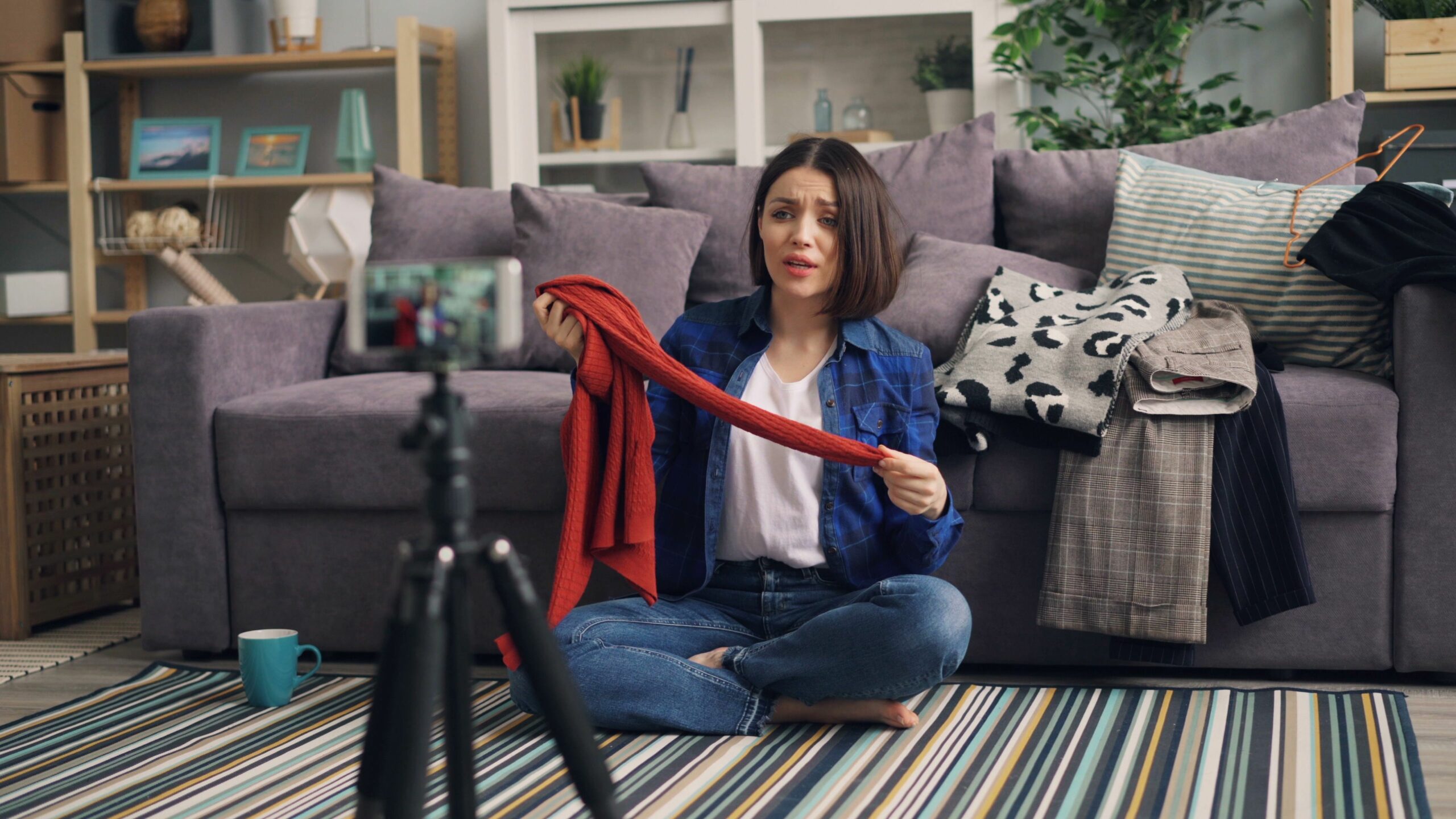

This video shopping guide breaks down how shoppable video works, what to measure, and how to price and negotiate campaigns so you can drive real sales, not just views. Live shopping, product-tagged short videos, and creator-led demos can all convert, but only if you treat them like performance media with clear inputs and clean tracking. To make that practical, you will get definitions, formulas, benchmarks, and a repeatable workflow you can use for your next launch. Along the way, you will also learn how to structure deliverables, usage rights, and exclusivity without overpaying. If you want deeper influencer planning templates, you can also pull ideas from the InfluencerDB blog resources and adapt them to video commerce.
What shoppable video is – and when it works best
Shoppable video is any video format that lets viewers move from discovery to product detail to checkout with minimal friction. That can mean product tags inside short-form video, a live shopping stream with pinned items, or a creator video that links to a product page via a tracked URL. It works best when the product is easy to understand visually, the value proposition is clear in under 10 seconds, and the buying decision is not overly complex. Beauty, fashion, home, food, and gadgets tend to perform well because a demo answers questions faster than a static image. On the other hand, high-consideration products can still work, but you should optimize for lead capture or assisted conversions rather than last-click sales.
Use this decision rule before you commit budget: if the product needs more than three key claims to justify the price, plan a two-step funnel. First, run shoppable video to drive qualified traffic and retarget viewers with longer content, reviews, or a creator Q and A. Also, check operational readiness. If inventory is tight, shipping is slow, or returns are painful, a successful live shopping event can create more customer support cost than profit.
- Best fit: visually demonstrable products, impulse-friendly price points, clear differentiation.
- Needs extra support: expensive items, regulated categories, products requiring sizing or onboarding.
- Quick takeaway: if you cannot explain the product in one sentence and show the payoff in one shot, rewrite the offer before you film.
Key terms you must define before you price or measure

Most video shopping campaigns fail because teams use the same words to mean different things. Align definitions in the brief, then lock them into reporting. That way, you can compare creators, formats, and platforms without arguing about what counts.
- Reach: unique people who saw the content at least once.
- Impressions: total views served, including repeat views.
- Engagement rate: engagements divided by views or impressions (state which). Example: (likes + comments + shares + saves) / views.
- CPM: cost per thousand impressions. Formula: cost / impressions x 1000.
- CPV: cost per view. Formula: cost / views.
- CPA: cost per acquisition (purchase, lead, or other conversion). Formula: cost / conversions.
- Whitelisting: the brand runs ads through the creator’s handle (also called creator licensing). This often improves performance but requires permissions and clear terms.
- Usage rights: what the brand can do with the content (organic repost, paid ads, website, email) and for how long.
- Exclusivity: the creator agrees not to promote competitors for a set period, category, and geography.
Concrete takeaway: add a one-line definition next to every KPI in your reporting sheet. If you track engagement rate, specify the denominator and the time window, such as 7-day views.
Video shopping guide to KPIs and simple conversion math
To manage shoppable video like a performance channel, you need a small set of KPIs that ladder up to revenue. Start with a funnel view, then choose one primary KPI per stage so you do not optimize for everything at once. For most brands, that means view quality at the top, click intent in the middle, and purchase efficiency at the bottom. Importantly, you should separate creative performance from offer performance, because a great video cannot fix a weak product page.
Use these core metrics and formulas:
- View-through rate (VTR): 3-second views / impressions (or platform equivalent).
- Hook rate: 2-second views / impressions (helpful for short-form testing).
- Click-through rate (CTR): clicks / impressions.
- Conversion rate (CVR): purchases / clicks.
- ROAS: revenue / cost.
- Contribution margin: (revenue – COGS – shipping – fees) / revenue.
Example calculation: you pay $3,000 for a creator video package and track 60,000 impressions, 1,200 clicks, and 60 purchases with $45 AOV. Revenue is $2,700 (60 x 45). CTR is 2.0% (1,200 / 60,000). CVR is 5.0% (60 / 1,200). CPA is $50 ($3,000 / 60). ROAS is 0.9 ($2,700 / $3,000). If your contribution margin is 55%, contribution dollars are $1,485, so the campaign loses money unless you expect repeat purchases or assisted conversions.
Practical takeaway: set a target CPA based on contribution margin, not on ROAS alone. If you want to break even on first purchase, target CPA should be less than AOV x margin. In the example, $45 x 0.55 = $24.75, so a $50 CPA is too high unless LTV is strong.
Pricing models for shoppable video – and when to use each
There is no single correct way to price video shopping, because the value comes from both content production and distribution impact. Still, you can avoid most bad deals by choosing a pricing model that matches your tracking maturity. If you can track sales reliably, performance-based structures become realistic. If you cannot, you should pay for deliverables and treat performance as a bonus, not a promise.
| Pricing model | How it works | Best for | Watch-outs |
|---|---|---|---|
| Flat fee per deliverable | Fixed payment for videos, lives, stories, and edits | New partnerships, weak attribution, brand launches | Overpays if distribution is low; negotiate usage separately |
| Hybrid – fee + performance bonus | Base fee plus CPA or revenue share after a threshold | Most ecommerce brands with partial tracking | Define attribution window, returns, and discount stacking |
| Affiliate commission | Creator earns a percentage of tracked sales | Always-on creator programs, long-tail creators | Creators may underinvest in production without a base fee |
| CPM or CPV guarantee | Pay based on delivered impressions or views | Platforms with stable view delivery, whitelisted ads | Views do not equal buyers; require view quality metrics |
Negotiation tip: if a creator wants a high flat fee, ask for one of these value adds instead of pushing only on price – a second cut with a different hook, raw footage, or a 30-day paid usage license. Those extras often improve your testing velocity more than a small discount.
Benchmarks and a budgeting table you can actually use
Benchmarks vary by niche, season, and platform, so treat the numbers below as planning ranges, not promises. The goal is to give you a starting point for budgeting and a way to sanity-check proposals. When you see a quote, translate it into CPM and CPV so you can compare creators with different audience sizes. Also, separate production value from media value. A highly produced studio shoot can be worth it, but only if your distribution plan can recoup the cost.
| Creator tier | Typical deliverable | Planning CPV range | Planning CPM range | Best use |
|---|---|---|---|---|
| Micro (10k to 50k) | 1 short shoppable video | $0.03 to $0.12 | $8 to $25 | Testing hooks, niche audiences, UGC style |
| Mid (50k to 250k) | 1 video + 1 story link | $0.04 to $0.15 | $10 to $35 | Balanced reach and intent, repeatable collabs |
| Macro (250k to 1M) | 1 video + live segment | $0.05 to $0.20 | $12 to $45 | Launch moments, broader awareness plus sales |
| Mega (1M+) | Video package with usage | $0.06 to $0.25 | $15 to $60 | Mass reach, retail tie-ins, pressable moments |
Concrete takeaway: build a budget from the bottom up. Start with your target CPA and expected CVR, then back into the maximum cost per click you can afford. If your site converts at 3% and your max CPA is $25, then max CPC is $0.75 ($25 x 0.03). From there, estimate CTR to derive a maximum CPM.
How to build a shoppable video brief that creators can execute
A good brief protects creative freedom while locking down the business-critical details. Creators need context on the product and the audience, but they also need clear boundaries on claims, filming requirements, and what success looks like. Keep it tight, then add a separate appendix for reference materials like brand guidelines and example hooks. If you want more briefing patterns and campaign planning ideas, browse additional templates on the and adapt them to commerce content.
| Brief section | What to include | Creator-friendly example |
|---|---|---|
| Goal and KPI | Primary KPI, secondary KPI, attribution window | Goal: purchases. KPI: CPA under $30 within 7 days |
| Audience and pain point | Who buys, what problem, top objections | Busy parents who want 10-minute meals; worry about taste |
| Offer and landing page | Price, discount code rules, link destination | Code JEN10 applies to bundles only; link to bundle PDP |
| Mandatory talking points | 3 to 5 claims max, plus banned claims | Show texture, explain sizing, avoid medical claims |
| Creative guardrails | Do and do not list, brand safety, music rules | No profanity; keep it bright; use captions throughout |
| Deliverables and timing | Formats, length, posting date, review SLA | 1 x 30s video, 1 x 15s cutdown, post by Oct 20 |
Practical takeaway: limit mandatory talking points to what is legally or commercially necessary. If you overload the script, the content will feel like an ad and the algorithm will punish it.
Tracking setup – links, codes, pixels, and attribution rules
Attribution is the difference between guessing and optimizing. Start with a tracked link for every creator and every placement, then add discount codes as a backup signal. Use UTMs consistently, and keep naming conventions simple so reporting does not turn into a cleanup project. When possible, align with your analytics team on a single source of truth, such as GA4 plus your ecommerce platform.
- UTM minimum: utm_source=creatorname, utm_medium=influencer, utm_campaign=launchname, utm_content=video1.
- Discount code rules: decide whether codes stack with sitewide promos and document it.
- Attribution window: choose a default, such as 7 days click and 1 day view, then keep it consistent for comparisons.
- Returns handling: for commission, specify whether payouts are net of returns and when clawbacks apply.
If you run whitelisted ads, treat it like paid social with creator creative. Confirm you have written permission, define the ad account access method, and set a start and end date. For platform-specific ad and tagging rules, refer to official documentation such as Meta Business for branded content and commerce tools.
Concrete takeaway: decide in advance what counts as a conversion. For some brands, email signups are the right primary KPI during early testing. Once you have a winning hook and landing page, shift the primary KPI to purchases.
Compliance, disclosures, and claims you cannot improvise
Shoppable video is advertising, even when it feels casual. That means disclosures must be clear and unavoidable, and claims must be substantiated. Creators should disclose in the video itself, not only in a caption, especially for short-form where captions are easy to miss. Brands should also provide a claims sheet for regulated categories like supplements, finance, or health-adjacent products.
For US campaigns, align with the FTC disclosure guidance and require creators to use plain language like “ad” or “paid partnership.” If you operate in multiple markets, add local requirements to the brief and contract. Importantly, do not ask creators to hide disclosures to protect performance. That is a short-term win with long-term risk.
- Checklist: disclosure in the first lines of caption and spoken or on-screen early in the video.
- Checklist: no unverified superlatives like “guaranteed” or “cures” unless you can prove it.
- Checklist: document usage rights and whitelisting permissions in writing.
Common mistakes that kill video shopping performance
Most underperforming campaigns share a few predictable issues. The good news is that they are fixable with process. First, teams often choose creators based on follower count instead of audience match and on-camera selling skill. Next, they ship product too late, which forces rushed filming and missed trends. Another common problem is a weak landing page, where the video promises one thing and the product page delivers another. Finally, brands sometimes over-control scripts, which makes the content feel unnatural and reduces watch time.
- Paying for views without defining view quality, such as average watch time or retention.
- Using one discount code across multiple creators, which breaks attribution.
- Ignoring usage rights, then discovering you cannot run the best video as an ad.
- Setting exclusivity too broad, which inflates fees and limits creator interest.
Practical takeaway: run a pre-mortem. Ask, “If this flops, why?” Then add one prevention step per risk, such as a landing page QA checklist or a shipping deadline.
Best practices – a repeatable workflow for your next launch
Consistency beats one-off hero campaigns. Build a workflow that lets you test quickly, learn, and scale what works. Start with a small creator set, test multiple hooks, then expand spend only after you see stable conversion signals. When you find a winning creator, lock in a second wave with improved terms, such as a lower base fee plus a higher performance bonus. Over time, your best creators become a predictable acquisition channel.
- Plan: define target CPA, margin, and attribution window before outreach.
- Select: shortlist creators with proof of product demos, not just lifestyle content.
- Brief: give one primary message, one offer, and three creative angles to choose from.
- Track: unique UTMs and codes per creator and per asset.
- Optimize: review retention and click data within 48 to 72 hours, then iterate hooks.
- Scale: whitelist the top-performing assets and test paid amplification.
Concrete takeaway: treat every creator video as both content and a test. Ask for at least one alternate opening, because the first two seconds often determine whether the video sells.
Quick contract terms to get right – usage, whitelisting, exclusivity
Contracts are where video shopping economics are won or lost. Usage rights should specify channels, duration, and whether edits are allowed. Whitelisting should specify who pays for media, who owns the data, and when access is revoked. Exclusivity should be narrow and priced. If you ask for a six-month category exclusivity across all skincare, expect to pay for it. If you only need a two-week window around launch for a specific product type, you can keep costs reasonable.
- Usage rights rule: default to 30 to 90 days paid usage, then renew if performance justifies it.
- Exclusivity rule: define category, geography, and time. Pay a clear add-on fee.
- Whitelisting rule: set a hard end date and require brand-safe creative approvals.
Practical takeaway: separate the content fee from the licensing fee in your budget. That makes negotiations cleaner and helps finance teams understand what they are buying.