

Content calendar ideas are easiest to generate when you stop chasing one off inspiration and start running a simple system you can repeat every month. A calendar is not just a list of posts – it is a decision tool that ties your goals, audience needs, and production capacity into a schedule you can actually publish. In practice, the best calendars balance three things: what your audience wants, what your brand needs to sell, and what you can produce without burning out. This guide gives you a framework, ready to use content pillars, and two practical tables you can copy into your workflow. Along the way, you will also learn the key marketing terms that affect what you publish and how you measure results.
Start with a simple calendar framework (and define the metrics)
Before you fill dates, lock in the rules of the game: what success looks like and what you can realistically ship. First, choose one primary goal for the next 30 days (growth, leads, sales, retention, or community). Next, pick 2 to 4 platforms you can support consistently. Then set a weekly publishing capacity based on hours, not ambition: for example, 6 hours per week might equal two short videos plus three story frames and one email. Finally, decide how you will measure performance so you do not confuse “busy” with “effective.”
Here are key terms you should understand early, because they influence what goes on the calendar and how you judge it:
- Reach – the number of unique people who saw your content.
- Impressions – total views, including repeat views by the same person.
- Engagement rate – engagements divided by reach or impressions (use one definition consistently). A common formula is: Engagement rate = (likes + comments + saves + shares) / reach.
- CPM – cost per thousand impressions. Formula: CPM = (spend / impressions) x 1000.
- CPV – cost per view, often used for video. Formula: CPV = spend / views.
- CPA – cost per acquisition (purchase, signup, download). Formula: CPA = spend / conversions.
- Whitelisting – when a brand runs paid ads through a creator’s handle (or uses their content in ads) with permission.
- Usage rights – what the brand can do with content (where, how long, and in what formats).
- Exclusivity – a restriction that prevents a creator from working with competitors for a period of time.
Concrete takeaway: write your goal and one primary metric at the top of your calendar. If you cannot name the metric, you will default to posting whatever is easiest, not what works.
Content calendar ideas built from 6 repeatable pillars
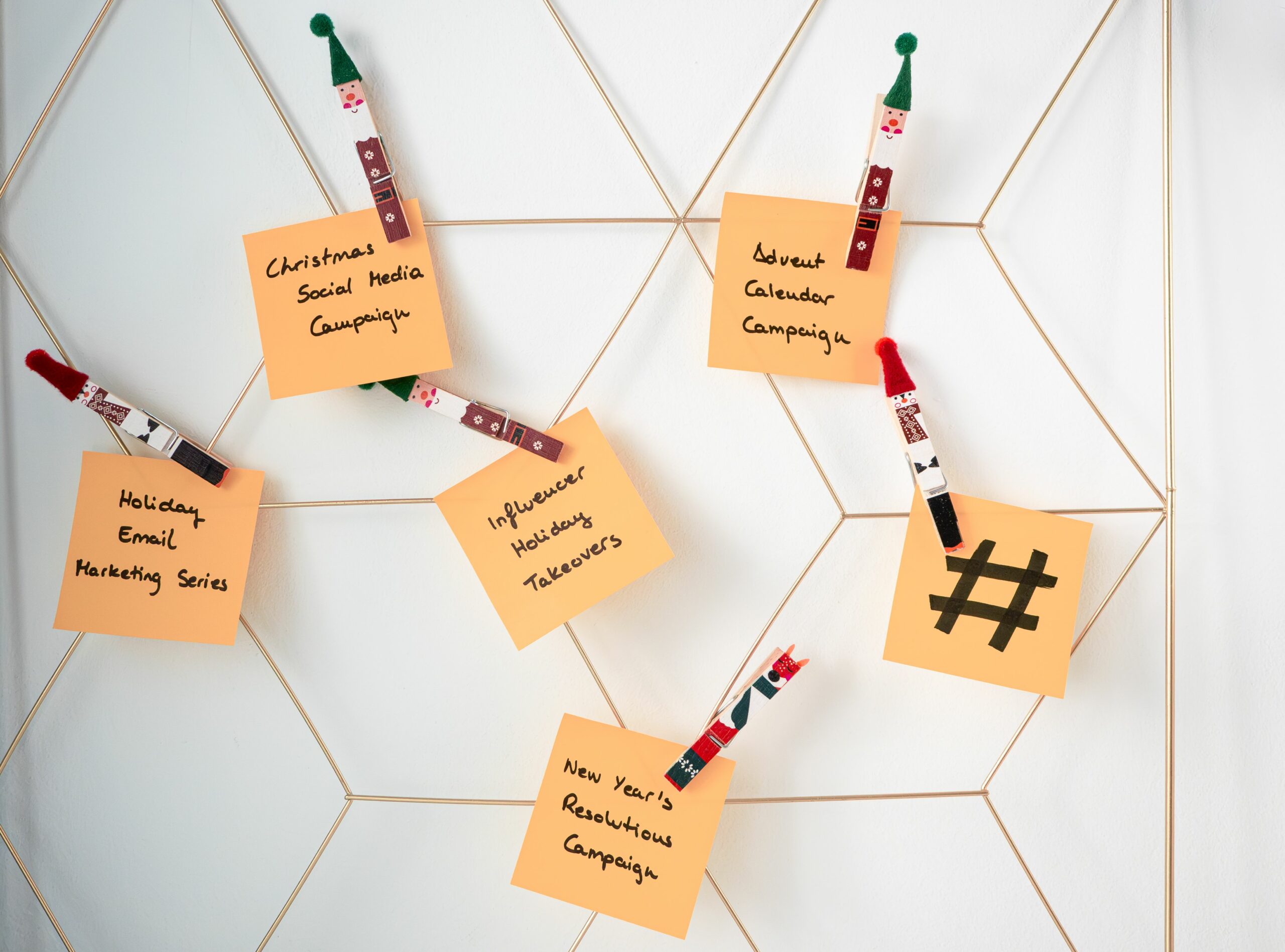
If your calendar feels empty, you probably have too many random topics and not enough pillars. Pillars are repeatable categories that make planning faster and keep your feed coherent. The trick is to pick pillars that map to the customer journey: discovery, trust, and conversion. Once you have pillars, you can generate dozens of posts by swapping the example, format, or angle while keeping the core promise consistent.
Use these six pillars as a starting point, then customize them to your niche:
- Teach – tutorials, how tos, checklists, templates.
- Prove – case studies, before and afters, data, experiments.
- Relate – founder stories, behind the scenes, day in the life.
- Curate – roundups, news reactions, “best of” lists.
- Convert – offers, demos, comparisons, FAQs that remove friction.
- Community – polls, Q and A, challenges, user generated content.
Concrete takeaway: assign each post in your calendar a pillar label. If one pillar dominates (usually “Relate”), you will grow a following that likes you but does not buy.
Use a weekly mix that prevents burnout (with a planning table)
A calendar fails when it ignores production reality. To avoid that, build a weekly mix that includes one “hero” piece, a few “hub” posts, and several “help” posts. The hero is your biggest asset for the week, like a YouTube video, a long TikTok, or a newsletter issue. Hub posts distribute the hero in smaller pieces, and help posts answer specific questions your audience is already searching for. This structure also makes repurposing natural, so you spend less time reinventing.
| Post type | Goal | Effort level | Examples you can schedule | Repurpose into |
|---|---|---|---|---|
| Hero | Authority and depth | High | 10 minute tutorial, creator interview, product walkthrough | 3 clips, 1 carousel, 1 email, 5 story frames |
| Hub | Distribution | Medium | Carousel summary, short video highlight, thread recap | 1 reel, 1 pin, 1 blog snippet |
| Help | Search and saves | Low | FAQ, myth vs fact, checklist, “3 mistakes” post | Story Q and A, comment replies, community post |
| Community | Signals and feedback | Low | Poll, challenge prompt, “choose A or B” | Next week’s hero topic |
Concrete takeaway: plan your week in ratios, not in exact post counts. A practical ratio is 1 hero, 2 hub, 3 help, and 2 community touchpoints. If you miss a day, you can swap in a help post without breaking the system.
Fill 30 days fast with a plug and play prompt bank
Once pillars and weekly mix are set, you need prompts that turn into publishable drafts. The fastest approach is to build a prompt bank for each pillar, then rotate formats. For example, the same idea can become a short video, a carousel, a live session, and a newsletter section. As a result, you get variety without needing new topics every day.
Here is a prompt bank you can copy. Pick one per day and keep the promise narrow:
- Teach: “How to do X in 5 steps,” “The checklist I use before I publish,” “A template for Y.”
- Prove: “What happened when I changed one variable,” “My results after 14 days,” “A teardown of a winning post.”
- Relate: “What I would do differently if I started today,” “A behind the scenes look at my workflow,” “My biggest misconception.”
- Curate: “3 examples worth studying,” “5 tools I actually use,” “My notes from this update.”
- Convert: “Who this is for and who it is not,” “Pricing explained,” “Common objections answered.”
- Community: “Vote on my next topic,” “Drop your niche and I will suggest one post idea,” “Show your setup.”
If you want more planning patterns and breakdowns you can adapt, browse the InfluencerDB blog guides on content and influencer marketing and save the ones that match your niche. Concrete takeaway: keep a running list of 30 prompts in a notes app, then drag them into your calendar during planning day. You will never start from zero again.
Make it measurable: a lightweight tracking sheet (with example formulas)
A calendar is only as good as the feedback loop behind it. You do not need a complicated dashboard, but you do need consistent fields so you can compare posts fairly. Track the metric that matches the goal, plus one diagnostic metric that explains why performance changed. For example, if sales are down, reach might be fine but clicks might be weak, which points to the hook or call to action.
| Field | What it tells you | How to use it in planning | Example |
|---|---|---|---|
| Format | Which formats your audience prefers | Double down on top 2 formats for 2 weeks | Reel, carousel, live |
| Hook | Why people stopped scrolling | Reuse winning hook patterns | “Stop doing X” |
| Reach | Distribution | If low, test timing, hashtags, collaborations | 25,000 |
| Engagement rate | Content resonance | If low, tighten topic and add specificity | (900 interactions / 25,000 reach) = 3.6% |
| Clicks | Intent | If low, improve CTA and offer clarity | 210 |
| Conversions | Business impact | If low, fix landing page or audience match | 14 sales |
| CPA | Efficiency | Use to decide if boosting is worth it | $280 spend / 14 sales = $20 |
Example calculation you can run after a boosted post: you spend $150 to promote a reel that gets 30,000 impressions and 600 clicks. Your CPM is (150 / 30000) x 1000 = $5. Your cost per click is 150 / 600 = $0.25. If 12 of those clicks buy, your CPA is 150 / 12 = $12.50. Concrete takeaway: if CPM is strong but CPA is weak, the creative is fine and the offer or landing page needs work.
Creator and influencer workflows: plan deliverables, rights, and approvals
If you work with creators, your calendar must account for lead times, approvals, and legal terms. This is where many brand calendars break, because the schedule assumes content appears instantly. Instead, treat creator posts like mini projects with milestones: brief, concept, draft, revisions, final, publish, and reporting. Build in buffer days for feedback, especially if multiple stakeholders need to sign off.
Use these decision rules when planning influencer deliverables:
- Whitelisting: schedule time to request access and set ad permissions before launch. If you plan to run paid amplification, you need this early.
- Usage rights: decide where you will reuse the content (ads, website, email) and for how long. Longer usage should increase the fee.
- Exclusivity: if you require it, limit the category and time window. Broad exclusivity can block a creator’s income and will raise costs.
- Reporting: schedule a reporting deadline 7 to 14 days after posting so results stabilize.
For platform specific rules and ad permission details, check official documentation like Meta Business Help Center in a separate tab while you set up whitelisting and permissions. Concrete takeaway: add a “rights and approvals” lane to your calendar so you do not discover missing permissions on launch day.
Common mistakes that keep calendars empty (or ineffective)
Most calendar problems are not creative problems, they are planning problems. One common issue is overcommitting to daily posting without a production plan, which leads to inconsistent quality and missed days. Another is building a calendar around formats you dislike making, so you procrastinate. People also forget to schedule distribution, so a great post gets published once and then disappears. Finally, many teams track vanity metrics only, which makes it hard to decide what to repeat next month.
- Planning topics without assigning a pillar or goal.
- Scheduling “big” posts back to back with no buffer.
- Ignoring creative constraints like location, lighting, or editing time.
- Posting without a clear call to action, then wondering why clicks are low.
- Not documenting what worked, so every month resets to guesswork.
Concrete takeaway: if you feel behind, cut scope before you cut consistency. Reduce the number of hero posts, keep help posts, and protect your planning day.
Best practices: a monthly routine you can repeat
A calendar becomes sustainable when it runs on a routine. Start with one monthly planning session where you review last month’s top posts, pick themes for the next four weeks, and pre write hooks. Then do a weekly prep where you batch record, design, or outline. During the week, keep daily tasks small: publish, engage for 15 minutes, and log results. This cadence keeps you moving even when motivation dips.
Use this monthly routine as your default:
- Review: list your top 5 posts by goal metric and write one sentence on why each worked.
- Decide: choose 2 themes for the month and 6 pillar topics that support them.
- Draft: write 10 hooks and 10 calls to action you can reuse.
- Batch: produce one hero and at least four hub assets in one session.
- Schedule: place posts into the calendar with buffer days and a distribution plan.
- Measure: track reach, engagement rate, clicks, and conversions consistently.
To keep measurement consistent across platforms, lean on official measurement references such as Google Analytics documentation when you set up conversion events and attribution. Concrete takeaway: the calendar is not finished when posts are scheduled. It is finished when tracking is set up and you know what decision you will make based on the results.
A ready to use 7 day sample schedule (swap topics, keep the structure)
If you want a fast start, use this 7 day template and repeat it four times with new topics. It is designed to mix authority, search friendly posts, and community signals without requiring daily heavy production. Adjust the formats to your platform, but keep the intent of each day the same. Over time, you will learn which days and formats drive your best reach and which ones drive conversions.
- Day 1 – Hero: “How to solve X” tutorial with one clear outcome.
- Day 2 – Help: FAQ post answering the top objection.
- Day 3 – Hub: Clip or carousel summary of the hero with a strong hook.
- Day 4 – Community: Poll or “choose A or B” tied to next week’s topic.
- Day 5 – Help: “3 mistakes” post with a simple checklist.
- Day 6 – Convert: Offer, demo, or comparison with a direct CTA.
- Day 7 – Relate: Behind the scenes and a lesson learned, then ask a question.
Concrete takeaway: commit to this schedule for two weeks before you change it. Consistency gives you clean data, and clean data is what makes planning easier next month.