

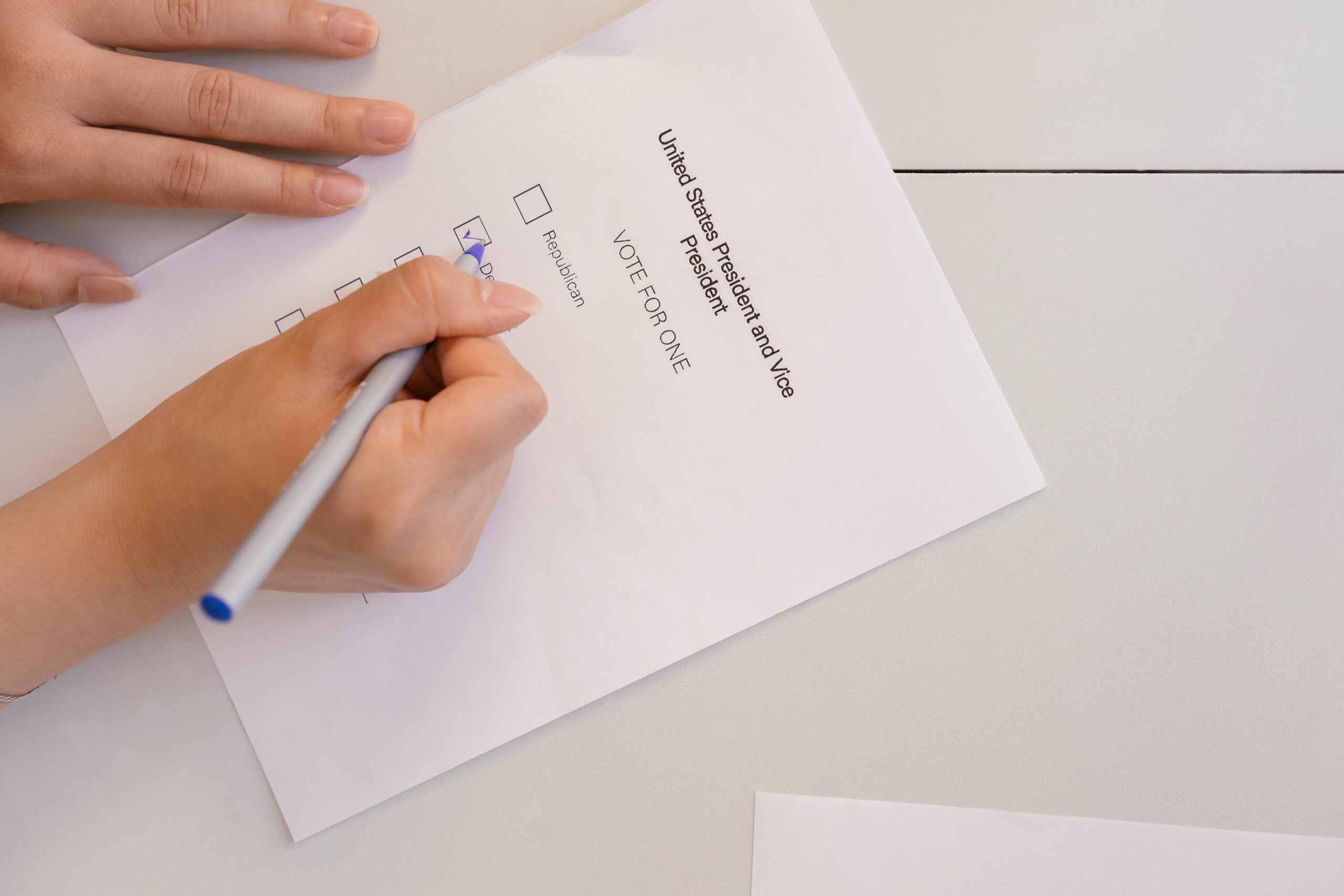

Criar Enquetes no Facebook is one of the simplest ways to collect audience insights while also lifting reach, comments, and saves through lightweight interaction. For creators, polls help you pick topics your followers actually want. For brands, they are a quick research tool that can shape creative, offers, and influencer briefs before you spend real budget. The key is to treat every poll like a mini experiment with a clear question, a planned next action, and a metric you will review. Done well, a poll can improve content decisions in days, not weeks.
Criar Enquetes no Facebook: where polls fit in a modern strategy
Facebook polls work best when you use them as a decision tool, not a vanity engagement trick. They are especially useful at three moments – before a campaign (to choose angles), during a campaign (to optimize creative), and after a campaign (to learn what to repeat). Because the vote action is low effort, polls often attract responses from people who would never comment. That makes them a strong option when your page or group has “quiet” followers. A practical takeaway is to write down the decision you need to make first, then design the poll to answer that decision in one step.
Polls also pair well with influencer marketing workflows. If you are planning a creator collaboration, you can run a poll to validate product positioning, preferred formats, or even which creator style your audience trusts. Later, you can use the results to tighten your creator brief and reduce revision cycles. If you want more planning templates and measurement ideas, browse the InfluencerDB blog resources for influencer strategy and adapt the frameworks to your poll experiments.
Key terms you should know before you measure results

Even though polls look simple, you should still measure them with the same vocabulary you use for other social posts and influencer activations. Start with these definitions so your team speaks the same language when you review performance. Use the terms below in your reporting doc, and you will find it easier to compare polls to Reels, link posts, and creator content. The main takeaway is to pick two primary metrics per poll so you do not drown in numbers.
- Reach – the number of unique people who saw your poll.
- Impressions – total views, including repeat views by the same person.
- Engagement rate – engagements divided by reach (or impressions). A simple version: Engagement rate = (votes + reactions + comments + shares) / reach.
- CPM – cost per 1,000 impressions. Formula: CPM = (spend / impressions) x 1,000.
- CPV – cost per view, often used for video. Formula: CPV = spend / video views.
- CPA – cost per action (purchase, signup, lead). Formula: CPA = spend / conversions.
- Whitelisting – when a brand runs ads through a creator’s handle or page (with permission) to leverage their identity and social proof.
- Usage rights – permission to reuse creator content in ads, emails, or on-site placements, usually time-bound and platform-specific.
- Exclusivity – a clause that prevents a creator from promoting competitors for a set period.
How to create a Facebook poll – step by step (Page, Group, Story)
Facebook’s poll options vary depending on where you post. In general, Groups are the most reliable place to run classic multi-option polls, while Stories can be great for fast feedback. Pages may have different creation paths depending on region and updates, so always confirm what your interface shows. If you manage multiple assets, document the exact steps for your team so execution stays consistent. For official guidance on what is available and where, check Meta’s help center documentation in your region, such as Facebook Help Center.
Group poll (best for structured feedback):
- Open your Facebook Group and start a new post.
- Select the Poll option (it may be under More).
- Write a question that can be answered without extra context.
- Add 2 to 6 options. Keep options mutually exclusive.
- Decide whether members can add options, and whether votes are public.
- Post at a time when your group is active, then pin it for 24 to 72 hours if appropriate.
Story poll (best for quick creative choices):
- Create a Story and add your image or short video.
- Add the Poll sticker.
- Use two clear options. Avoid long text that is hard to read on mobile.
- Publish, then check results within the first few hours because Stories are time-limited.
Decision rule: If you need a clean, reportable result for a campaign brief, use a Group poll. If you need fast directional input for content tomorrow, use a Story poll.
Poll question frameworks that drive useful answers
A poll is only as good as the question design. Vague questions create noisy data, and noisy data leads to bad creative decisions. Instead, use a framework that forces clarity and reduces bias. A practical approach is to write the “next action” under the poll before you publish it, such as “If option B wins, we will film a tutorial.” That keeps the poll from becoming a dead-end engagement post.
- Preference test – “Which thumbnail makes you want to watch?” Options: A vs B vs C.
- Pain-point ranking – “What is your biggest challenge with X?” Options should be distinct and specific.
- Offer validation – “Which bonus would make this bundle worth it?” Use benefits, not features.
- Content format selection – “Next post should be what?” Options: tutorial, review, behind-the-scenes, live Q&A.
- Audience segmentation – “Which describes you best?” Options: beginner, intermediate, advanced.
Tip: Avoid double-barreled options like “Short and funny.” If it wins, you will not know whether “short” or “funny” drove the vote.
How to measure poll performance and turn it into campaign decisions
Poll results are not just the winning option. You also want to know how many people participated relative to how many saw it, and whether the poll triggered meaningful downstream actions like profile visits, link clicks, or DMs. Start by capturing reach, impressions, votes, and comments at a consistent time window, such as 24 hours and 72 hours. Then compare polls against your typical post benchmarks to see if they are actually improving performance. If you run paid support, track CPM and CPA separately so you can tell whether the poll is efficient or just widely distributed.
Use these simple calculations:
- Vote rate = votes / reach
- Comment lift = (poll comments – average comments) / average comments
- Cost per vote (if boosted) = spend / votes
Example: Your poll reached 18,000 people and received 900 votes, 120 reactions, and 60 comments. Vote rate = 900 / 18,000 = 5%. If you boosted it with $45 spend, cost per vote = 45 / 900 = $0.05. That is a strong signal that your audience will engage with lightweight questions, so you can safely add more interactive posts to your calendar.
| Goal | Primary metric | Secondary metric | Decision you can make |
|---|---|---|---|
| Choose content topic | Vote share by option | Comments quality | Pick the next post angle and headline |
| Validate an offer | Vote rate | DMs or link clicks | Decide whether to launch, revise, or drop the offer |
| Improve community health | Unique voters | New members retained | Adjust posting cadence and discussion prompts |
| Support an influencer campaign | Vote share by concept | Profile visits | Choose creator deliverables and messaging |
Using polls with influencers – briefs, pricing, and rights
Polls can reduce influencer campaign risk because they let you test creative directions before you lock in deliverables. For example, run a poll that compares two hooks for a product demo, then give the winning hook to creators as a starting point. You can also use polls to decide which creator format your audience prefers, such as “unboxing” versus “how-to.” Once you have that signal, your brief becomes more specific, which usually improves creator output and reduces back-and-forth edits.
When money is involved, align the poll plan with the commercial terms. If you plan to repurpose creator content as ads, negotiate usage rights up front. If you want to run ads through the creator identity, confirm whitelisting access and timelines. If you require the creator to avoid competitors, define exclusivity clearly by category and duration. For measurement standards and ad attribution concepts, it helps to reference established guidance like the IAB guidelines when you build internal reporting norms.
| Poll-driven deliverable | What you learn | How it changes the brief | Contract term to confirm |
|---|---|---|---|
| Hook A vs Hook B | Which opening line earns attention | Mandate the winning hook for first 3 seconds | Usage rights for paid amplification |
| Format choice | Tutorial vs review vs storytime | Select deliverable type and length | Exclusivity window and category definition |
| Objection check | Top reason people hesitate | Add a required talking point to address it | Claims and compliance responsibilities |
| Offer preference | Discount vs bonus vs free shipping | Choose CTA and landing page emphasis | Whitelisting access and ad account process |
Common mistakes that make Facebook polls useless
Most poll failures come from unclear intent or sloppy option design. Another frequent issue is publishing a poll and never closing the loop, which teaches your audience that voting does not matter. You can avoid that by planning a follow-up post that shows what you learned and what you will do next. Also, do not treat a poll as representative market research if your sample is tiny or heavily skewed toward superfans. The takeaway is to treat polls as directional signals, then validate big decisions with additional data.
- Asking two questions at once, which makes the result impossible to interpret.
- Including overlapping options like “sometimes” and “occasionally.”
- Using leading language that pushes people toward the answer you want.
- Running polls without a time window, then comparing results inconsistently.
- Ignoring comments, which often contain the real insight behind the vote.
Best practices – a repeatable poll playbook
Consistency is what turns polls into a system instead of a one-off tactic. Start by building a small library of question templates tied to your content pillars and campaign stages. Next, keep a simple tracking sheet where each poll has a hypothesis, a result, and a decision. Finally, share outcomes with your audience so participation feels rewarded, which tends to increase future response rates. If you want to extend this into a broader influencer measurement workflow, use the planning and analytics guides on the as a reference point for KPIs and reporting cadence.
- Write the decision first: “We will pick the next video topic based on the winning option.”
- Limit options: 2 options for Stories, 3 to 5 for Groups.
- Use neutral wording: remove adjectives that bias the vote.
- Set a review time: check at 6 hours, 24 hours, and 72 hours.
- Close the loop: post the result and what you will do next.
Mini checklist for your next poll: One question, one metric, one next action, one follow-up post. If you can’t fill those four lines, rewrite the poll before you publish.
Quick examples you can copy today
Sometimes the fastest way to improve is to start from proven prompts and adapt them to your niche. Use the examples below as swipeable templates, then refine based on what your audience responds to. Keep the language plain and the options specific, because clarity beats cleverness in polls. After you run each poll, screenshot the results and store them with your content notes. That small habit makes your future briefs sharper.
- Creator: “Next tutorial should cover what?” Options: lighting setup, editing workflow, caption writing, brand outreach.
- DTC brand: “Which product problem should we solve next?” Options: durability, sizing, shipping speed, packaging waste.
- Agency: “Which ad concept feels most believable?” Options: customer story, founder demo, comparison test, influencer review.
- Community manager: “What time should we host the next live Q&A?” Options: weekday lunch, weekday evening, Saturday morning.
Once you have a winner, turn it into action within 48 hours. That speed is what makes polls feel meaningful and keeps your audience voting.






