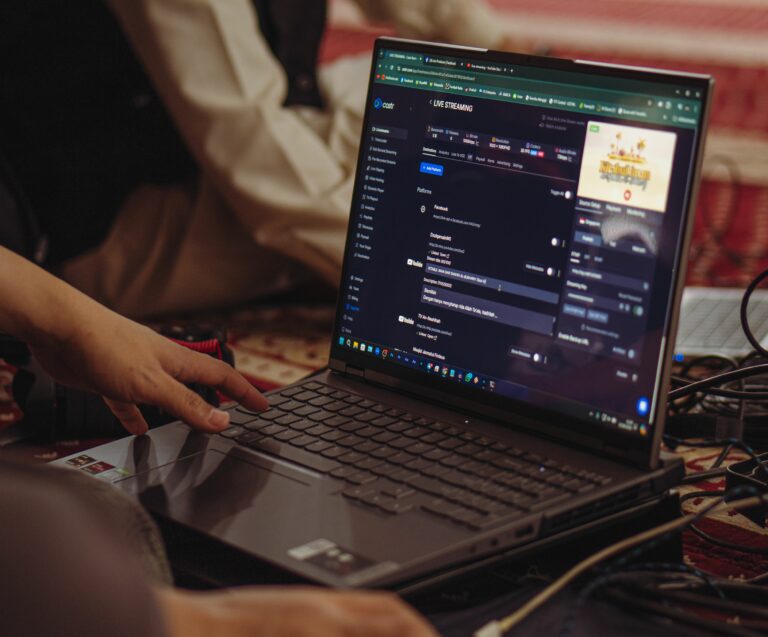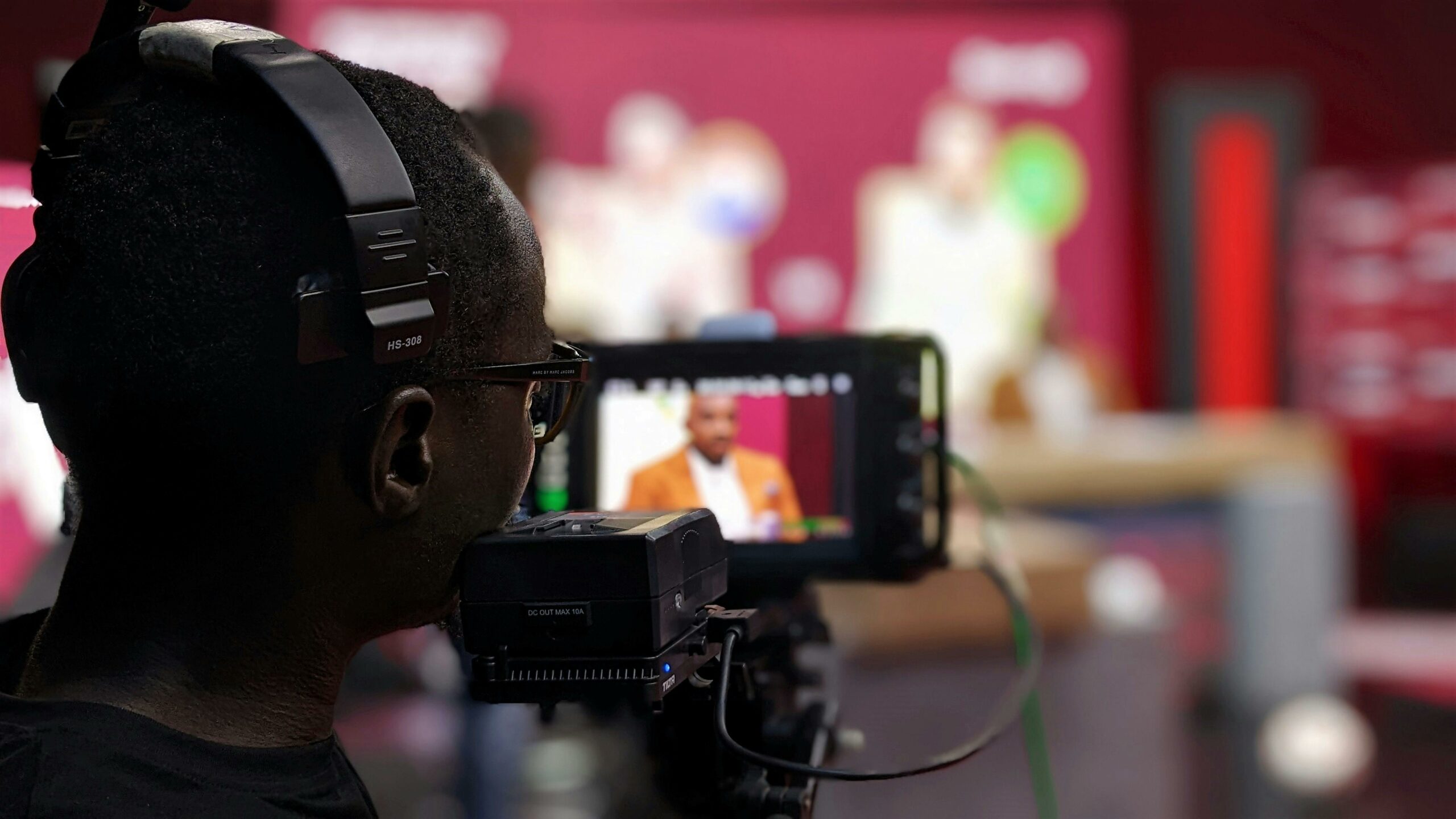

Facebook Live marketing strategy works best when you treat each broadcast like a campaign asset – with a clear goal, a tight run of show, and measurement you can defend. Live video can drive real-time attention, comments, and trust, but it also exposes weak planning fast. In this guide, you will learn how to pick the right objective, structure a live session, brief creators, and track results using practical metrics. You will also get pricing and deliverable frameworks that make negotiations easier. Finally, you will see common mistakes that quietly kill performance and what to do instead.
What makes a Facebook Live marketing strategy different
Live video is not just another content format – it changes viewer behavior and the rules of distribution. People comment more because they can influence the moment, and hosts can answer objections in real time. That said, live is less forgiving than edited video, so you need a plan for pacing, moderation, and offers. Another difference is measurement: you will look at peak concurrent viewers, average watch time, and comment velocity, not only views. If you already run influencer content, think of Live as the top of the funnel plus a conversion event in one. Takeaway: treat Live as a scheduled event with pre-promotion, a live conversion moment, and post-live repurposing.
Key terms you should define before you brief anyone
Before you talk budget or creative, align on the language. CPM is cost per thousand impressions, calculated as spend divided by impressions, then multiplied by 1,000. CPV is cost per view, usually based on a platform-defined “view” threshold, so confirm the definition in reporting. CPA is cost per acquisition, calculated as spend divided by the number of purchases, signups, or other conversions. Engagement rate is typically engagements divided by reach or impressions; for Live, you may also track comments per minute and reactions per minute. Reach is the number of unique people who saw the content, while impressions count total views including repeats.
Whitelisting means the brand runs paid ads through a creator’s handle or page, often boosting credibility and improving click-through rate. Usage rights define how long and where the brand can reuse the creator’s content, including cutdowns from the live recording. Exclusivity is a restriction that prevents the creator from promoting competitors for a period of time. Takeaway: put these definitions in the first page of your brief so legal, media, and creators do not negotiate past each other.
Set the objective first – then choose the right Live format
Most underperforming lives fail because the objective is vague. Start by choosing one primary goal: awareness, consideration, or conversion. Awareness lives are built for reach, shareability, and short hooks, while consideration lives are built for education and objection handling. Conversion lives need a clear offer, a direct path to purchase, and tight timing so viewers do not drift away. Once the goal is set, pick a format that supports it: product demo, Q and A, behind-the-scenes, customer story, expert interview, or live shopping style walkthrough.
Use this decision rule: if your product needs explanation, run a demo plus Q and A; if trust is the barrier, run an interview with a credible creator or expert; if urgency is the lever, run a limited-time offer with a pinned link and a reminder cadence. Also decide whether the host is the brand, a creator, or a duo. Creator-led lives often feel more natural, while brand-led lives can be safer for compliance and messaging. Takeaway: write a one-sentence objective and a one-sentence viewer promise, then build the run of show around those two lines.
| Objective | Best Live format | Primary KPI | Secondary KPI | Practical tip |
|---|---|---|---|---|
| Awareness | Behind-the-scenes, interview | Reach | Peak concurrent viewers | Open with a 10-second hook and restate it every 3 minutes. |
| Consideration | Demo + Q and A | Average watch time | Comments per minute | Collect questions in advance and use a moderator to queue them. |
| Conversion | Offer walkthrough, live shopping | CPA | Link clicks | Pin the link and repeat the offer at minute 5, 12, and 20. |
Pre-live planning: the run of show that prevents dead air
Planning is where you win Live. Build a run of show with timestamps, transitions, and a contingency plan if tech fails or the audience is quiet. A simple structure works: hook, host intro, agenda, segment 1, segment 2, Q and A, offer, recap, and close. Keep segments short because attention drops quickly; aim for 2 to 4 minutes per segment, then reset with a question or a visual change. If you work with creators, align on talking points, brand-safe language, and what they can say from personal experience.
Promotion matters more than most teams expect. Schedule the live, post a teaser, and ask partners to share reminders. If you have an email list or community, send a reminder 24 hours before and 30 minutes before. During the broadcast, assign roles: host, moderator, and a producer who watches audio, framing, and comments. Takeaway: write your run of show as if a substitute host could run it, because that level of clarity usually produces a smoother live.
Creator selection and briefing for Live collaborations
Live collaborations are not only about follower count; they are about on-camera skill and audience trust. Look for creators who can speak in complete thoughts, handle interruptions, and keep energy steady for 20 to 40 minutes. Review past live streams if possible, not just edited Reels. Also check audience fit: do the comments show genuine questions, or mostly spam and giveaways? When you build your shortlist, document why each creator is a fit, what angle they can credibly own, and what risk factors exist.
Your brief should include: objective, key messages, forbidden claims, required disclosures, run of show, offer details, tracking links, and repurposing plan. If you need a starting point for creator research and campaign planning, keep a running set of templates and examples from the InfluencerDB blog resources so your team does not reinvent the wheel each time. Takeaway: choose creators based on live performance evidence and write a brief that makes timing, moderation, and measurement explicit.
Measurement that executives understand: KPIs, formulas, and examples
To prove value, connect Live metrics to business outcomes. Start with three layers: delivery (reach, impressions), engagement (comments, reactions, shares, watch time), and action (clicks, leads, purchases). For Live, average watch time and peak concurrent viewers are often more meaningful than total views because they indicate sustained attention. If you can, tag links with UTM parameters and use a dedicated landing page to isolate traffic. Also capture qualitative insights: common questions, objections, and phrases viewers use – those can improve ads and product pages later.
Here are simple formulas you can use in reports. CPM = (Total spend / Impressions) x 1,000. CPV = Total spend / Views. Engagement rate by reach = Total engagements / Reach. CPA = Total spend / Conversions. Example: you spend $2,000 on a creator-led live plus boosting, get 120,000 impressions, 18,000 reach, 1,260 engagements, and 40 purchases. Your CPM is ($2,000 / 120,000) x 1,000 = $16.67. Engagement rate by reach is 1,260 / 18,000 = 7%. CPA is $2,000 / 40 = $50. Takeaway: report one efficiency metric (CPM or CPV) and one outcome metric (CPA or revenue) so stakeholders see both scale and impact.
| Metric | What it tells you | How to calculate | Healthy signal | Red flag |
|---|---|---|---|---|
| Peak concurrent viewers | How compelling the live moment is | Platform reported | Rises during key segments | Flat line after the first minute |
| Average watch time | Retention and content quality | Total minutes watched / total viewers | Improves after format tweaks | Drops when the offer starts |
| Comments per minute | Real-time engagement and intent | Total comments / live duration | Spikes during Q and A | Mostly one-word comments |
| CPM | Cost efficiency for delivery | (Spend / impressions) x 1000 | Competitive vs your paid benchmarks | High CPM with low watch time |
| CPA | Cost efficiency for outcomes | Spend / conversions | Within target margin | Low clicks and high refunds |
Pricing and deal terms: how to budget Live the smart way
Pricing a live collaboration is tricky because it blends performance, preparation time, and risk. Instead of paying only for “going live,” price the package: pre-promotion posts, the live session, and post-live cutdowns. Then add deal terms that protect both sides, including usage rights, whitelisting, and exclusivity. If you plan to run paid ads from the creator’s page, negotiate whitelisting access and duration up front. If you want to reuse clips on other channels, define usage rights by platform and time window.
A practical negotiation approach is to anchor on effort plus value. Effort includes planning calls, rehearsal, moderation, and the live itself. Value includes the creator’s audience match and their proven ability to hold attention on live video. When you need a simple structure, propose three tiers: Basic (one live), Standard (live plus one teaser and one cutdown), and Performance (Standard plus a bonus tied to CPA or revenue). Takeaway: budget for the full content system around the live, not just the broadcast minute count.
Compliance, disclosures, and brand safety for Live
Live content increases compliance risk because scripts are looser and comments can push the host into unsafe claims. Require clear disclosure language at the start and again when the product is discussed, especially if the live includes affiliate links or a paid partnership. In the US, review the FTC’s endorsement guidance and keep it in your briefing process: FTC Endorsements, Influencers, and Reviews. Also align on platform rules and branded content tools where available; Meta’s official help documentation is a useful reference point: Meta Business Help Center.
Brand safety is not only about what the host says. It includes comment moderation, handling misinformation, and avoiding medical or financial claims without substantiation. Give the moderator a list of blocked keywords and escalation steps. If you run giveaways, publish the rules and eligibility clearly to avoid confusion. Takeaway: build a compliance checklist into the run of show and assign one person to own it during the live.
Common mistakes that quietly sink performance
One common mistake is starting without a hook, then spending two minutes waiting for people to join. Instead, open with the promise and begin immediately; late joiners will catch up. Another mistake is trying to cover too much, which leads to rambling and weak retention. Keep the agenda tight and repeat the core message several times in different words. Teams also forget to capture leads or clicks, so the live becomes “awareness” by default even when the business needed sales.
On the creator side, brands often over-script, which makes the live feel like an ad read and kills comments. The opposite is also risky: no guardrails, leading to off-brand claims or missed CTAs. Finally, many teams fail to repurpose the recording, leaving value on the table. Takeaway: avoid dead air, keep scope narrow, and plan the conversion path and repurposing before you go live.
Best practices checklist you can reuse for every Live
Best practices are simple, but they require discipline. First, schedule the live and promote it across channels, then remind people close to the start time. Second, rehearse the first 60 seconds and the offer segment; those are the moments that most affect retention and conversion. Third, use a moderator to surface questions and remove spam so the host can stay present. Fourth, repeat the CTA with timing cues and pin the link so viewers do not hunt for it.
After the live ends, download the recording, cut 3 to 5 short clips, and write captions that match the questions people asked. If you ran a creator collaboration, share performance highlights with the creator quickly, because it improves the next negotiation and the next live. For more campaign planning and measurement ideas, browse additional playbooks on the and adapt the templates to your workflow. Takeaway: treat Live as a repeatable production process, not a one-off event.
A simple 7-step framework to launch your next Live
Use this framework to go from idea to measurable results. Step 1: write the objective and the viewer promise in one sentence each. Step 2: pick the format and host, then draft a run of show with timestamps. Step 3: define tracking – UTMs, discount codes, landing page, and what counts as a conversion. Step 4: build the creator brief, including disclosure requirements, usage rights, whitelisting, and exclusivity terms. Step 5: promote the event with a teaser post, reminders, and partner shares.
Step 6: execute with roles assigned – host, moderator, producer – and capture notes on questions and objections. Step 7: report results in three layers: delivery, engagement, and action, then repurpose the best moments into clips and ads. If you follow these steps, you will improve consistency even when topics change. Takeaway: the framework forces clarity on goal, structure, tracking, and reuse, which is where most teams lose value. For reference, see Meta Business Help Center.