

Free stock video sites are one of the fastest ways to level up ads, Reels, TikToks, YouTube intros, and brand decks without blowing your budget. However, “free” does not automatically mean “safe for commercial use,” and it definitely does not mean “no rules.” In this guide, you will learn how to pick the right library, verify licensing, estimate real production value, and build a repeatable workflow that keeps your content monetizable and brand safe.
Free stock video sites: what “free” really means
Before you download anything, define what you are actually getting. A free clip can be free to download, free to use commercially, or free only with attribution. Some libraries also restrict use in sensitive contexts, resale, or use as part of a logo or trademark. Your first takeaway: treat every download like a mini rights check, not a creative afterthought.
Start with a quick license triage. Look for language like “commercial use allowed,” “no attribution required,” and “no redistribution.” If the license page is vague, assume you need more proof. When a client asks, “Can we run this as an ad?” you should be able to answer with a screenshot or saved license text tied to the asset.
- Commercial use – allowed in ads, sponsored posts, and brand content.
- Editorial use – allowed for news or commentary, often not for ads.
- Attribution – you must credit the creator or site in a specific format.
- Model release – permission from identifiable people in the footage.
- Property release – permission for recognizable private locations, artwork, or trademarks.
For disclosure and ad labeling, remember that stock footage does not remove your obligation to disclose sponsorships. If you publish paid content, follow the platform and regulator rules, including the FTC’s guidance on endorsements: FTC Endorsement Guides.
Key terms creators and marketers should know (with quick definitions)
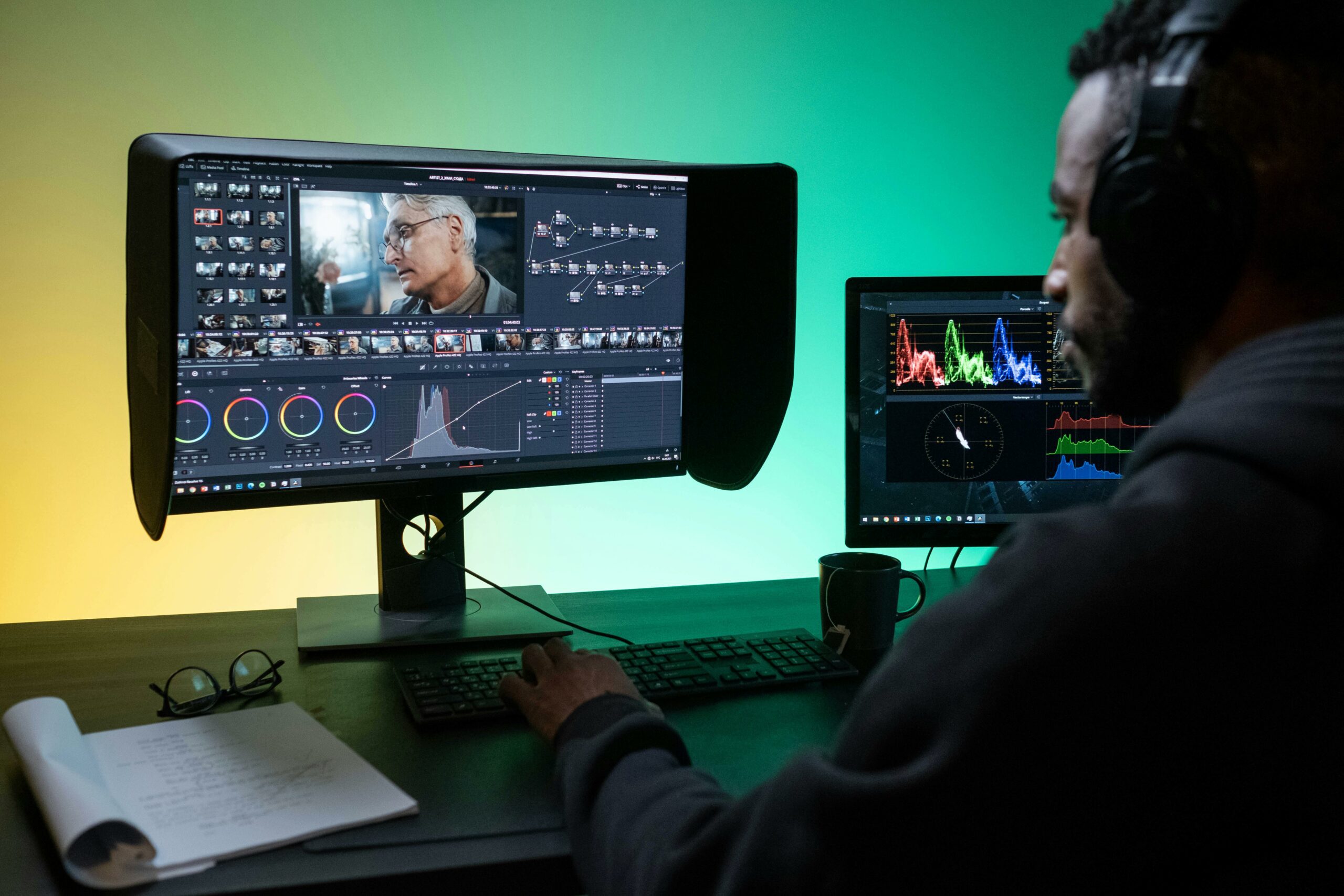
If you are using stock footage inside influencer campaigns or paid social, you will run into performance and rights language. Define these terms early so your team negotiates and measures consistently. Practical takeaway: paste these definitions into your campaign brief so creators and stakeholders use the same vocabulary.
- CPM (cost per mille) – cost per 1,000 impressions. Formula: CPM = (Spend / Impressions) x 1,000.
- CPV (cost per view) – cost per video view. Formula: CPV = Spend / Views.
- CPA (cost per acquisition) – cost per purchase, signup, or other conversion. Formula: CPA = Spend / Conversions.
- Engagement rate – engagements divided by reach or followers, depending on your standard. Example: ER by reach = (Likes + Comments + Saves + Shares) / Reach.
- Reach – unique accounts who saw the content.
- Impressions – total times the content was shown, including repeats.
- Whitelisting – running ads through a creator’s handle or allowing brand access to promote posts from the creator identity.
- Usage rights – where, how long, and in what formats content can be used (organic, paid, OOH, website, email).
- Exclusivity – restrictions preventing a creator or brand from working with competitors for a set time/category.
If you are planning to repurpose stock-based edits into ads, align on view definitions too. For YouTube, view counting and policy details are documented here: YouTube view count basics. Keep one standard per channel in your reporting sheet so CPM and CPV comparisons are not misleading.
How to choose the right library: a decision framework
Not all libraries are equal. Some are great for cinematic b roll, others for UI mockups, vertical social clips, or niche footage like manufacturing and healthcare. Instead of collecting random bookmarks, use a simple decision rule: pick the library that matches your distribution format first, then your legal comfort level, then your creative style.
Use this checklist before you commit to a site for a campaign:
- License clarity – is there a plain-English license page you can save?
- Commercial permission – does it explicitly allow ads and sponsored content?
- Release coverage – does the site mention model/property releases for people and locations?
- Search filters – can you filter by orientation (vertical), resolution, and duration?
- Consistency – can you find a set of clips with similar color and lighting?
- Attribution burden – will credits break your caption style or brand guidelines?
| Need | What to look for | Fast decision rule |
|---|---|---|
| Paid ads | Clear commercial license, releases mentioned | If commercial use is not explicit, skip |
| Vertical social | 9:16 clips, people-centric b roll | If you must crop every clip, pick another source |
| Brand safety | No visible trademarks, neutral scenes | If logos appear, assume you need to replace the clip |
| Creator workflow | Easy downloads, consistent file naming | If it takes more than 2 minutes per clip, it will not scale |
As you build your content engine, keep a running “approved sources” list in your team docs. Also, if you want more practical marketing workflows that connect creative to performance, browse the InfluencerDB marketing guides and adapt the templates to your process.
A repeatable workflow: from search to publish (with proof)
Stock footage problems usually show up late: a client asks for proof of rights, a platform flags a clip, or a creator cannot remember where an asset came from. The fix is a lightweight workflow that creates receipts. Practical takeaway: build a “rights folder” once, then reuse it for every campaign.
- Search with intent – write down the exact use case (hook, transition, establishing shot, product context). This prevents downloading 30 clips you never use.
- Check license page – confirm commercial use, attribution, and restrictions. Save a PDF or screenshot of the license terms on the day you download.
- Download and rename – use a naming convention like: Brand_Campaign_ClipTopic_Source_Date.
- Log the asset – track URL, creator name (if available), license type, and whether people or trademarks appear.
- Edit with a “risk pass” – before export, scan frames for logos, signage, and identifiable faces.
- Archive proof – keep the original file, the download page URL, and the license capture together.
| Workflow step | What you save | Why it matters |
|---|---|---|
| License check | Screenshot or PDF of license terms | Proves permissions if a client or platform asks later |
| Asset log | Source URL, date, clip ID, notes | Enables fast audits and replacements |
| Risk pass | Notes on logos, faces, locations | Reduces takedown and clearance risk |
| Final export | Project file and final render | Makes future cutdowns and aspect ratios easy |
Performance math: estimating value and setting benchmarks
Free footage still has a cost: your time, editing labor, and opportunity cost if the creative underperforms. So, treat stock clips like creative inputs you can test. Practical takeaway: set a simple baseline CPM or CPV goal, then compare stock-heavy edits versus original shoots.
Here are simple formulas and a worked example you can copy into a spreadsheet:
- CPM = (Spend / Impressions) x 1,000
- CPV = Spend / Views
- CPA = Spend / Conversions
Example: You spend $600 promoting a short video that gets 120,000 impressions and 30,000 views, generating 24 purchases. CPM = (600 / 120,000) x 1,000 = $5.00. CPV = 600 / 30,000 = $0.02. CPA = 600 / 24 = $25. If your target CPA is $30, the stock-based edit is performing acceptably, even if it is not “premium” footage.
When you test, change one variable at a time. For instance, keep the same hook and caption, but swap the first three seconds of b roll. That isolates whether the stock clip choice is driving scroll-stopping performance.
Usage rights and influencer deliverables: how to avoid surprises
Stock footage often gets mixed into influencer deliverables: a creator uses a stock establishing shot, or a brand edits stock into a creator whitelisted ad. This is where rights can get messy, because you now have two layers: the stock license and the creator contract. Practical takeaway: write one paragraph in your agreement that covers third-party assets and proof of license.
Include these clauses or requirements in plain language:
- Third-party assets – creator must only use assets they have rights to use commercially.
- Proof on request – creator provides source links and license terms for any stock used.
- No editorial-only footage – disallow assets restricted to editorial contexts.
- Paid usage scope – clarify if the brand can use the final edit in paid ads, and for how long.
- Exclusivity alignment – ensure stock usage does not imply competitor branding or restricted categories.
If you are negotiating whitelisting, treat it like a separate deliverable with its own fee and timeline. Stock does not change that. It only changes what evidence you need to keep on file.
Common mistakes (and how to fix them fast)
Most stock mistakes are predictable, and you can prevent them with a short preflight check. Practical takeaway: run this list before you export, and again before you hand files to a client.
- Assuming “no attribution” equals “no restrictions” – fix by reading the license summary and saving a copy.
- Using clips with visible trademarks – fix by choosing neutral angles or masking, or replace the clip entirely.
- Mixing inconsistent footage – fix by matching color temperature and grain, and limiting sources per edit.
- No asset log – fix by adding a simple spreadsheet with URL, date, license, and notes.
- Overusing generic b roll – fix by pairing stock with one original shot (hands, product close-up, screen recording) to make it feel specific.
Best practices for creators and brands using stock video
Stock works best when it supports a clear message rather than trying to be the message. The goal is to increase clarity, pace, and perceived production value while staying compliant. Practical takeaway: adopt a “specificity rule” – every stock clip should illustrate a concrete claim, step, or emotion in your script.
- Use stock for structure – intros, transitions, and context shots, then switch to original footage for proof.
- Build a reusable b roll kit – download a consistent set for your niche (workspaces, shipping, app usage).
- Keep clips short – 0.5 to 2.0 seconds often feels more modern and reduces repetition.
- Document rights once – store license captures in a shared folder with the final exports.
- Test hooks – run two versions: one with stock in the first second, one with a creator face or product first.
Finally, treat stock as a tool in a broader content system. If you want to connect creative choices to influencer performance, campaign structure, and measurement, explore more frameworks on the and adapt them to your next brief.