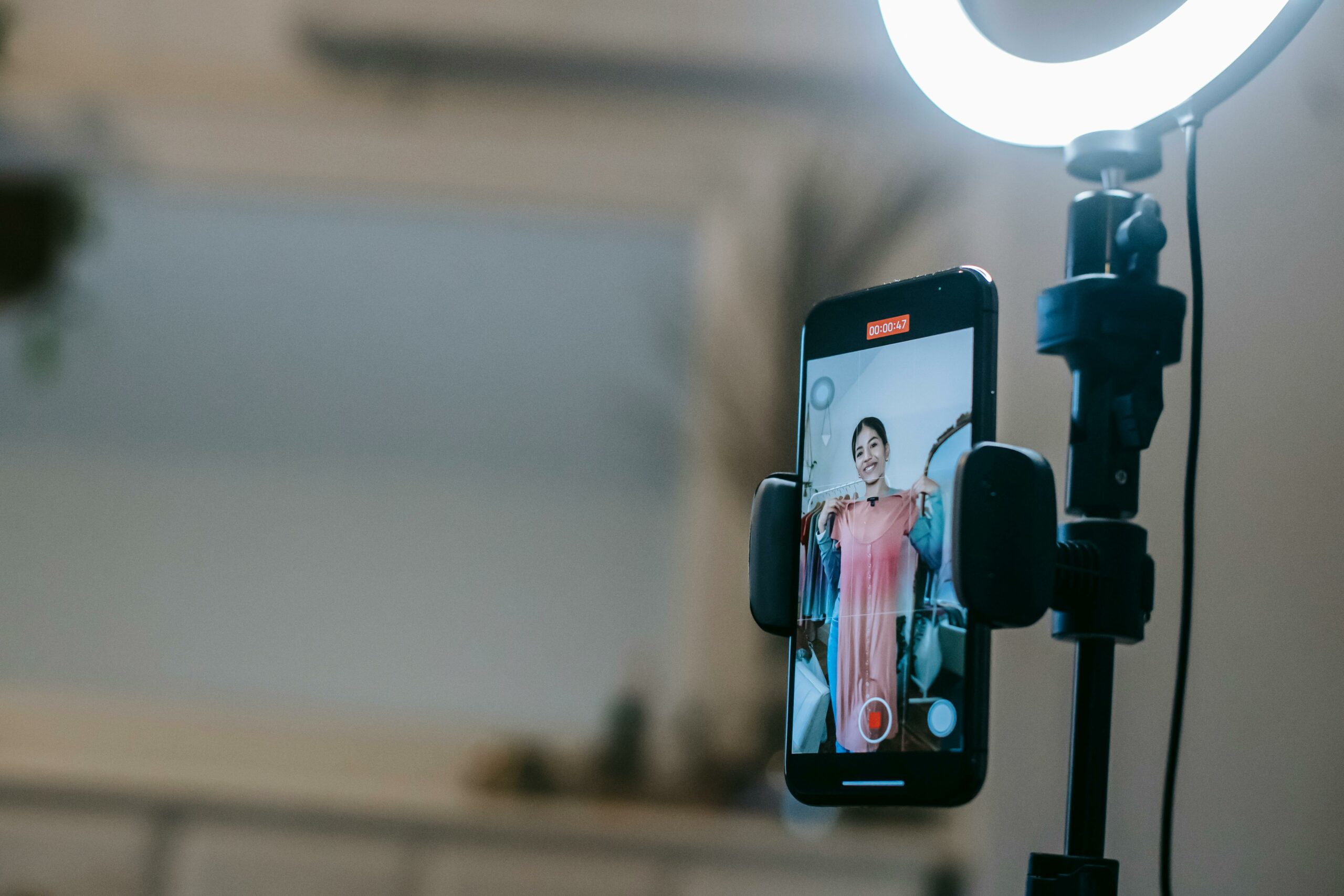

LinkedIn Live marketing works best when you treat each broadcast like a campaign – with a clear goal, a tight run of show, and measurement you can defend. Unlike casual livestreams, LinkedIn Live is built for professional attention: decision makers, niche communities, and long consideration cycles. That makes it ideal for product launches, thought leadership, recruiting, and partner programs, but only if you plan the mechanics. In this guide, you will get a repeatable workflow for setup, promotion, hosting, and post event reporting. You will also learn the key terms that matter when you compare Live performance to other channels.
What LinkedIn Live marketing is good for – and when it is the wrong tool
LinkedIn Live is a real time broadcast format inside LinkedIn, typically used for interviews, panels, AMAs, product demos, and event coverage. It is strongest when your audience values expertise and context, not just entertainment. For marketers, the big advantage is intent: viewers often show up because the topic maps to their job, budget, or team goals. Still, Live is not a shortcut to reach, and it is not always the best use of time.
Use LinkedIn Live when you need one of these outcomes: (1) pipeline influence through deeper education, (2) credibility through expert guests, (3) community building around a recurring series, or (4) content efficiency by turning one event into many assets. On the other hand, skip Live if you cannot commit to promotion, if you do not have a confident host, or if your topic is too broad to earn a calendar slot. A practical decision rule: if you cannot write a one sentence promise that a busy professional would save time or make money by watching, do not go Live yet.
- Best fit: webinars with a human feel, founder interviews, partner roundtables, hiring spotlights.
- Weak fit: generic brand updates, overly salesy demos, topics without a clear audience.
- Takeaway: pick a narrow audience and a specific promise before you pick a date.
Key metrics and terms you should define before you go live
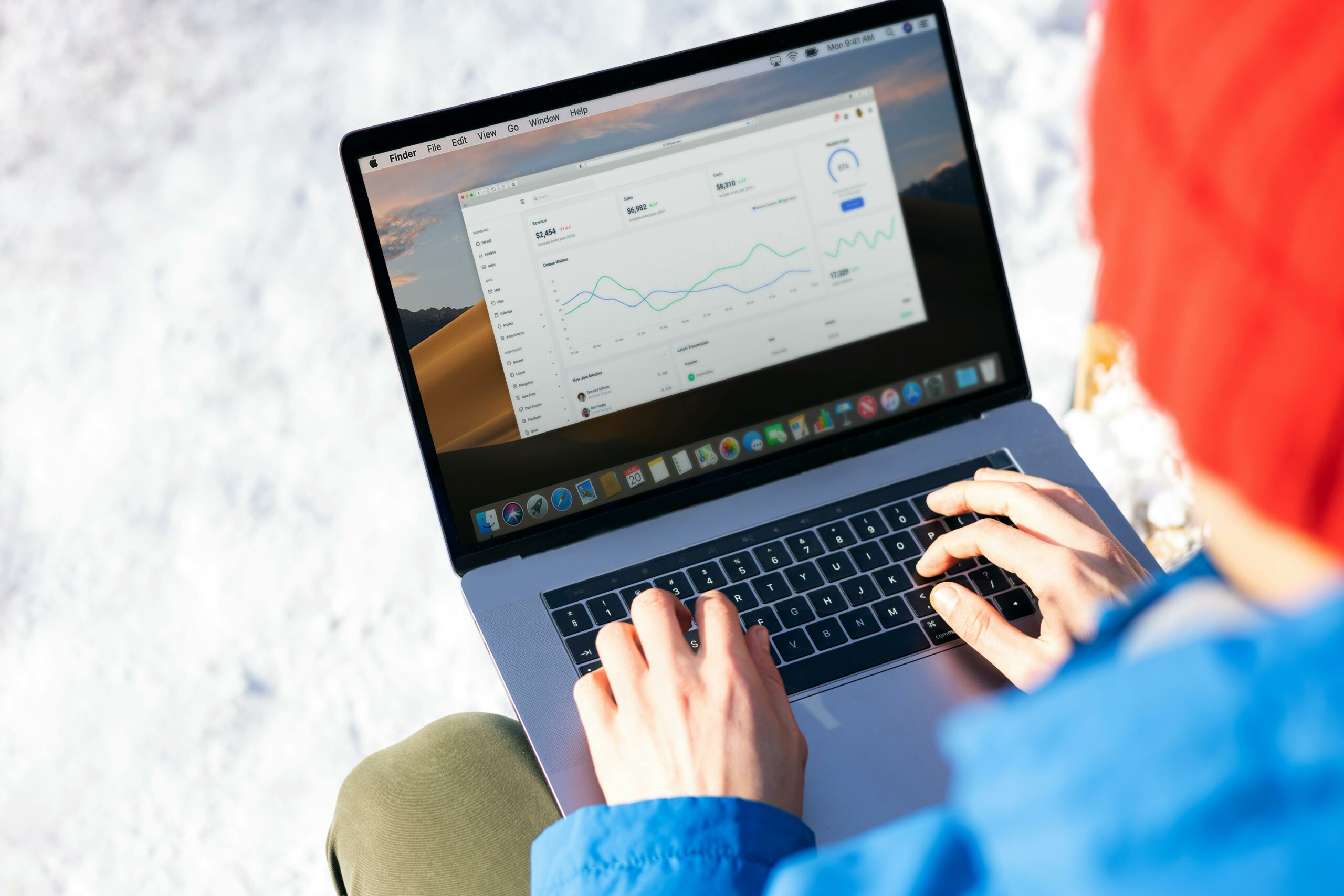
Before you build a plan, align on definitions so your team does not argue about results after the stream. Start with the basics: reach is the number of unique people who saw your content, while impressions is the total number of times it was shown (one person can generate multiple impressions). Engagement rate is typically engagements divided by impressions or reach, but you must choose one denominator and stick to it. For Live, also track average watch time and peak concurrent viewers, because they reveal whether the show held attention.
Now add performance terms that help you compare Live to paid and creator programs. CPM is cost per thousand impressions, calculated as CPM = (Cost / Impressions) x 1000. CPV is cost per view, usually CPV = Cost / Views; define what counts as a view in your reporting. CPA is cost per acquisition, calculated as CPA = Cost / Conversions. If you run paid support, these formulas let you benchmark Live against other video placements.
Finally, clarify influencer and partnership terms if you bring in guests or co hosts. Usage rights describes how you can reuse the recording and clips across channels. Exclusivity limits a guest or creator from appearing with competitors for a period. Whitelisting is when a creator allows a brand to run ads through the creator account, which is more common on other platforms but still relevant if you repurpose content into paid social elsewhere. Even if LinkedIn Live itself is organic, these terms matter when you turn a good episode into a broader campaign.
- Takeaway: choose one engagement rate formula and document it in your reporting template.
- Takeaway: decide your conversion definition (demo request, signup, meeting booked) before the first episode.
LinkedIn Live marketing setup: a repeatable pre production workflow
Great Live events look effortless because the work happens earlier. Start by setting one primary KPI and one secondary KPI. For example, a product education Live might use registrations or live attendees as the primary KPI, and demo requests within 14 days as the secondary KPI. Next, pick a format that matches your resources: interviews are easiest, panels are hardest, and AMAs are high risk unless you have a strong moderator.
Then build a simple run of show that you can reuse. A tight structure keeps energy up and reduces rambling. Use this default outline: 2 minutes welcome and stakes, 5 minutes context, 20 minutes core discussion or demo, 10 minutes Q and A, 2 minutes recap and call to action. After that, assign owners for each task: host, producer, chat moderator, and a backup who can post links and handle issues. If you are a small team, one person can cover producer and moderator, but do not make the host do everything.
Promotion is part of setup, not an afterthought. Create a calendar with at least three organic posts: announcement, speaker highlight, and day of reminder. Also prepare a short email or newsletter block if you have one. For more ideas on building a consistent content engine around events, use the planning frameworks in the InfluencerDB Blog marketing playbooks, then adapt them to your LinkedIn cadence.
- Checklist: KPI defined, format chosen, run of show drafted, owners assigned, promotion calendar scheduled.
- Tip: write the first 60 seconds word for word. It reduces nerves and improves retention.
Promotion that actually drives attendance: organic, partner, and paid support
LinkedIn Live attendance is mostly won before you go live. Organic promotion works when the topic is specific and the speaker is credible, so lead with the problem you will solve, not the guest bio. Write one post that names the audience directly, such as “For demand gen managers running webinars with low show up rates.” Then include three bullets of what viewers will learn. Keep the CTA simple: set a reminder, submit a question, or register if you use an event page.
Partner distribution is the fastest lever when you have guests. Give every speaker a small promo kit: two post drafts, a square image, and a short tracking link. Ask them to post twice – once a week before and once the day of. If you work with creators or industry experts, treat this like an influencer deliverable: specify timing, copy guardrails, and what they should link to. When you negotiate, clarify usage rights for clips and whether the guest can reuse the recording on their channels.
Paid support can be useful, but only when you have a clear audience and a conversion point. If you run LinkedIn ads to promote an event, align your targeting with job titles and seniority, and keep the creative consistent with the Live topic. For official guidance on LinkedIn ad formats and best practices, reference LinkedIn Marketing Solutions and mirror the language in your internal brief. Do not boost a vague topic and expect the algorithm to find the right people.
| Promotion channel | Best for | What to publish | Timing | Success signal |
|---|---|---|---|---|
| Company page | Existing followers | Problem statement + 3 takeaways | 7 days, 1 day, day of | Reminder clicks, comments with questions |
| Host personal profile | Trust and reach | Personal POV + why now | 5 days, day of | Saves, shares, DMs |
| Guest and partners | New audiences | Speaker angle + audience callout | 7 days, 1 day | Referral traffic, new followers |
| Email or newsletter | High intent | Agenda + calendar link | 3 days, day of | Registrations, live attendance rate |
| Paid LinkedIn ads | Scaling a proven topic | Short video teaser or static with promise | 5 to 10 days | Cost per registration, qualified attendees |
Takeaway: if you can only do one thing, prioritize partner posts and a strong host profile post, because they usually outperform a company page alone.
How to run the live show: roles, moderation, and a simple run of show
On the day of the broadcast, treat the stream like a small production. The host should focus on pacing and clarity, while a producer handles technical checks and timing. Meanwhile, a moderator watches comments, pulls questions, and posts links. This separation is what keeps the show from turning into a screen share that drifts.
Start with stakes and context. In the first minute, say who the session is for, what problem you will solve, and what viewers will be able to do afterward. Then preview the agenda so people know it will move. During the main segment, ask questions that force specifics: numbers, examples, and tradeoffs. If a guest speaks in abstractions, redirect with “Can you walk through a real campaign?” or “What would you do in week one?”
Moderation is your retention tool. Seed two questions in advance so you are not dependent on the chat. Also, plan two “reset moments” where the host summarizes what has been covered and what is next. Those resets help late joiners and reduce drop off. Finally, end with a clear CTA that matches your KPI: download a guide, book a demo, join a community, or follow the series.
- Tip: keep any slides to 5 to 8 total and use them as prompts, not a script.
- Tip: ask the moderator to paste one link at a time, then pin or repeat it later.
- Takeaway: your host should never be troubleshooting audio in public. Assign a producer.
Measurement and ROI: a practical reporting template with formulas
Reporting for Live fails when teams only share vanity stats. Instead, build a one page summary that ties attention to outcomes. Start with top of funnel metrics: impressions, reach, views, average watch time, peak concurrent viewers, and engagement rate. Then add mid funnel signals: link clicks, event registrations, and new followers. Finally, connect to bottom funnel outcomes: demo requests, meetings booked, trials started, or revenue influenced.
Use simple calculations so stakeholders can compare episodes and channels. Example: you spent $1,200 on design, speaker fees, and paid promotion. The event generated 18,000 impressions and 900 views. Your CPM is (1200 / 18000) x 1000 = $66.67. Your CPV is 1200 / 900 = $1.33. If 12 viewers requested a demo, your CPA is 1200 / 12 = $100. Those numbers are not automatically good or bad, but they give you a baseline to improve.
Attribution is the hard part, so be honest about what you can prove. Use UTM links for any CTA, and track conversions in your analytics or CRM. If you need a standard reference for how UTM parameters work, Google’s documentation is a reliable baseline: Campaign URL builder and UTM parameters. For longer sales cycles, add a simple self reported field on forms like “How did you hear about us?” and include “LinkedIn Live” as an option.
| Metric | What it tells you | How to improve it | Good enough benchmark (starting point) |
|---|---|---|---|
| Peak concurrent viewers | Real time demand | Stronger topic, better timing, partner promotion | Track trend episode to episode |
| Average watch time | Content quality and pacing | Tighter intro, fewer slides, more specifics | Increase by 10% over 3 episodes |
| Engagement rate | Audience involvement | Seed questions, polls, clear prompts | Pick a baseline and beat it |
| Click through rate | CTA relevance | Single CTA, better offer, link timing | 1% is a reasonable early target |
| CPA | Efficiency vs other channels | Sharper targeting, better landing page, retargeting | Compare to your paid search CPA |
Takeaway: measure Live like a funnel. If watch time is weak, fix content. If clicks are weak, fix the offer. If conversions are weak, fix the landing page and follow up.
Common mistakes that quietly kill performance
The most common failure is treating Live as a one off. Without a series mindset, you never get compounding returns from followers, repeat viewers, and improved pacing. Another frequent mistake is choosing a topic that is too broad, which leads to weak promotion copy and low retention. Also, teams often overproduce slides and underproduce conversation, even though conversation is what Live is good at.
Operationally, many streams fail because roles are unclear. When the host is also the producer, you get awkward pauses, missed questions, and late CTAs. Measurement mistakes show up too: reporting impressions without watch time, or claiming ROI without UTMs and conversion definitions. Finally, brands sometimes bring in a guest and forget to align on usage rights, which blocks repurposing later.
- Avoid: broad topics, slide heavy formats, and no moderator.
- Avoid: reporting only views and likes without a conversion path.
- Fix: write a one sentence promise and build the run of show around it.
Best practices: how to turn one Live into a month of content
LinkedIn Live becomes a growth engine when you repurpose it systematically. First, cut three short clips: one insight, one contrarian moment, and one tactical how to. Then publish them as native video with a caption that restates the promise and tags the guest. Next, turn the Q and A into a text post that answers the top three questions in plain language. After that, write a short recap article or newsletter section that links to the replay and your CTA.
Consistency beats novelty. Run a season of 6 to 8 episodes with the same format and a narrow audience. By episode three, you should have enough data to see what drives watch time and clicks. Use that learning to refine topics and guest selection. If you need more ideas for building creator and partner programs around recurring content, browse the for frameworks you can adapt to LinkedIn.
Finally, protect trust. If you use sponsored guests or paid partnerships, disclose clearly and keep the content useful. For general disclosure principles that apply to endorsements, the FTC’s guidance is the standard reference: FTC endorsements and influencer marketing guidance. Even on LinkedIn, transparency is what keeps a professional audience coming back.
- Best practice: publish clips within 48 hours while the topic is fresh.
- Best practice: build a “next episode” CTA to convert viewers into subscribers.
- Takeaway: treat each Live as raw material for 5 to 10 follow up assets.
A simple 30 day LinkedIn Live plan you can copy
If you want a practical starting point, use this 30 day plan. Week 1 is strategy: pick the audience, write the one sentence promise, and book a guest who has real examples. Week 2 is production: draft the run of show, write the first minute, and prepare two seeded questions. Week 3 is promotion: schedule posts, send the partner kit, and set up UTMs and a landing page. Week 4 is execution and repurposing: run the Live, clip the best moments, and publish a recap with a clear CTA.
Keep the loop tight by holding a 20 minute postmortem. Review watch time, peak concurrents, and click through rate, then pick one improvement for the next episode. Over time, this iterative approach is what makes LinkedIn Live feel like a dependable channel instead of a stressful event.
| Phase | Tasks | Owner | Deliverable |
|---|---|---|---|
| Week 1 – Strategy | Audience, promise, KPI, guest shortlist | Marketing lead | One page brief |
| Week 2 – Production | Run of show, seeded questions, tech check | Producer | Show doc + checklist |
| Week 3 – Promotion | Post schedule, partner kit, UTMs, landing page | Content marketer | Promo calendar + tracking links |
| Week 4 – Live + Repurpose | Moderation, CTA, clips, recap post | Host + editor | Replay + 3 clips + recap |
Takeaway: do not aim for perfection on episode one. Aim for a repeatable system, then improve one variable at a time.