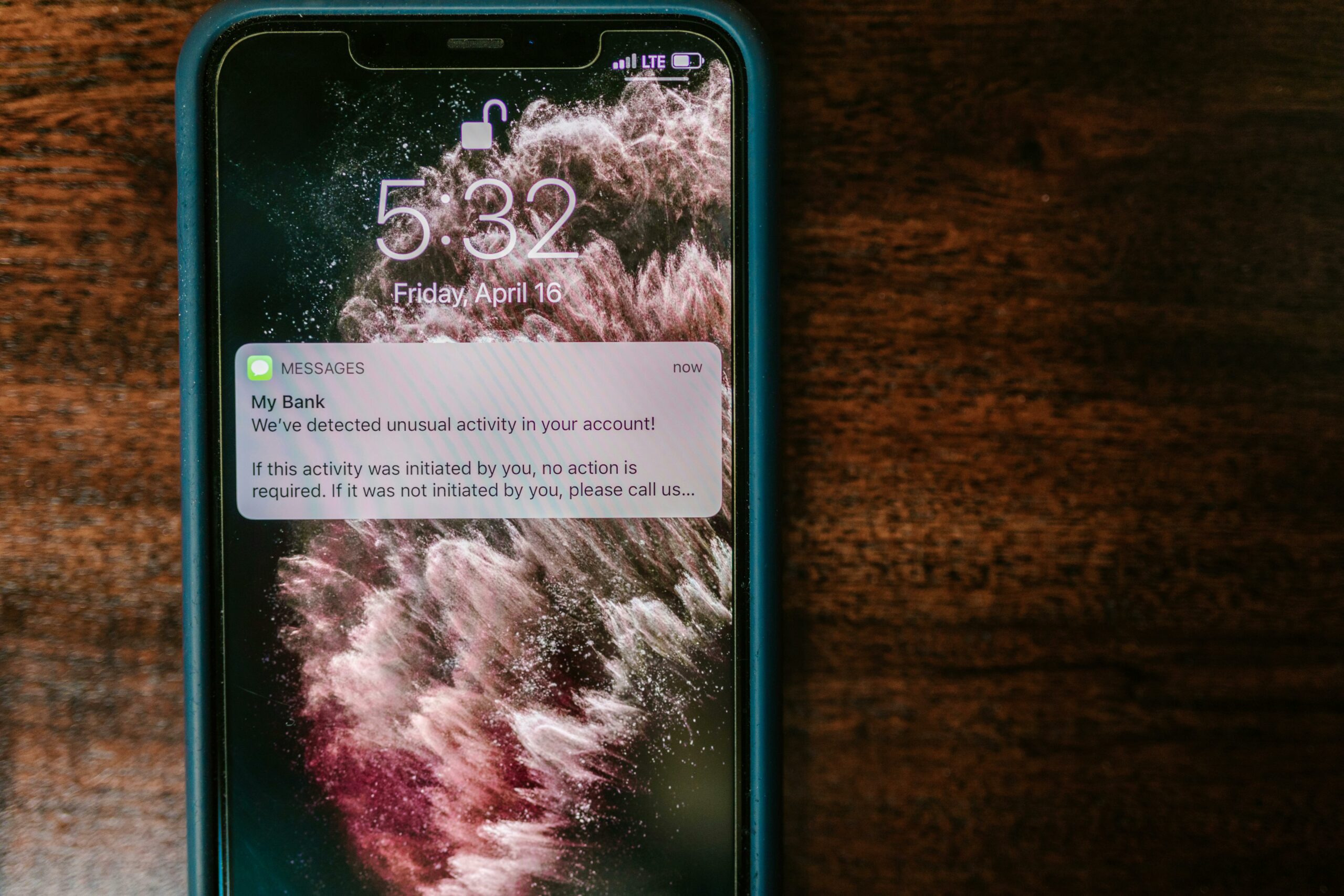

Push notification engagement is one of the fastest ways to bring people back to your content, store, or app – but only when you treat it like a measurable channel, not a megaphone. In influencer marketing, it is especially useful because your audience is often split across platforms and attention is fragile. A well-timed notification can turn a passive follower into an active viewer, buyer, or community member. Still, the same message sent to everyone can train people to ignore you. The goal of this guide is simple: help you plan, write, segment, and measure notifications so they increase clicks and retention without burning trust.
What push notifications are – and where they fit in an influencer funnel
Push notifications are short messages delivered to a user device from an app or a website (web push) after the user opts in. They work best as a “return path” – a way to pull people from a platform feed back into a controlled experience like your site, shop, community, or app. In an influencer funnel, push is not a replacement for social distribution; instead, it is the layer that improves repeat visits and follow-through after someone first discovers you. For example, a creator might post a TikTok, then use web push to alert subscribers when the full tutorial drops on YouTube or when a limited merch restock goes live. The key takeaway: treat push as a retention and conversion tool, not a reach tool.
Before you build anything, define which “moment” you want to influence. Common moments include: a new drop, a live stream starting, a cart left behind, a new blog post, or a community update. Then map that moment to a single next action: watch, read, buy, RSVP, or reply. If you try to do two actions in one notification, you usually get neither. As you plan, keep your broader measurement approach consistent with the rest of your influencer work; the frameworks in the InfluencerDB Blog can help you align channel tactics with campaign goals.
Key terms to know before you measure performance

Notification programs fail when teams mix metrics and pricing terms without clear definitions. Use these plain-language definitions to keep reporting clean and negotiations grounded. Reach is the number of unique people who could see your message; in push, that is often “delivered to devices,” not guaranteed viewed. Impressions are the number of times content is displayed; for push, platforms may report deliveries, displays, or opens depending on the provider. Engagement rate is the share of recipients who took an action; for push, a common version is clicks divided by delivered notifications. CPM is cost per thousand impressions; if you pay a vendor per delivery, you can translate that into CPM for comparison.
CPV is cost per view, often used for video; if your push drives video views, you can compute CPV as total spend divided by views attributed to push. CPA is cost per acquisition, such as a purchase or email signup; it is calculated as spend divided by conversions. Whitelisting means a brand runs ads through a creator’s handle; while not directly a push concept, it matters because push can support whitelisted ads by bringing warmed audiences back to a landing page. Usage rights define how long and where content can be used; if you reuse creator content in push-linked landing pages, clarify rights. Exclusivity is a restriction on working with competitors; if push is used to promote a sponsored drop, exclusivity terms can affect timing and frequency.
Concrete takeaway: write these definitions into your campaign brief and reporting doc. That one step prevents arguments later when someone says “engagement” but means “opens,” while someone else means “clicks.”
Push notification engagement metrics that actually matter
Most dashboards show a long list of numbers, but only a few drive decisions. Start with opt-in rate (subscribers divided by eligible visitors or app users) because it sets your ceiling. Next, track delivery rate (delivered divided by sent) to catch technical issues like invalid tokens. Then focus on click-through rate (CTR) and conversion rate on the destination page. Finally, watch unsubscribe rate and notification fatigue signals, such as declining CTR over time at the same send volume.
Use simple formulas so anyone on the team can sanity-check results:
- Push CTR = Clicks / Delivered
- Conversion rate = Conversions / Clicks (or / Delivered, if you prefer a stricter view)
- CPA = Spend / Conversions
- Incremental lift = (Conversion rate with push – conversion rate without push) / conversion rate without push
Example calculation: you deliver 20,000 notifications, get 900 clicks, and 45 purchases. CTR = 900 / 20,000 = 4.5%. Conversion rate from click = 45 / 900 = 5%. If the campaign cost $450 in tooling and creative time, CPA = $450 / 45 = $10. If your baseline purchase rate from similar traffic is 3.5%, you can test incremental lift by holding out a control group and comparing outcomes.
Concrete takeaway: report push in a two-layer way – first “message performance” (delivered, CTR, unsubscribes), then “business impact” (conversions, revenue, CPA). That structure keeps copy tweaks from being confused with funnel problems.
Segmentation and timing rules that lift results without spamming
Segmentation is the difference between “useful reminder” and “random interruption.” Start with three basic segments you can build quickly: new subscribers (first 7 days), active (clicked in last 30 days), and dormant (no click in 60 to 90 days). New subscribers need onboarding and proof of value. Active subscribers can handle more frequent updates because they have shown intent. Dormant subscribers need a reactivation angle, or they should be suppressed to protect deliverability and brand trust.
Timing matters just as much. Instead of guessing, create decision rules:
- Send “time-sensitive” notifications (live stream, restock) immediately, but cap frequency to avoid stacking.
- Send “evergreen” content (tutorials, blog posts) during your audience’s high-intent windows, often lunch and early evening in their local time.
- If you have global audiences, use time zone sending or at least split by region.
- Set a frequency cap per user, such as 2 per week for general updates, with exceptions for urgent drops.
Concrete takeaway: build a suppression list. Exclude people who unsubscribed, bounced, or have not engaged after a defined number of sends. This one operational habit often improves CTR because your denominator becomes healthier.
Copy and creative patterns that improve clicks
Great push copy is closer to a headline than an ad. It should be specific, timely, and easy to parse on a lock screen. Start with the “what” and “why now,” then add a clear action. Avoid vague hype because it trains users to ignore you. Also, match the tone to the creator voice; if your influencer content is direct and practical, the notification should feel the same. For web push, consider adding an image where supported, but do not rely on it for meaning.
Use these patterns as a starting point, then test:
- Drop alert: “Restock is live: [product] in 3 colors. Ships today.”
- Value promise: “New 6 minute edit guide: fix flat audio fast.”
- Social proof: “Most asked question answered: how I price brand deals.”
- Personalization: “For your next shoot: 5 poses that work in tight spaces.”
Keep it honest. If you say “last chance,” make it true. If you say “new,” do not link to an old page. For more guidance on writing performance-oriented messaging across channels, you can pull ideas from platform best practices like Google’s guidance on notification design and user experience at Android notification guidelines.
Concrete takeaway: write 5 variants before you send one. Even if you only A/B test two, drafting multiple options forces clarity and usually produces a stronger “why now.”
A step-by-step framework to plan, launch, and optimize
Use this workflow to make push repeatable, especially when you are coordinating with creators, editors, and brand partners. First, define the objective and the primary KPI: clicks, views, signups, or purchases. Second, choose the audience segment and set a frequency cap. Third, write the message and confirm the landing page matches the promise. Fourth, set up tracking with UTM parameters so analytics tools can attribute sessions and conversions correctly. Finally, run a small test, then scale what works.
Here is a practical checklist you can copy into your campaign doc:
| Phase | Owner | Tasks | Deliverable |
|---|---|---|---|
| Plan | Marketing lead | Define KPI, segment, frequency cap, success threshold | One-page push brief |
| Build | Ops or developer | Set up opt-in prompt, tagging, UTM templates, holdout group | Tracking-ready audience |
| Create | Creator or copy lead | Write 3 to 5 variants, align with landing page, confirm claims | Approved copy set |
| Launch | Campaign manager | Send test to internal list, verify links, schedule by time zone | Live send |
| Optimize | Analyst | Review CTR, conversions, unsubscribes; iterate on segment and copy | Weekly learnings log |
Concrete takeaway: set a “stop rule” before you start. For example, if unsubscribe rate exceeds 0.5% on a send, pause that segment and review copy, timing, and promise-match on the landing page.
Benchmarks and testing plan: what to expect and how to run experiments
Benchmarks vary widely by industry, device, and message type, so treat them as directional. Instead of chasing a universal CTR, compare your sends to your own trailing 30-day average by segment. Then run controlled tests that change one variable at a time: audience, timing, offer, or copy. If you change everything at once, you learn nothing. A simple A/B test can be enough, but a holdout group is even better when you want to measure incremental lift.
| Metric | Healthy range (directional) | What to try if low | What to try if high unsubscribes |
|---|---|---|---|
| Opt-in rate | 1% to 8% web, higher in-app | Improve prompt timing, explain value, offer topic choices | Reduce prompt frequency, clarify what users will receive |
| CTR | 1% to 6%+ | Make the “why now” clearer, tighten headline, segment better | Lower send volume, remove bait phrasing, match landing page |
| Conversion rate from click | 1% to 10%+ | Fix landing speed, simplify offer, add proof and clear CTA | Stop overpromising, add transparent pricing and terms |
| Unsubscribe rate | Under 0.2% typical | Send less, target active users, use preference center | Pause segment, audit message relevance and frequency |
For measurement hygiene, make sure your consent and tracking practices align with platform and regulatory expectations. If you operate in the US and run endorsements or affiliate promotions through creators, it is also worth reviewing disclosure expectations at FTC Disclosures 101 so your push-linked pages and creator posts stay consistent.
Concrete takeaway: keep a testing log with hypothesis, change, segment, and outcome. Over a quarter, that log becomes your playbook, and it prevents repeating the same failed ideas.
Common mistakes that quietly kill performance
The most common failure is sending too broadly. When everyone gets the same alert, relevance drops and unsubscribes rise. Another frequent mistake is weak promise-match: the notification teases a benefit, but the landing page is slow, cluttered, or asks for too much too soon. Teams also forget to cap frequency, especially during launches, which creates a short-term spike followed by long-term fatigue. Finally, many programs skip holdouts and assume all conversions after a send were caused by push, which inflates ROI and leads to bad decisions.
- Do not send the same message to new and dormant users.
- Do not link to a generic homepage when the message is specific.
- Do not run tests without a defined success metric and time window.
- Do not ignore unsubscribes; they are a quality signal, not noise.
Concrete takeaway: audit your last 10 sends. For each, write the intended audience, the promise, and the landing page action. If you cannot do that in one sentence per send, your program is likely too fuzzy to optimize.
Best practices for creators and brands running push together
Push works best when it supports a clear content cadence. If a creator posts long-form videos every Thursday, notifications should reinforce that habit, not interrupt it randomly. Brands should also respect creator voice; a notification that reads like a press release will underperform, even if the offer is strong. When a campaign includes multiple deliverables, coordinate timing so push does not collide with email, SMS, and paid social on the same day. In addition, agree on usage rights and exclusivity early if the push links to pages that reuse creator assets or run during a competitor blackout window.
Use these practical rules:
- One notification, one job: one action per send.
- Segment by intent: active users get updates; dormant users get a reason to return.
- Protect trust: be precise about timing, pricing, and availability.
- Measure incrementality: keep a holdout group when possible.
- Document terms: if creator content appears on landing pages, confirm usage rights in writing.
Concrete takeaway: add a preference center wherever possible. Let subscribers choose topics like “drops,” “tutorials,” or “live alerts.” That single feature often reduces unsubscribes while raising CTR because users self-segment.
Quick negotiation and budgeting notes for push-driven campaigns
Even when you are not “buying media,” push has costs: tooling, creative time, and sometimes vendor fees based on subscribers or sends. If you are a brand partnering with a creator who has an owned audience (app users, site subscribers, community members), treat push distribution as a deliverable with measurable value. You can price it using CPM-like logic: estimate deliveries, apply a reasonable CPM based on your other channels, and adjust for expected CTR and conversion quality. If you are a creator, you can justify pricing by showing historical CTR and conversion rates for similar announcements.
Simple budgeting approach:
- Estimate delivered notifications (subscriber count times expected delivery rate).
- Estimate clicks (delivered times expected CTR).
- Estimate conversions (clicks times expected conversion rate).
- Back into acceptable spend using target CPA or target ROAS.
Concrete takeaway: when negotiating, ask for the brand’s target CPA and average order value. Those two numbers help you propose a fair test budget and a performance-based scaling plan.