

Tool per Immagini Social is the fastest way to turn ideas into on-brand visuals that fit each platform, ship on time, and still perform. However, “fast” only helps if your images are sized correctly, readable on mobile, and tied to a measurable goal. This guide breaks down the tools, the workflow, and the metrics creators and marketers use to make social images that actually drive reach, engagement, and conversions.
What “Tool per Immagini Social” should solve – and the terms you must know
Before you pick any tool, define what problem you are solving: speed, consistency, collaboration, or performance. In practice, social image work touches creative, analytics, and sometimes paid distribution. Therefore you need a shared vocabulary so briefs, reports, and negotiations do not drift.
Key terms (plain English definitions):
- Reach – unique accounts that saw your content at least once.
- Impressions – total times the content was shown (one person can generate multiple impressions).
- Engagement rate – engagements divided by reach or impressions (always state which). A common formula is: Engagement rate = (likes + comments + saves + shares) / reach.
- CPM (cost per mille) – cost per 1,000 impressions. Formula: CPM = spend / impressions x 1000.
- CPV (cost per view) – cost per video view. Formula: CPV = spend / views.
- CPA (cost per acquisition) – cost per purchase, lead, or signup. Formula: CPA = spend / conversions.
- Whitelisting – a creator authorizes a brand to run ads through the creator handle (often called “creator licensing” on platforms).
- Usage rights – how, where, and for how long a brand can use the creator’s images (organic only vs. paid ads, 30 days vs. 12 months, etc.).
- Exclusivity – a restriction that prevents the creator from working with competitors for a set period or category.
Concrete takeaway: Put these definitions into your campaign brief so everyone reports the same denominator and negotiates the same rights.
Pick the right tool by job-to-be-done, not by popularity
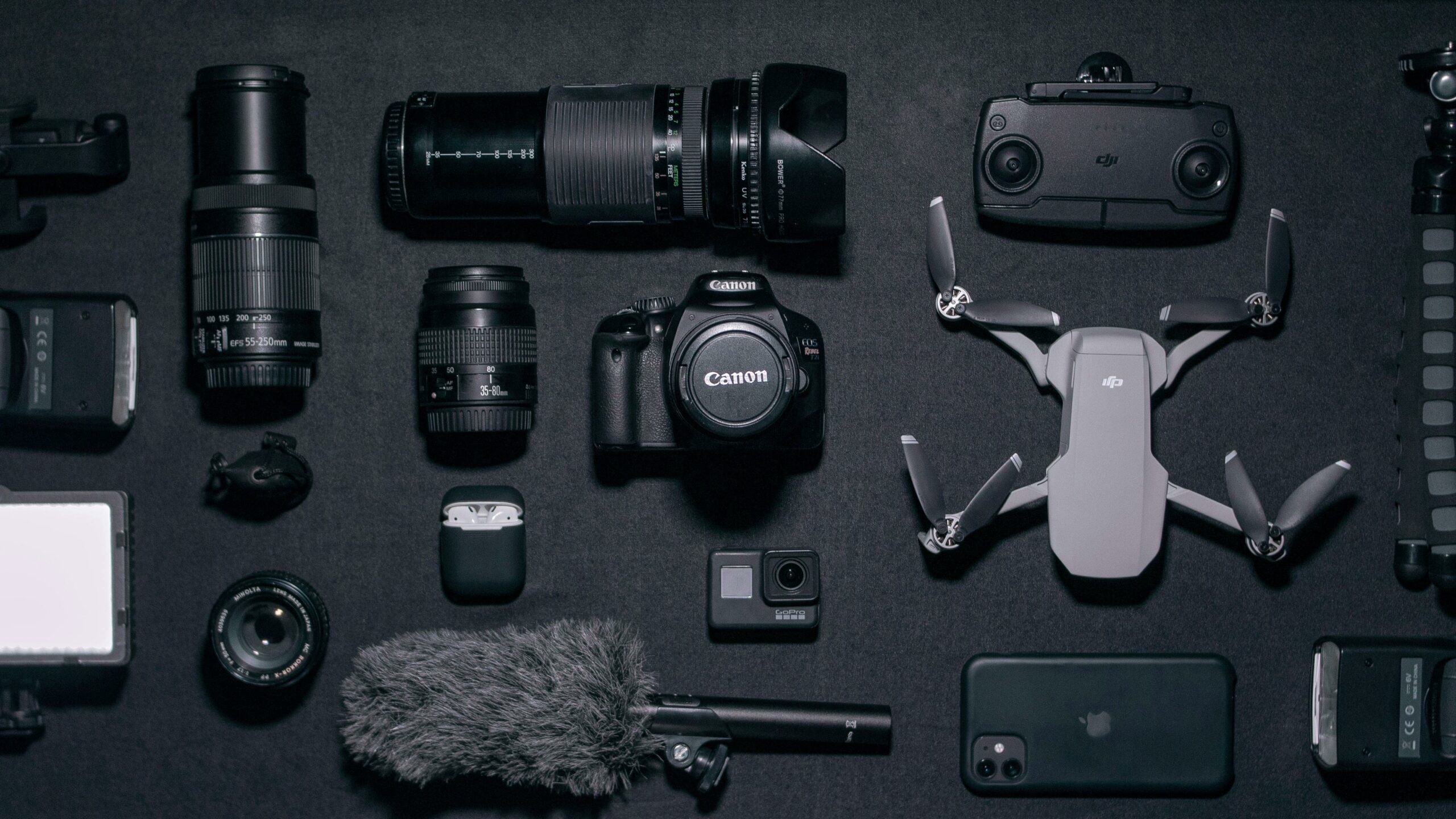
Most teams waste time because they buy a “design tool” when they really need a workflow tool, a brand kit system, or a template library that non-designers can use safely. Start with your constraints: team size, approval layers, and how often you repurpose content across formats. Then choose a tool stack that matches those realities.
Use these decision rules:
- If you need speed and consistency – prioritize templates, brand kits, and bulk resizing.
- If you need collaboration – prioritize commenting, version history, and permission controls.
- If you need performance – prioritize creative testing, export variants, and a clean naming system for analytics.
- If you work with creators – prioritize easy handoff, shared folders, and clear usage rights tracking.
Concrete takeaway: Write down one primary outcome (for example, “ship 20 story assets per week with two approval rounds”) and only evaluate tools against that outcome.
Below is a practical comparison of common tool categories. You do not need all of them. In fact, a lean stack often performs better because it reduces handoffs and file chaos.
| Tool type | Best for | Strengths | Watch-outs | Ideal user |
|---|---|---|---|---|
| Template-based design editor | Daily posts, stories, carousels | Fast production, brand kits, easy collaboration | Can lead to “samey” creative if templates are overused | Creators, social managers, small teams |
| Pro design software | High-end campaigns, complex compositing | Maximum control, advanced typography and retouching | Slower for non-designers, higher skill requirement | Designers, agencies |
| Mobile editing apps | On-the-go creation, quick edits | Speed, native camera workflow, quick exports | Harder to manage brand consistency at scale | Creators, field teams |
| Digital asset management | Organizing approved assets | Searchable library, permissions, version control | Needs discipline in tagging and naming | Brands with many campaigns |
| Scheduling and publishing tools | Planning and distribution | Calendars, approvals, consistent posting | Does not fix weak creative; needs clear briefs | Social teams, agencies |
| Analytics and reporting | Measuring performance and ROI | Benchmarks, trend tracking, attribution support | Garbage in, garbage out if naming and UTMs are messy | Marketers, analysts |
Concrete takeaway: If you are a creator or a lean brand team, start with a template editor plus a simple asset library. Add pro design software only when the creative demands it.
A good workflow makes your output predictable. It also protects quality when you are tired, busy, or working with multiple stakeholders. Use this seven-step system and you will reduce rework while improving results.
- Start with a single goal per asset – awareness, engagement, traffic, or conversion. If you try to do all four, the image usually does none well.
- Write the one-line message – what should a viewer understand in 2 seconds? Keep it literal, not clever.
- Choose a format based on placement – feed, story, reel cover, pin, or ad placement. Design for the crop and safe zones.
- Build from a brand-safe template – lock fonts, colors, and logo rules so collaborators cannot accidentally break brand guidelines.
- Create 2 to 4 variants – change one variable at a time: headline, image, or call to action. This sets you up for clean testing.
- Run a mobile readability check – zoom out to 25 percent. If the headline is not readable, it will not work on a phone.
- Export with a naming convention – for example: brand_campaign_platform_format_message_variant_date. This makes reporting faster later.
For platform-specific publishing and creative specs, check official guidance, because requirements change. Meta’s help center is a reliable starting point for placement behavior and ad creative considerations: Meta Business Help Center.
Concrete takeaway: Treat “variants” as part of production, not an afterthought. Two controlled variants per concept will teach you more than ten random designs.
Specs and safe zones: a quick reference table you can actually use
Specs shift over time, and platforms test new layouts constantly. Still, you can avoid most quality issues by designing with generous margins and by keeping key text away from edges. Use this table as a practical baseline, then validate inside the platform before you publish.
| Placement | Common aspect ratio | Design tip | Common failure |
|---|---|---|---|
| Instagram feed | 1:1 or 4:5 | Keep headline centered and large; assume thumb-stopping scroll speed | Tiny text and low contrast |
| Instagram Stories | 9:16 | Leave top and bottom breathing room for UI overlays | CTA hidden by stickers or interface |
| TikTok cover image | 9:16 | Design for the grid crop; keep the title readable when cropped | Important text cut off in profile grid |
| Pinterest pin | 2:3 | Use clear hierarchy: headline, subhead, brand mark | Overdesigned layouts that look like ads without value |
| LinkedIn single image | 1.91:1 or 1:1 | Prioritize clarity and credibility; use fewer words | Too much text and busy backgrounds |
Concrete takeaway: Design with safe margins first, then “fill the space” last. Cropping errors are one of the easiest ways to waste a strong concept.
How to measure image performance with simple formulas and an example
Pretty images are not a strategy. You need a measurement plan that matches the goal of the asset and the channel. For organic posts, focus on reach, saves, shares, and profile actions. For paid distribution, you will care about CPM, CTR, and CPA, plus creative-level breakdowns.
Core formulas you can use in any spreadsheet:
- Engagement rate (by reach) = (likes + comments + saves + shares) / reach
- CTR (click-through rate) = clicks / impressions
- CPM = spend / impressions x 1000
- CPA = spend / conversions
Example calculation: You post a carousel that reaches 40,000 accounts and gets 1,200 likes, 90 comments, 600 saves, and 110 shares. Total engagements = 2,000. Engagement rate by reach = 2,000 / 40,000 = 0.05, or 5 percent. If a paid boost spends $200 and generates 120,000 impressions, CPM = 200 / 120,000 x 1000 = $1.67. Those two numbers together help you judge both creative resonance and distribution efficiency.
To keep your reporting consistent, align on measurement definitions early. For widely used digital ad definitions, the Interactive Advertising Bureau is a respected reference point: IAB standards.
Concrete takeaway: Always report engagement rate with the denominator stated. “Engagement rate” without “by reach” or “by impressions” is not actionable.
Influencer and brand collaboration: briefs, usage rights, whitelisting, exclusivity
Social images often come from creators, and that changes the tool and process requirements. You need a brief that protects the creator’s voice while still delivering brand clarity. You also need commercial terms that match how you plan to use the images.
Brief checklist (copy and paste):
- Objective and primary KPI (reach, saves, clicks, conversions)
- Audience and key insight (what the viewer cares about)
- Mandatory elements (logo rules, product shots, disclaimers)
- Do-not-do list (claims, competitor mentions, restricted topics)
- Deliverables (number of images, formats, variants, captions)
- Timeline with review windows and final approval owner
- Usage rights (channels, duration, paid vs. organic)
- Whitelisting requirements (duration, spend cap, creative approvals)
- Exclusivity scope (category, competitors, time period)
If you want more practical guidance on building repeatable influencer workflows, the InfluencerDB.net blog on influencer marketing strategy is a useful place to compare approaches and templates.
Concrete takeaway: Treat usage rights and whitelisting as separate line items. A creator can agree to organic usage but price paid usage much higher, and that is normal.
Most underperformance is not mysterious. It comes from predictable errors in message, layout, or measurement. Fixing these usually improves results faster than switching tools.
- Designing for desktop – small text and thin fonts fail on mobile.
- Too many messages – one image tries to sell, explain, and entertain at once.
- No contrast – low contrast headlines disappear in bright environments.
- Ignoring safe zones – UI overlays hide the CTA or the product.
- Random testing – changing five elements at once prevents learning.
- Messy file names – you cannot match variants to performance later.
Concrete takeaway: If you fix only one thing, fix readability. A clear headline and strong contrast often outperform “beautiful” but subtle designs.
Once the basics are in place, consistency becomes your advantage. A repeatable playbook helps you scale output without sacrificing quality, and it makes creator collaborations smoother because expectations are clear.
- Build a mini design system – 3 fonts max, 5 to 8 brand colors, and reusable components like buttons and price tags.
- Create a template library by intent – “announcement,” “education,” “testimonial,” “offer,” and “UGC quote.”
- Use a two-step review – first for message accuracy, second for polish. This reduces circular feedback.
- Track creative variables – label variants by what changed: “headline,” “image,” or “CTA.”
- Plan for repurposing – design a master layout, then adapt to story, feed, and pin formats.
Finally, if your images include endorsements or creator partnerships, disclosure matters. The FTC’s guidance is the safest reference for endorsement disclosures: FTC Endorsement Guides.
Concrete takeaway: Treat templates as guardrails, not a crutch. Use them to protect brand consistency, then invest your creativity in the message and the hook.
A simple 30-minute setup to get started today
If you want a practical starting point, set up your system once and then reuse it. This keeps your production fast and your reporting clean.
- Create 10 templates: 3 feed, 3 story, 2 carousel, 2 ad-ready variants.
- Lock brand elements: fonts, colors, logo placement, and spacing rules.
- Write a naming convention and enforce it for every export.
- Build a variant tracker sheet with columns for goal, message, format, and results.
- Publish two variants of one concept and compare performance after 48 hours.
Concrete takeaway: Your first win is not a perfect design. It is a system that produces learnings every week, so your images get better with each cycle.