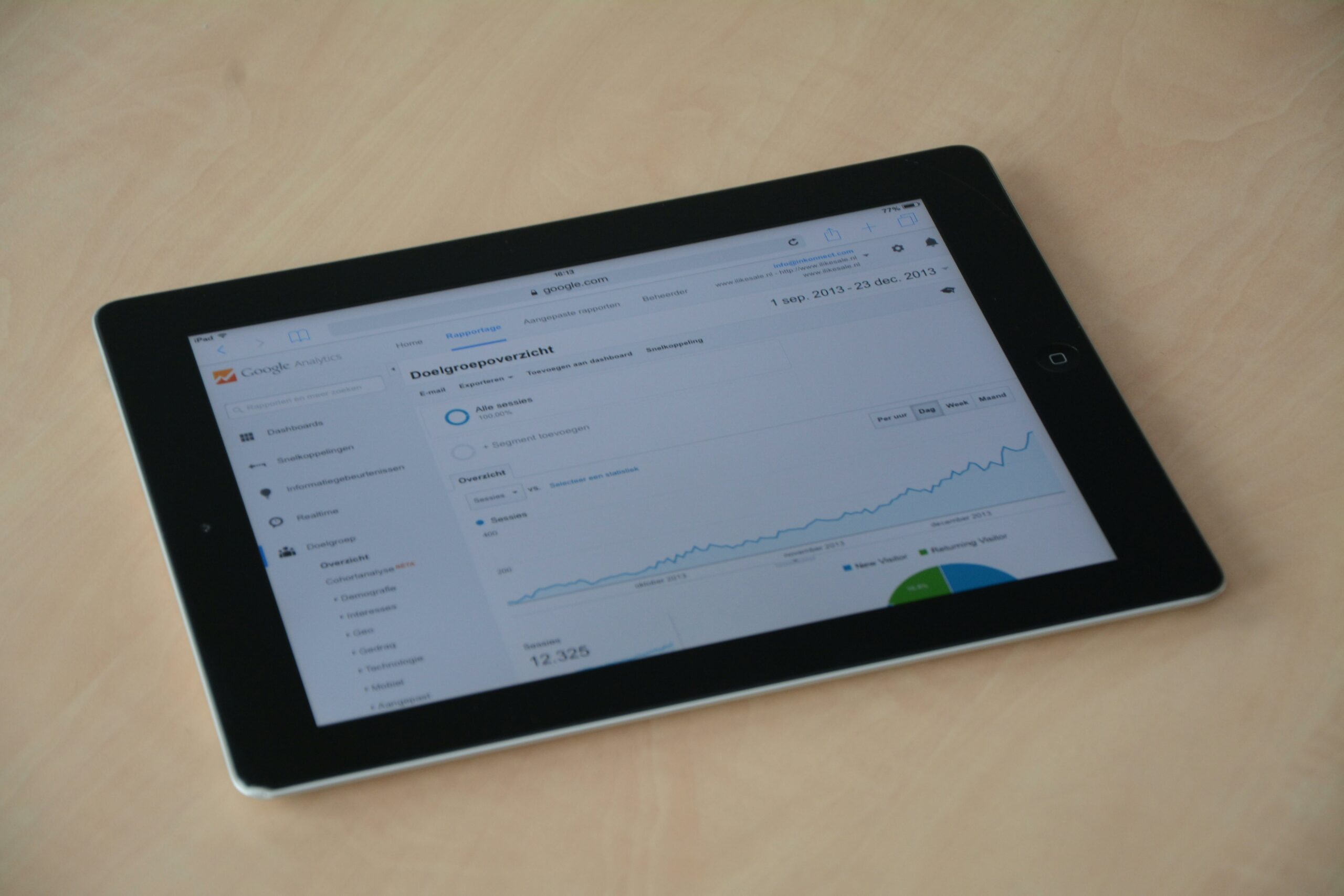

Google Analytics dashboards are the fastest way to turn messy influencer traffic into a clean, decision-ready view of performance in 2026. Instead of pulling one-off reports for every creator and platform, you can standardize how you measure reach, engagement-driven clicks, assisted conversions, and revenue. The goal is not prettier charts – it is faster decisions: who to renew, what to scale, and which placements to cut. This guide focuses on GA4 and Looker Studio, because that combo is still the most practical for most teams. Along the way, you will get definitions, a build framework, two ready-to-copy tables, and example calculations you can use in your next campaign recap.
What to track in Google Analytics dashboards for influencer marketing
Before you build anything, decide what your dashboard must answer in under 30 seconds. For influencer programs, the core questions are usually: Did the creator drive qualified sessions, did those sessions convert, and did the conversion value justify the spend? Start with a small set of KPIs that map to your funnel, then add diagnostics only if they change decisions. In practice, that means one page for executives and one page for operators. Also, align on attribution expectations early, because influencer impact often shows up as assisted conversions and branded search lift, not just last-click sales.
Define key terms (quick, practical):
- Reach – unique people who saw the content on-platform (from the platform, not GA).
- Impressions – total views of the content on-platform (can exceed reach).
- Engagement rate – engagements divided by impressions (or reach) depending on platform; document which you use.
- CPM – cost per 1,000 impressions. Formula: CPM = Cost / (Impressions / 1000).
- CPV – cost per view (often video views). Formula: CPV = Cost / Views.
- CPA – cost per acquisition (purchase, lead, signup). Formula: CPA = Cost / Conversions.
- Whitelisting – brand runs ads through a creator handle (paid amplification) using creator authorization.
- Usage rights – permission to reuse creator content (organic, paid, duration, channels).
- Exclusivity – creator agrees not to work with competitors for a period; this affects price and should be tracked as a cost driver.
Concrete takeaway: write your KPI definitions into the dashboard itself (a small “Definitions” box). It prevents week-to-week debates about what “engagement rate” or “conversion” means.
Set up clean tracking: UTMs, landing pages, and GA4 events

Dashboards only work if the data is consistent. Influencer traffic is notorious for broken UTMs, link-in-bio tools that strip parameters, and creators swapping links mid-campaign. Fix that with a simple tracking spec and a QA routine. First, standardize UTMs across every creator and platform. Second, route traffic through dedicated landing pages when possible, because it improves message match and makes analysis easier. Third, confirm GA4 events and conversions are configured before the first post goes live.
UTM naming rules that hold up in reporting:
- utm_source: creator handle or creator ID (example:
jordanlee) - utm_medium:
influencer(keep it consistent) - utm_campaign: campaign name with date (example:
spring_drop_2026_03) - utm_content: placement (example:
tiktok_video_1,ig_story_2) - utm_term: optional for offer or angle (example:
free_shipping)
If you need a reference for GA4 campaign parameters and how Google expects them, use Google’s official documentation: Set up manual campaign tagging for GA4. Keep this link in your internal playbook so everyone uses the same rules.
Concrete takeaway: create a one-page “tracking sheet” with prebuilt UTMs per creator, then require creators to copy and paste only. You will eliminate most attribution gaps before they happen.
Build a dashboard framework that matches how decisions get made
A useful dashboard is not a data dump. It is a set of views that mirror your workflow: launch, monitor, optimize, and report. In Looker Studio, build separate pages for (1) overview, (2) creator performance, (3) content and landing pages, and (4) attribution and paths. In GA4, use Explorations for deeper questions, then surface the results in Looker Studio if they become recurring. Finally, plan for two time windows: in-flight (daily) and post-campaign (7 to 30 days after) to capture lagging conversions.
Recommended pages and what each should answer:
- Executive overview – spend, sessions, conversions, revenue, CPA, ROAS, and top 5 creators.
- Creator leaderboard – rank creators by qualified sessions, conversion rate, and revenue per 1,000 sessions.
- Landing page quality – engagement time, scroll depth (if tracked), add-to-cart rate, and drop-off points.
- Attribution view – first user source, session source, assisted conversions, and path length.
Concrete takeaway: add a “Decision row” at the top of the creator leaderboard with three labels: Scale, Maintain, Cut. Tie the label to thresholds you agree on (example: CPA within 15% of target and conversion rate above site median).
Google Analytics dashboards KPI table: what to include and why
To keep your dashboard tight, choose KPIs that diagnose performance, not vanity. Sessions alone are not enough, because low-intent traffic can look impressive and still lose money. Likewise, conversion rate without volume can mislead you into overvaluing tiny samples. The table below gives a practical set of metrics, where to find them, and how to use them in influencer decisions.
| KPI | Where to get it | Why it matters | Decision rule example |
|---|---|---|---|
| Sessions (UTM filtered) | GA4 Traffic acquisition | Measures click-through volume from creators | Investigate if sessions drop 30% week over week |
| Engaged sessions per user | GA4 engagement metrics | Proxy for traffic quality and message match | Scale creators above site median by 10%+ |
| Conversion rate (key event) | GA4 key events | Shows how well traffic converts on-site | Cut placements below 50% of target after 300 sessions |
| Revenue (or value) | GA4 ecommerce or event value | Connects creator traffic to business outcomes | Renew if revenue covers fee at your margin target |
| New users share | GA4 user acquisition | Indicates prospecting vs retargeting effect | Prioritize creators with higher new-user mix for awareness |
| Assisted conversions | GA4 Advertising (if available) or modeled reports | Captures influence beyond last click | Keep creators with strong assists even if last-click is weak |
Concrete takeaway: set minimum sample thresholds in your dashboard notes (for example, do not judge conversion rate until a creator drives at least 300 sessions or 30 conversions, depending on your funnel).
Formulas and examples: CPM, CPA, and blended ROI in one view
Influencer reporting gets contentious when teams mix platform metrics (impressions, views) with site metrics (sessions, conversions) without clear math. Your dashboard should show both and explain the bridge between them. Start by calculating CPM and CPV from the creator invoice and platform reporting, then calculate CPA and ROAS from GA4 conversions and revenue. After that, add a blended efficiency metric that helps you compare creators across formats, even when some are awareness-heavy.
Core formulas:
- CPM = Cost / (Impressions / 1000)
- CPV = Cost / Views
- CPA = Cost / Conversions
- ROAS = Revenue / Cost
- Revenue per 1,000 sessions = Revenue / (Sessions / 1000)
Example calculation (simple and realistic): A creator charges $2,500 for one TikTok video and one IG Story set. Platform reporting shows 180,000 impressions and 95,000 video views. GA4 shows 1,400 sessions, 56 purchases, and $6,720 revenue attributed to the UTM traffic. CPM = 2500 / (180000/1000) = $13.89. CPV = 2500 / 95000 = $0.026. CPA = 2500 / 56 = $44.64. ROAS = 6720 / 2500 = 2.69. If your target CPA is $50 and your break-even ROAS is 1.8, this creator is a renewal candidate.
For a more nuanced view, add a blended score that combines efficiency and scale. One practical approach is to rank creators by (Revenue per 1,000 sessions) and then filter out anyone below a minimum sessions threshold. That keeps you from overreacting to tiny samples while still rewarding quality traffic.
Concrete takeaway: put the formulas in a small “How this is calculated” tooltip or text box under the chart. It reduces back-and-forth with finance and leadership.
Dashboard templates for influencer teams: pages, filters, and segments
Once the tracking is stable, templates save you hours every month. Build your Looker Studio report with consistent filters: date range, campaign, creator, platform, and landing page. Then add segments that reflect how influencer traffic behaves, such as new vs returning users and mobile vs desktop. If you run whitelisting, separate paid amplification traffic from organic creator traffic using utm_medium or a dedicated parameter, because mixing them inflates creator performance and makes renewals harder to justify.
Suggested filters and segments:
- Filter: Campaign (utm_campaign)
- Filter: Creator (utm_source)
- Filter: Placement (utm_content)
- Segment: New users only
- Segment: Mobile traffic only
- Segment: High-intent sessions (engaged session + key event like add_to_cart)
When you need ideas for how to structure recurring reporting and what stakeholders actually read, keep a running set of examples in your team wiki. You can also browse analysis-focused posts on the InfluencerDB Blog and adapt the layouts to your own KPI stack.
Concrete takeaway: lock your template and version it by quarter. If you change definitions mid-quarter, create a new version instead of silently editing the old one.
Campaign operations table: who owns what from brief to dashboard
Dashboards fail when ownership is fuzzy. Someone needs to own UTMs, someone needs to validate landing pages, and someone needs to reconcile creator invoices with performance. The table below is a practical operating checklist you can paste into a campaign doc. It also makes it easier to onboard new team members and agencies, because the work is explicit.
| Phase | Task | Owner | Deliverable |
|---|---|---|---|
| Planning | Define KPIs, targets, and attribution expectations | Marketing lead | Measurement one-pager |
| Setup | Create UTMs and short links, confirm landing pages | Growth or analytics | Tracking sheet + QA checklist |
| Setup | Confirm GA4 key events and ecommerce tracking | Analytics + dev | Event map and test screenshots |
| Launch | Verify first posts are tagged correctly | Influencer manager | Live link audit log |
| In-flight | Monitor creator leaderboard and flag outliers | Influencer manager | Weekly optimization notes |
| Wrap | Reconcile spend, usage rights, exclusivity, and results | Marketing ops | Final performance report |
Concrete takeaway: add a “link audit” step within 60 minutes of the first post. If UTMs are wrong, you can still fix them before the bulk of traffic lands.
Common mistakes that break reporting (and how to catch them fast)
Most dashboard problems are not technical. They are process problems that show up as missing data, inflated numbers, or apples-to-oranges comparisons. The good news is that you can catch them with a short preflight checklist and a weekly audit. Also, document exceptions, such as creators who must use a link-in-bio tool, because those often require extra testing.
- UTM drift – creators edit links and change utm_source spelling. Fix: lock UTMs in a tracking sheet and require copy-paste.
- Mixed traffic types – whitelisting traffic gets counted as creator organic. Fix: separate mediums (example:
influencervscreator_whitelist). - Comparing different conversion definitions – one report uses purchases, another uses add_to_cart. Fix: define “primary conversion” and keep it consistent.
- Overreading small samples – a creator looks amazing on 40 sessions. Fix: add minimum thresholds and confidence notes.
- Ignoring assisted impact – last-click undervalues creators who spark discovery. Fix: include assisted conversions and new-user share.
Concrete takeaway: schedule a 15-minute weekly “data hygiene” review where you check top UTMs, landing pages, and conversion tracking. It prevents painful end-of-campaign surprises.
Best practices for 2026: privacy, consent, and attribution expectations
In 2026, measurement is shaped by consent choices, modeled conversions, and platform-level restrictions. That does not mean influencer reporting is impossible, but it does mean you should be explicit about what GA4 can and cannot prove. Use first-party data where you can, keep your conversion events clean, and avoid building a dashboard that implies false precision. When stakeholders ask for “perfect attribution,” offer a better trade: consistent directional measurement plus controlled experiments.
For privacy and consent basics, reference Google’s overview of measurement and privacy controls: Google Analytics and privacy. Then translate it into a simple internal rule: report ranges and trends, not single-number certainty, when consent rates fluctuate.
Best practices you can apply immediately:
- Use holdouts when possible – keep a small geo or audience segment unexposed to influencer content to estimate lift.
- Track offer codes, but do not rely on them – codes capture intent, yet many buyers will not use them.
- Measure branded search and direct traffic trends – use them as supporting signals, not sole proof.
- Standardize post-campaign windows – report at 7, 14, and 30 days to capture lag.
Concrete takeaway: add a small “Attribution notes” box on the dashboard that states your window (example: 30-day post) and your primary attribution view (example: UTM sessions plus assisted conversions).
A practical build plan you can finish this week
If you want a working dashboard quickly, follow a tight sequence and avoid customization until the basics are stable. Start by choosing one campaign and five creators as your pilot. Next, implement UTMs and validate that GA4 receives the parameters correctly. Then build a two-page Looker Studio report: overview and creator leaderboard. After that, add landing page diagnostics and assisted impact only if the pilot stakeholders ask questions those views can answer.
- Day 1: finalize UTM rules and create a tracking sheet per creator.
- Day 2: QA GA4 events, key events, and ecommerce value (or lead value).
- Day 3: build Looker Studio overview with spend, sessions, conversions, revenue, CPA, ROAS.
- Day 4: add creator leaderboard with thresholds and “Scale – Maintain – Cut” labels.
- Day 5: run a live link audit during the first posts and fix issues immediately.
Concrete takeaway: do not wait for the perfect dashboard. Ship a version that answers three questions: who drove qualified sessions, who converted, and what it cost.