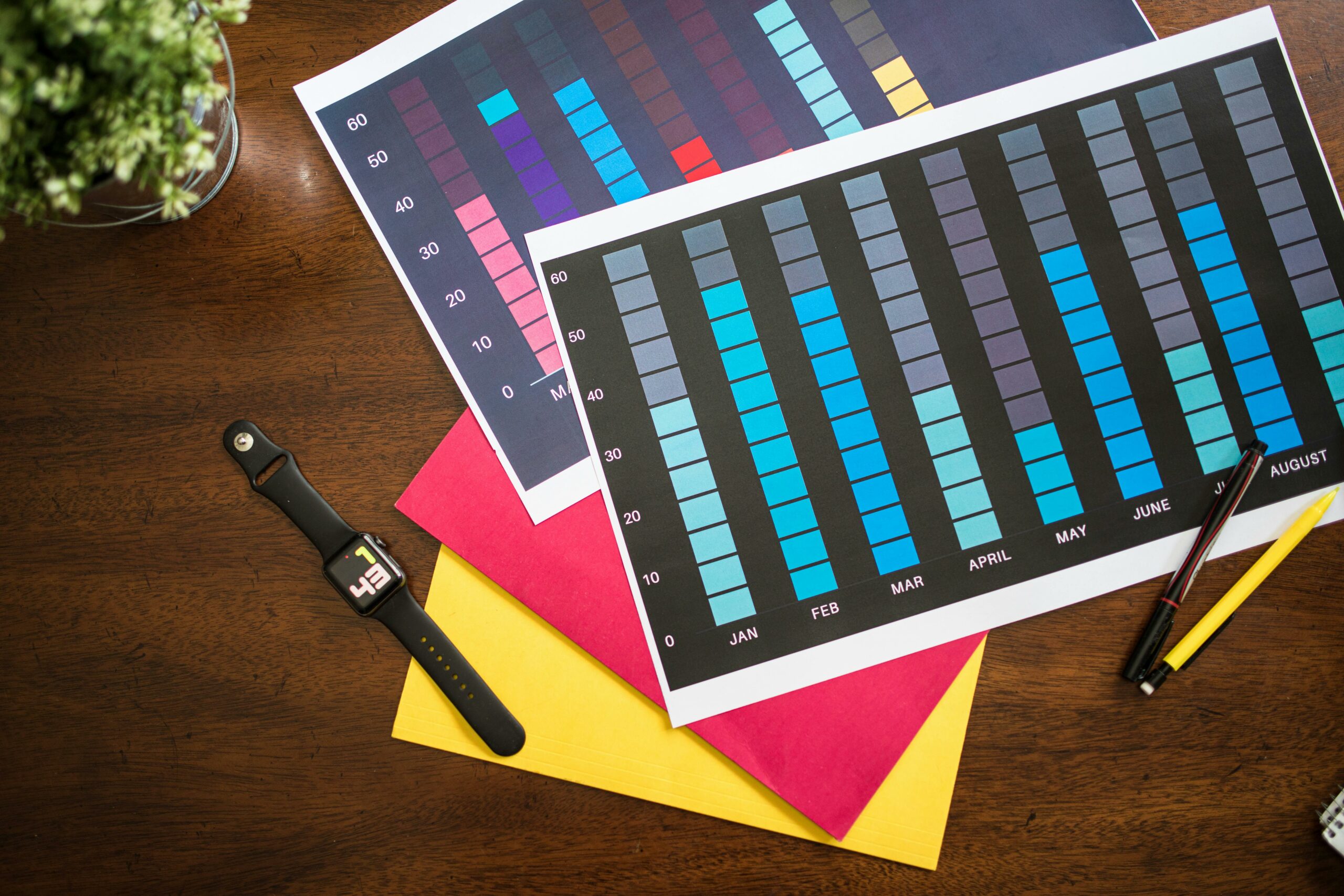

Image link building works best when your visuals are genuinely useful, easy to cite, and backed by clear usage terms that remove friction for editors. In practice, that means you plan the asset like a product, publish it with the right metadata, pitch it to the right people, and then measure what actually converts into links. If you are a creator, brand, or influencer marketer, images can also become a repeatable way to earn authority without begging for coverage. The key is to treat each visual as a mini research project with a clear audience, a clear claim, and a clean path to attribution.
Step 1 – Build images that deserve links (not just likes)
Before you pitch anyone, decide what kind of image a publisher would want to embed in an article. Editors link to visuals that explain something quickly, support a data point, or save them time. That is why original charts, benchmarks, checklists, and templates outperform pretty lifestyle photos for link acquisition. Start by choosing one narrow question your audience already searches for, then design a visual that answers it in one glance. Finally, add a short caption that states the takeaway and the source of the data so the image can stand alone when it is shared.
To keep the asset linkable, make it easy to reuse. Export a web friendly format (usually PNG for charts, JPG for photos), keep file sizes reasonable, and avoid tiny text that breaks on mobile. Also, include a text version of the key numbers on the page for accessibility and for Google to understand context. When you publish, place the image near the top of the page and surround it with a few paragraphs that explain methodology and limitations. That supporting text is often what gets quoted, which increases the chance you earn a link instead of a silent embed.
Concrete takeaway – a quick checklist for a link worthy image:
- One clear claim or insight per image
- Original data, original design, or a uniquely useful compilation
- Readable on mobile (test at 320 px wide)
- Caption includes what it shows and why it matters
- Page includes sources and a short methodology note
Define the metrics and terms editors expect you to understand

If your image supports influencer marketing decisions, you will often reference performance and pricing terms. Define them early on the page so journalists and marketers can cite you without adding their own interpretation. Keep definitions short, then show how to apply them with a simple formula. This approach also reduces misquotes, which protects your brand and makes follow up outreach easier.
- Reach – the number of unique people who saw content.
- Impressions – total views, including repeat views by the same person.
- Engagement rate – engagements divided by reach or impressions (state which you use).
- CPM – cost per 1,000 impressions. Formula: CPM = (Cost / Impressions) x 1000.
- CPV – cost per view (often video views). Formula: CPV = Cost / Views.
- CPA – cost per acquisition (purchase, signup, install). Formula: CPA = Cost / Conversions.
- Whitelisting – a creator grants a brand permission to run ads through the creator account handle.
- Usage rights – what the brand can do with the content (channels, duration, regions).
- Exclusivity – restrictions on working with competitors for a set period.
Example calculation you can include under a chart: if a campaign costs $3,000 and generates 250,000 impressions, CPM = (3000 / 250000) x 1000 = $12. If the same spend drives 60 purchases, CPA = 3000 / 60 = $50. Numbers like these make your visuals citeable because they let readers compare apples to apples.
Table – Image ideas that attract links (and who links to them)
Not every visual earns links from the same audience. A benchmark chart might appeal to marketing publications, while a step by step template might earn links from agency blogs and university resources. Use the table below to pick an image format that matches the linkers you want, then design the asset around their needs.
| Image type | Best for | Who typically links | What to include for credibility |
|---|---|---|---|
| Benchmark chart | Comparisons and planning | Marketing blogs, agencies, newsletters | Sample size, date range, definitions (reach vs impressions) |
| Explainer diagram | Teaching a process | How to sites, course creators, community posts | Step labels, short caption, downloadable version |
| Checklist graphic | Operational guidance | SMB blogs, tool partners, consultants | Owner roles, timing, links to deeper explanation |
| Template screenshot | Immediate implementation | Productivity blogs, resource pages | Editable file, licensing note, version date |
| Data map or heatmap | Trends by region or segment | Journalists, research roundups | Source links, methodology, limitations |
Step 2 – Publish images so attribution is the default
Great visuals still fail at link building when the page makes attribution awkward. Your job is to make the correct behavior the easiest behavior. First, host the image on a dedicated URL that loads fast and is not blocked by scripts. Then, add a short embed snippet under the image that includes a link back to your page. Editors love copy and paste solutions, and you will be surprised how often they use the snippet as is.
Next, write the on page elements that help search engines and humans understand the asset. Use a descriptive file name (image-link-building-benchmark.png), meaningful alt text, and a caption that includes the main takeaway. Add a small section titled “Can I use this image?” that states the license in plain English. If you want broad pickup, consider a permissive license for editorial use with attribution, while reserving commercial use for permission.
Finally, do not ignore disclosure and rights if your image includes creator content or campaign results. If you reference sponsored performance, be clear about what is aggregated and what is anonymized. For disclosure basics, the FTC’s guidance is a reliable reference: FTC Endorsement Guides and influencer disclosures. This is not just compliance – it is also a trust signal that makes editors more comfortable citing you.
Concrete takeaway – publish checklist:
- Dedicated page with supporting text, sources, and date
- Embed code that includes a link to the source page
- Alt text and caption that match the page topic
- Clear usage rights and attribution instructions
Step 3 – Find the right prospects and pitch the image like a resource
Outreach works when you target people who already publish content that needs your visual. Start with three prospect buckets: (1) writers who recently covered your topic, (2) pages that curate resources, and (3) articles that cite outdated stats you can replace. Use Google search operators such as “inurl:resources” plus your topic, and look for posts updated in the last 12 months. When you build your list, capture the URL, author name, email, and the specific paragraph where your image would fit.
Then, write a pitch that is about their reader, not your brand. Lead with the problem you noticed in their article, offer the image as a fix, and make the attribution step effortless. Keep it short, but include one sentence that proves the image is original. If you have a supporting methodology section, mention it so the editor can defend the citation internally.
Outreach script you can adapt:
- Subject: Updated visual for your section on [topic]
- Body: Hi [Name] – I was reading your piece on [article] and noticed the section on [specific point]. We published an original [chart/checklist] that summarizes [insight] with definitions for reach, impressions, and engagement rate. If it helps your readers, you are welcome to embed it – here is the source page and an embed snippet: [URL].
- Close: If you want a version sized for your template, tell me the width and I will send it.
To keep your approach grounded in what publishers actually want, study a few examples and breakdowns on the InfluencerDB Blog. Look for posts that include original charts, then note how they frame the insight and cite sources. That pattern is what you want to replicate with your own images.
Table – Outreach targets and decision rules
Prospecting is where most teams waste time. Use decision rules so you only pitch pages that can realistically link. The table below gives you a simple scoring model you can apply in a spreadsheet.
| Target type | What to look for | Decision rule | Best angle |
|---|---|---|---|
| Recent article | Updated in last 6 to 12 months, active author | Pitch if your image replaces or strengthens a specific section | “This visual clarifies X in one chart” |
| Resource page | Curated links, educational tone | Pitch if they already link to templates, guides, or stats | “Add this as a free visual resource” |
| Outdated stats | Old year in the text, broken source links | Pitch if you have newer data and transparent methodology | “Updated numbers with sources and definitions” |
| Newsletter writer | Regular issues, links out to sources | Pitch if your image has a surprising takeaway | “One chart your readers can use this week” |
| Community or forum mod | Sticky posts, FAQs, pinned resources | Pitch if your image answers a repeated question | “Pin this visual to reduce repeat questions” |
Step 4 – Track performance, reclaim uncredited uses, and iterate
Link building with images is measurable if you set up tracking from day one. Add UTM parameters to the URL you share in outreach so you can separate outreach traffic from organic traffic. Then, monitor three outcomes: (1) links earned, (2) referral visits, and (3) downstream conversions such as email signups or demo requests. A link that sends qualified traffic is often more valuable than a link that looks impressive in a report.
Next, reclaim uncredited uses. Run periodic reverse image searches and look for embeds that do not link back. Your message should be polite and specific: thank them for using the image, then ask for a source link so readers can find the methodology and the latest version. This is one of the highest ROI outreach tasks because the editor has already decided the image is useful.
Finally, iterate based on what converts. If charts earn links but templates earn signups, publish both and connect them. Update your best performing image every quarter, keep the URL stable, and add a small “Last updated” note near the top. Over time, you build a compounding asset library that makes future outreach easier because you can reference past pickups.
For measurement standards and definitions that align with how the industry talks about impressions and viewability, use IAB references when relevant: IAB guidelines and measurement standards. Citing recognized standards can increase your acceptance rate with editors who need defensible sources.
Common mistakes that stop image links before they start
Most failures are not about design quality. They happen because the image is hard to cite, hard to trust, or hard to place in an existing article. One common mistake is publishing a beautiful visual with no supporting text, no date, and no source. Another is burying the image in a carousel or PDF that editors cannot embed cleanly. Teams also over pitch by sending the same generic email to everyone, which gets ignored because it does not reference a specific section of the target page.
Rights issues are another silent killer. If your image includes creator photos, screenshots, or brand marks, you need permission and clear usage rights. Otherwise, cautious publishers will avoid embedding it even if they like it. Also, do not overpromise with metrics. If you show engagement rate, state whether it is by reach or impressions, and do not mix them within the same chart. Precision is what makes your visual safe to quote.
Concrete takeaway – quick fixes:
- Add sources, date, and definitions directly under the image
- Provide an embed snippet and a plain download link
- Personalize outreach with the exact paragraph you are improving
- Clarify usage rights and avoid unlicensed third party assets
Best practices to make image link building repeatable
Repeatability comes from process, not inspiration. Maintain an “image backlog” where each idea includes the target keyword, the audience, the data source, and the likely linker type. Then, produce visuals in batches so your design time is efficient and your outreach has momentum. When you publish, interlink related assets so a single earned link can introduce readers to multiple resources.
In influencer marketing contexts, pair visuals with practical tools. For example, publish a benchmark chart plus a downloadable brief template, then reference both in outreach depending on what the editor needs. If you run paid amplification, consider whitelisting arrangements and usage rights up front so your team can promote the image without renegotiating. Document exclusivity terms clearly when creators are involved, because exclusivity can limit where and how you can distribute derivative visuals.
Concrete takeaway – a simple weekly routine:
- Monday: pick one question and outline the image plus supporting text
- Tuesday: build the visual and write methodology and definitions
- Wednesday: publish with embed code and usage rights
- Thursday: send 15 to 25 personalized pitches
- Friday: log responses, reclaim uncredited uses, and plan the next asset
Putting it all together – a mini example you can copy
Suppose you want links from marketing writers covering influencer pricing. You publish a single chart that shows CPM ranges by platform and follower tier, plus a short section that defines CPM, CPV, and CPA with example math. On the page, you include an embed snippet and a note that editorial use is allowed with attribution. Then you prospect articles that mention “influencer rates” but cite old numbers, and you pitch your updated chart as a replacement. After two weeks, you review which targets linked and which ignored you, then you adjust your next image to match the sections that were easiest to place.
That is the core loop. When you treat images as citeable resources with clear definitions, rights, and measurement, you stop relying on luck. Instead, you build a library of assets that earn links because they make other people’s work better.