
Visual marketing case studies are the fastest way to see what actually changes performance when you swap words for images, or when you redesign the images you already use. In 2026, the “image” is rarely just a pretty asset – it is the first frame of a video, the thumbnail that earns the click, the product photo that reduces returns, and the creator post that makes your brand feel real. The goal of this guide is practical: you will get five case studies, the metrics to watch, and a repeatable framework to plan, price, and measure image-led influencer and social campaigns. Along the way, you will also learn the core terms that make visual performance measurable, not subjective.
Visual marketing case studies: the metrics and terms you must define first
Before you copy any tactic, lock the vocabulary. Otherwise, teams argue about “what worked” without agreeing on what “worked” means. Start with these definitions and decision rules, then use them in your brief and reporting.
- Reach – unique people who saw the content at least once. Use reach to judge audience size and frequency risk.
- Impressions – total views, including repeats. Impressions help you detect creative fatigue when impressions rise but results stall.
- Engagement rate (ER) – engagements divided by reach (or followers, depending on platform). Prefer ER by reach for apples-to-apples comparisons. Formula: ER = (likes + comments + saves + shares) / reach.
- CPM (cost per thousand impressions) – a pricing and efficiency metric. Formula: CPM = (spend / impressions) x 1000.
- CPV (cost per view) – common for video and view-based buys. Formula: CPV = spend / views.
- CPA (cost per acquisition) – cost per purchase, signup, or other conversion. Formula: CPA = spend / conversions.
- Whitelisting – running paid ads through a creator’s handle (often called branded content ads). This can change performance because the ad inherits creator trust signals.
- Usage rights – permission to reuse creator images in your channels, ads, email, or site. Rights affect price and legal risk.
- Exclusivity – limits on a creator working with competitors for a period. Exclusivity reduces creator earning potential, so it increases fees.
Concrete takeaway: Put these terms in a one-page measurement appendix in every brief. If you cannot define ER (by reach vs by followers), you cannot compare creators or creative formats fairly.
Case study 1 – A thumbnail refresh that lifted YouTube click-through rate
Scenario: A mid-sized DTC brand sponsors YouTube creators. Performance is inconsistent. Some videos get strong views but weak traffic, and the team suspects the packaging shots look “flat” in thumbnails.
What changed: The brand tested a new thumbnail direction across three creators for the next integration: high-contrast product close-up, a human face with a clear reaction, and a three-word benefit caption. The script stayed similar, but the first 10 seconds were tightened to match the promise in the thumbnail.
How it was measured: YouTube click-through rate (CTR) on the video, average view duration, and link clicks from the description. The team also tracked assisted conversions in analytics to avoid undervaluing upper-funnel impact.
Example numbers: Creator A’s baseline CTR was 3.2%. With the refreshed thumbnail, CTR rose to 4.1%. If impressions were 500,000, that is 4,500 more clicks to the video (0.9% x 500,000). If 1.5% of viewers clicked through to the site, that is about 68 additional site visits from the same impression volume. Small percentage changes matter when distribution is large.
Why it worked: The image reduced ambiguity. Viewers could instantly see what the product was and what the payoff might be. Just as importantly, the first frame of the video matched the thumbnail, so viewers did not bounce from a bait-and-switch.
- Decision rule: If YouTube CTR is below 4% on videos with broad appeal, test thumbnails before you renegotiate creator rates.
- Checklist: One focal object, one face, one benefit phrase, and a background that reads on mobile.
Case study 2 – Creator product photos that reduced returns on an ecommerce PDP
Scenario: A fashion brand sees strong influencer-driven traffic, but return rates are high. Customers complain that the color and fit look different in real life than in the studio images.
What changed: The brand negotiated usage rights to repurpose creator images on product detail pages (PDPs). Instead of only polished studio shots, each PDP added three creator photos: full-body fit, fabric close-up in natural light, and a “movement” shot. The brand also added a short caption under each image describing size worn and height.
How it was measured: Add-to-cart rate, conversion rate, and return rate by SKU. The team segmented by traffic source to ensure the lift was not just seasonal demand.
Example numbers: For a top SKU, conversion rose from 2.4% to 2.8% after adding creator images. If the page gets 50,000 visits per month, that is 200 extra orders (0.4% x 50,000). If average order value is $70, incremental revenue is $14,000 monthly. Meanwhile, returns dropped from 22% to 18%, which can be a bigger profit swing than conversion alone.
Why it worked: The images answered “Will this look like this on me?” Studio photos sell aspiration, but creator photos sell clarity. In 2026, clarity is a competitive advantage because shoppers are tired of guessing.
- Negotiation tip: Separate the post fee from usage rights. Ask for “PDP usage for 6 months, organic only” as a baseline, then price paid usage separately.
- Operational tip: Build a simple intake form for creator photos (lighting, file type, model details) so your site team can publish quickly.
Scenario: A subscription app runs Meta ads with polished brand creatives. CPMs are stable, but CPA is creeping up. The team suspects the ads look like ads, and users scroll past.
What changed: The brand tested whitelisting with two creators, using their original image-led posts as ad creatives. The creator handle stayed visible, and the copy was lightly edited to fit ad policy and clarity. The landing page remained the same to isolate the creative effect.
How it was measured: CPM, CTR, and CPA, plus frequency and comment sentiment. The team also watched creative fatigue: how quickly performance decayed as spend increased.
Example calculation: If Ad A has CPM $12 and CTR 1.2%, then cost per click is roughly $1.00 (because $12 per 1000 impressions buys 12 clicks at 1.2% CTR). If the whitelisted creator image ad has CPM $13 but CTR 1.8%, cost per click drops to about $0.72. Even with a slightly higher CPM, the better click rate can lower CPA if the funnel holds.
Why it worked: The creator image looked native and carried social proof. It also framed the product in a real context, which reduced skepticism. For brands, this is often the most practical bridge between influencer content and performance marketing.
Compliance note: If you run creator content as ads, follow platform rules for branded content and disclosures. Meta’s branded content policies are a good starting point: Meta Branded Content Policies.
- Decision rule: If your paid social CTR is flat and comments say “scam” or “too good to be true,” test creator images before you overhaul targeting.
- Execution step: Ask creators to deliver both a “clean” version (no music text overlays) and an “organic” version, then test both in ads.
Case study 4 – A carousel-first Instagram strategy that increased saves and downstream sales
Scenario: A home goods brand posts single images and short Reels. Reach is fine, but the content does not generate many saves, and the team wants more evergreen discovery.
What changed: The brand shifted to carousel-first posts built around visual education: “before and after,” “3 ways to style,” and “mistakes to avoid.” Each carousel used a consistent cover image style so users could recognize the series. Creators were briefed to produce carousels with the same structure, so the brand could compare performance across accounts.
How it was measured: Saves per reach, shares per reach, profile visits, and attributed sales from link-in-bio and tagged products. The team also tracked how long posts continued to earn saves after publishing.
Why it worked: Carousels turn images into a mini-lesson. Saves are a strong signal that users want to return, which can extend distribution. In addition, the cover image becomes a headline, so clarity matters more than aesthetic experimentation.
Concrete takeaway: Brief carousels like an article: cover promise, step-by-step visuals, and a final slide with one action (shop, sign up, or comment). For more planning ideas, keep a running swipe file and measurement notes in your team’s knowledge base, and cross-check against resources in the InfluencerDB Blog.
Case study 5 – Event photography that turned into a month of creator content
Scenario: A beverage brand sponsors a small sports event. The activation is fun, but the marketing team usually ends up with a few recap shots and not much else.
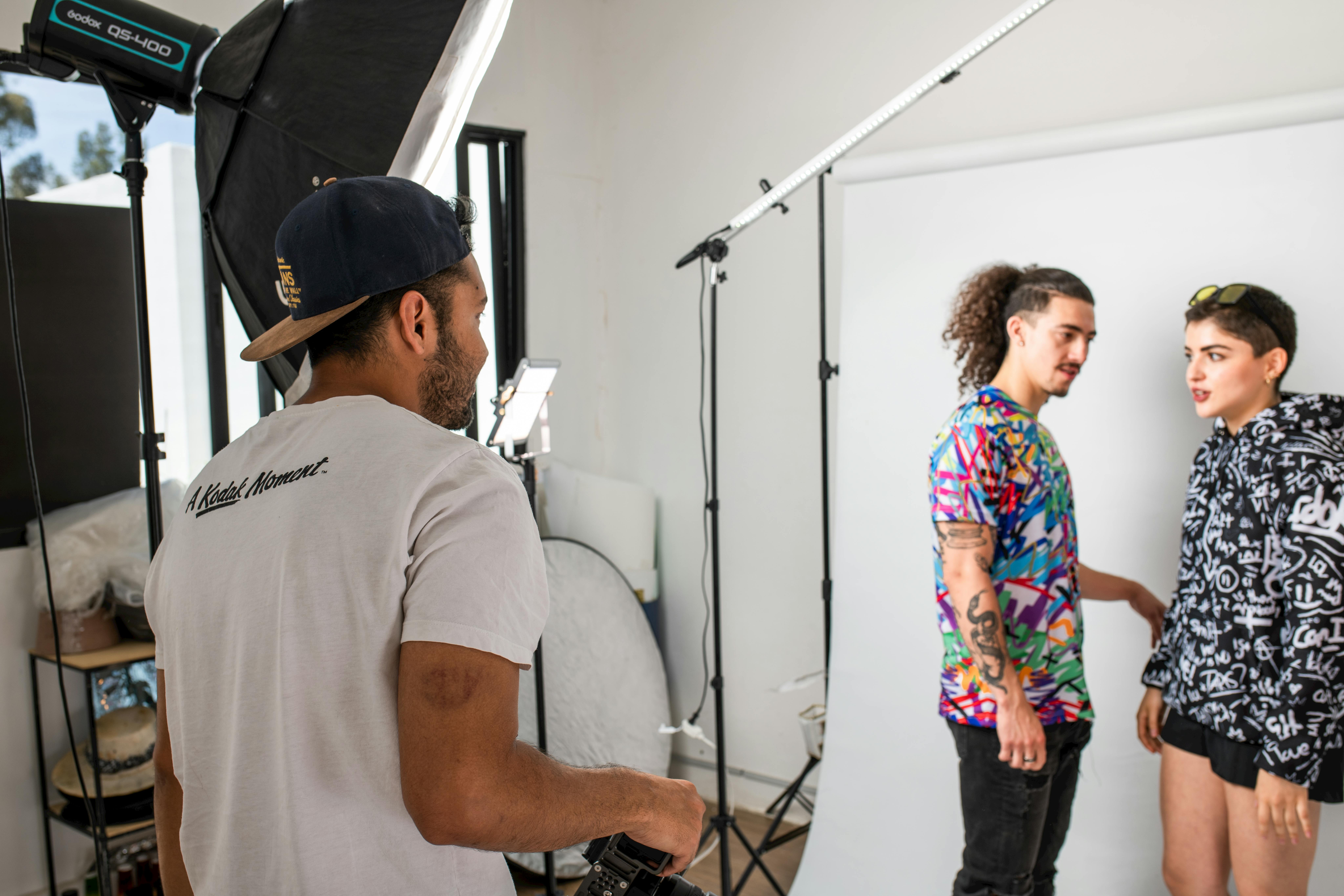
What changed: The brand hired a photographer and shot a “creator content kit” on-site: portrait-style images of creators with the product, candid action shots, and a consistent background setup for quick turnaround. Creators were offered a modest add-on fee for delivering 10 edited photos plus 2 story frames, with clear usage rights for brand organic channels for 12 months.
How it was measured: Content volume, posting cadence, and performance per asset type. The team also measured cost per usable asset, which is often the hidden driver of efficiency.
Example calculation: If the brand spends $6,000 on creator add-ons and gets 200 usable images, cost per asset is $30. Compare that to a studio shoot where a single hero image can cost far more once you include production time. The math is not perfect, but it forces discipline.
Why it worked: The event created real moments. The brand simply captured them with intent, then packaged the deliverables so creators could post without extra effort. That reduced friction, which is often the difference between “we should post” and “it went live.”
- Checklist: Shot list, release forms, file naming rules, and a 48-hour delivery SLA.
- Negotiation tip: Specify exclusivity only if the event is competitive. Otherwise, keep it light and focus on usage rights.
A practical framework to plan image-led influencer campaigns in 2026
Case studies are useful, but you need a repeatable method. Use this six-step framework to plan, brief, and measure visual marketing so you can scale what works.
- Pick one job for the image. Examples: stop the scroll, explain a feature, prove fit, or create social proof. Do not ask one image to do all four.
- Choose a primary metric. For awareness, use reach and CPM. For consideration, use saves, shares, and CTR. For conversion, use CPA and revenue.
- Define the creative variables. Decide what you will test: lighting, background, face vs no face, text overlay, or product scale.
- Lock usage rights and whitelisting terms. Write down where the image can appear: brand organic, paid ads, email, PDP, or retail listings.
- Instrument tracking. Use UTM parameters, creator-specific codes, and platform reporting. If you need a reference for consistent campaign tagging, Google’s UTM guidance is a solid baseline: Google Analytics campaign URL builder guidance.
- Run a post-mortem within 7 days. Capture what to repeat and what to change while the context is fresh.
Concrete takeaway: If you cannot name the single job of the image in one sentence, your brief is not ready.
Benchmarks and planning tables you can reuse
Use the tables below as starting points. They are not universal truths, but they help you set expectations, spot outliers, and ask better questions in reporting.
| Goal | Primary KPI | Supporting KPIs | Best image formats to test | What “good” often looks like |
|---|---|---|---|---|
| Awareness | Reach | CPM, frequency, video 3s views | High-contrast hero image, simple product-in-use | CPM stable while reach scales without frequency spikes |
| Consideration | CTR or saves per reach | Shares, profile visits, time on page | Carousel how-to, before-and-after, comparison images | Saves and shares rise without comments turning negative |
| Conversion | CPA | CVR, AOV, return rate | Creator testimonial image, product proof close-ups | CPA drops while CVR holds steady or improves |
| Retention | Repeat purchase rate | Email CTR, app opens, support tickets | UGC galleries, tips cards, feature reminders | Support questions fall because images answer common issues |
| Deal term | What to specify | Why it changes price | Simple pricing heuristic |
|---|---|---|---|
| Usage rights | Channels, duration, regions, paid vs organic | More reuse increases value and creator opportunity cost | Add 20% to 100% of the post fee depending on scope |
| Whitelisting | Ad account access method, duration, spend cap, approvals | Creator identity becomes part of your paid performance | Monthly fee or flat add-on plus content variations |
| Exclusivity | Competitor list, category definition, time window | Limits creator’s future earnings | Charge 25% to 200% uplift based on strictness |
| Deliverables | Number of images, aspect ratios, raw files, revisions | More production time and editing increases cost | Price per asset once you exceed the base package |
Common mistakes that make image-led campaigns underperform
Most “visual marketing” failures are not about taste. They are about unclear goals, missing rights, or measurement gaps. Fix these first and your creative tests will become easier to interpret.
- Measuring only likes. Likes can be cheap. Track saves, shares, CTR, and CPA based on the goal.
- No agreement on engagement rate. Decide ER by reach vs ER by followers before the campaign starts.
- Over-editing creator images. If you remove the creator’s style, you remove the reason it performed.
- Skipping usage rights language. If you want to reuse images on PDPs or in ads, negotiate it upfront.
- Testing too many variables at once. Change one thing per round, or you will not know what caused the lift.
Concrete takeaway: If your report cannot answer “what changed” in one sentence, your test design is too messy.
Best practices you can apply this week
To close, here are practical moves that consistently improve image performance across influencer, organic social, and paid amplification.
- Write a one-line image brief. Example: “Show the product scale in a real kitchen with natural light.” That line prevents vague feedback later.
- Build a two-tier deliverables package. Tier 1: the post. Tier 2: 5 to 15 extra images for reuse, clearly priced with usage rights.
- Standardize file delivery. Ask for 4:5, 9:16, and 1:1 crops when relevant, plus a clean version without text overlays.
- Use simple formulas in reporting. CPM, CPV, and CPA make creative discussions concrete, especially with finance stakeholders.
- Document learnings in a shared hub. Keep a running list of what thumbnails, covers, and PDP images worked, then reference it when you build the next brief.
Finally, if you need more templates for briefs, measurement, and creator deliverables, browse the planning and analytics resources in the. The best teams treat visual performance like a system, not a one-off creative debate.
Disclosure reminder: If creators post sponsored images, disclosures must be clear and conspicuous. For US campaigns, review the FTC’s endorsement guidance: FTC Endorsements and Testimonials guidance.