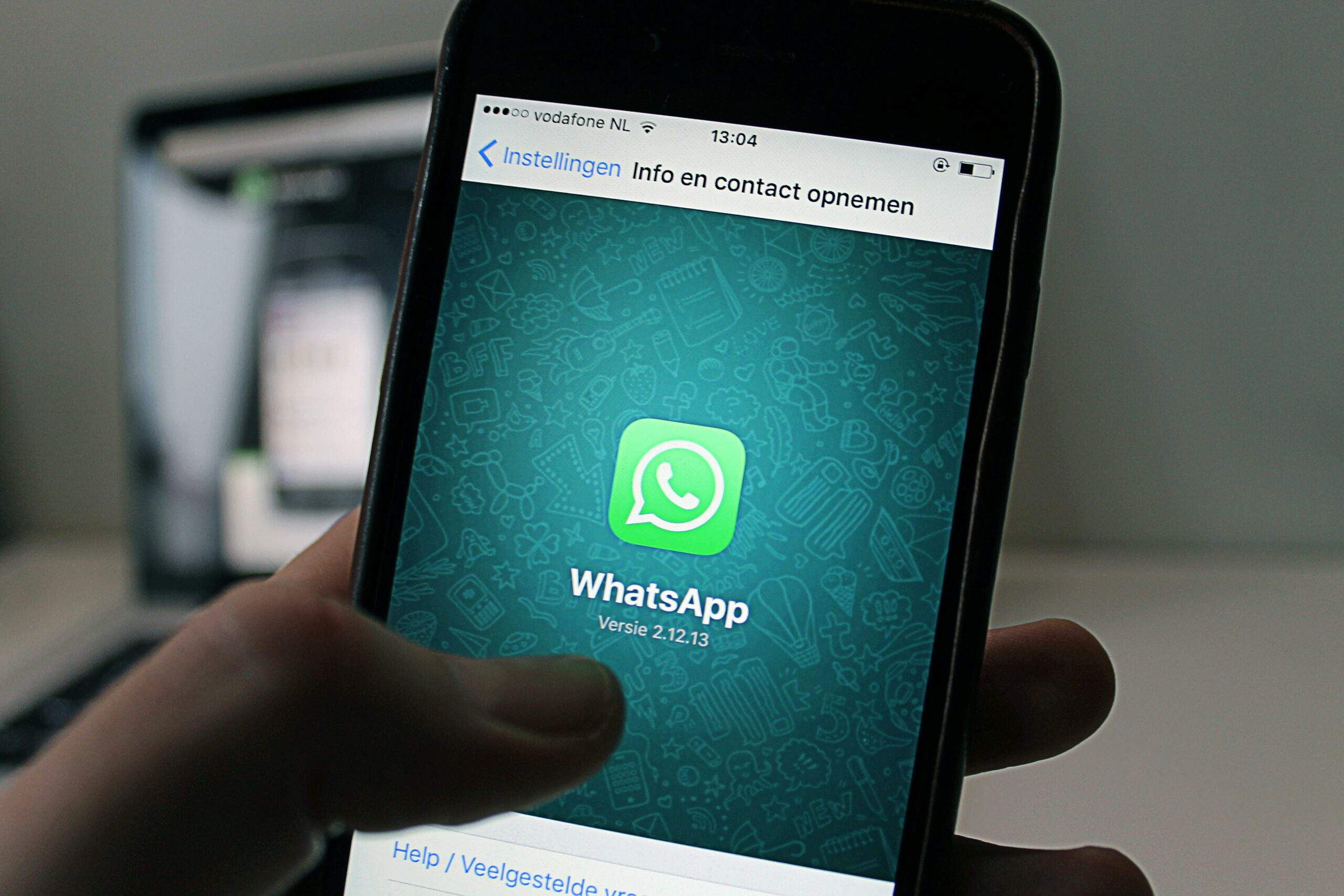

WhatsApp for Business is one of the fastest ways to turn influencer attention into real conversations, qualified leads, and repeat customers. Instead of pushing every click to a landing page, you can move prospects into a chat flow where questions get answered and intent becomes measurable. However, the channel only works when you treat it like a campaign system, not a random inbox. This guide breaks down the setup, the metrics, and the negotiation points creators and brands should agree on before a single message goes out. You will also get templates, tables, and example calculations you can reuse.
What WhatsApp for Business is – and when it beats DMs
WhatsApp for Business is a free app for small teams that adds business profiles, labels, quick replies, and basic automation on top of WhatsApp. For larger operations, the WhatsApp Business Platform (API) enables advanced automation, multiple agents, and integrations with CRMs and analytics tools. The practical difference is scale: the app is great for a creator, a small brand, or a campaign-specific inbox, while the platform is built for high-volume support and lead handling. In influencer marketing, WhatsApp often outperforms Instagram DMs when you need reliable delivery, a persistent thread, and a clear handoff from content to sales. It also tends to feel more personal, which can lift conversion for high-consideration products.
Use WhatsApp when the audience needs reassurance or customization – think beauty routines, fitness programs, travel planning, fintech onboarding, or local services. It is also strong for time-sensitive drops because broadcasts and status updates can create urgency without relying on algorithmic reach. On the other hand, if your campaign depends on public social proof, comments and in-feed UGC still matter more. A good rule: if your KPI is “conversations started” or “appointments booked,” WhatsApp is usually the better destination than a generic link in bio.
- Takeaway: Choose WhatsApp when you want two-way intent signals, not just clicks.
- Decision rule: If the product needs more than one question answered before purchase, route traffic to chat.
Key terms you must define before you run a WhatsApp campaign

WhatsApp campaigns fail when partners use the same words but mean different things. Define these terms in the brief and contract so reporting is clean and payouts are fair. Start with the basics: reach is the number of unique people who saw a post or story, while impressions are total views including repeats. Engagement rate is typically engagements divided by reach or followers – you must specify which denominator you use. Then move to performance terms: CPM is cost per thousand impressions, CPV is cost per view (often video views), and CPA is cost per acquisition (a purchase, lead, or booked call).
For WhatsApp specifically, define what counts as an acquisition. Is it a “conversation started,” a “qualified lead,” or a “paid order”? Also clarify whitelisting (the brand runs ads through the creator’s handle), usage rights (how long the brand can reuse the creator’s content), and exclusivity (the creator cannot promote competing brands for a period). These terms affect pricing more than most teams expect, especially when WhatsApp is used as a conversion endpoint. If you want a deeper library of influencer measurement and contracting topics, keep a tab open on the InfluencerDB Blog and reference it while you build your brief.
- Takeaway: Put definitions in writing – especially “qualified lead” and “acquisition.”
- Tip: Specify engagement rate formula: engagements divided by reach is usually more honest than followers.
WhatsApp for Business setup checklist: profile, automation, and tracking
A clean setup makes reporting easier and prevents the inbox from turning into a bottleneck. First, complete the business profile: category, description, email, website, and hours. Next, create a naming convention for labels so every agent tags chats the same way. For example: New Lead, Qualified, Awaiting Payment, Post Purchase, Support, and Spam. Then write quick replies for the top 10 questions you expect from the campaign, including pricing, shipping, ingredients, refund policy, and how to redeem the creator code.
Automation should be light but intentional. A greeting message can set expectations and ask one qualifying question. An away message can prevent drop-off outside business hours. If you need more than that, consider the WhatsApp Business Platform so you can route chats, log events, and connect to a CRM. For official setup guidance, Meta’s documentation is the safest reference: Meta Business Help Center. Finally, set up tracking. Use UTM-tagged links that open a WhatsApp chat, unique creator codes, and a simple lead form inside the chat flow (for example, ask for email after the first response). Track at least: conversations started, response time, qualified leads, and conversions.
| Setup area | What to configure | Why it matters | Owner |
|---|---|---|---|
| Business profile | Category, description, hours, website | Builds trust and reduces repetitive questions | Brand |
| Labels | New Lead, Qualified, Won, Lost, Support | Makes funnel reporting possible | Brand |
| Quick replies | Top FAQs, code redemption, shipping, returns | Improves response time and conversion | Brand |
| Entry points | Click to WhatsApp links, QR codes, wa.me links | Connects creator content to chat reliably | Brand + Creator |
| Tracking | UTMs, creator codes, lead tags, conversion events | Prevents “we think it worked” reporting | Brand |
- Takeaway: Labels plus quick replies are the minimum viable system for campaign reporting.
Campaign framework: from creator post to WhatsApp conversion
Build your WhatsApp campaign like a funnel with a clear promise at each step. Step 1 is the hook: the creator content must explain why a chat is worth starting. “DM me for details” is vague; “Message ‘ROUTINE’ for my exact product list and a discount” is specific. Step 2 is the entry point: use a dedicated click to WhatsApp link per creator so attribution is clean. Step 3 is the first message: ask one question that segments intent, such as “Are you shopping for yourself or a gift?” or “What is your skin type?” Step 4 is the offer: deliver the promised asset, then present the next action, such as a checkout link, a booking link, or a product bundle.
Step 5 is follow-up. Many conversions happen after the first chat, so plan a sequence that feels helpful, not spammy. For example: Day 0 deliver the guide, Day 1 answer objections, Day 3 share a testimonial, Day 7 check in with a time-bound perk. Keep frequency low and always give a clear opt-out. Finally, Step 6 is reporting: collect creator-side metrics (reach, impressions, swipe ups or link clicks) and WhatsApp-side metrics (conversations, qualified leads, sales). When you review results, separate creative performance from sales execution. A creator can drive high-intent chats while the brand loses conversions due to slow replies.
| Funnel stage | Primary KPI | What “good” looks like | Optimization lever |
|---|---|---|---|
| Creator content | Reach, saves, link clicks | Clear problem and specific CTA to message | Stronger hook, clearer benefit, better timing |
| Chat start | Conversations started | Low friction link and immediate response | QR code, pinned comment, faster greeting |
| Qualification | Qualified lead rate | One question segments intent quickly | Rewrite first question, add quick replies |
| Conversion | CPA, revenue per chat | Offer matches the promise from the post | Bundle, limited perk, better checkout link |
| Retention | Repeat purchase, reactivation | Value-first follow-up, not constant promos | Education sequence, post-purchase support |
- Takeaway: Treat response time as a conversion lever, not a support metric.
Pricing and measurement: simple formulas and example calculations
WhatsApp adds a measurable layer between content and purchase, which is useful for pricing and performance deals. Start by agreeing on the pricing model: flat fee, CPM-based, CPA-based, or hybrid. CPM is easiest when the creator deliverable is the main value. CPA can work when the brand can track conversions reliably and respond fast enough to not waste leads. Hybrid deals are often the fairest: a base fee that covers production plus a performance bonus tied to qualified leads or sales.
Use simple formulas so both sides can sanity-check results. CPM formula: CPM = (Total Cost / Impressions) x 1000. CPA formula: CPA = Total Cost / Acquisitions. If you want to value chats, define a “qualified lead” and compute Cost per Qualified Chat = Total Cost / Qualified Chats. Example: a creator charges $2,000. The campaign generates 120 conversations, 60 qualified leads, and 12 purchases. Cost per conversation is $16.67, cost per qualified lead is $33.33, and CPA is $166.67. Whether that is good depends on margin and LTV, so bring those numbers to the negotiation.
Also calculate the operational cost of handling chats. If your team cannot respond within 5 to 15 minutes during peak hours, you will pay for leads you cannot convert. In that case, either reduce spend, narrow targeting, or move to appointment-based flows that set expectations. For measurement standards and definitions that align with broader marketing reporting, the Interactive Advertising Bureau is a credible reference point: IAB.
- Takeaway: If you cannot track acquisitions cleanly, do not sign a pure CPA deal.
- Tip: Always report both “conversations started” and “qualified chats” to avoid vanity metrics.
Negotiation points: usage rights, whitelisting, and exclusivity in WhatsApp-led campaigns
When WhatsApp is the conversion endpoint, the creator’s content becomes closer to performance creative. That changes what brands ask for and what creators should charge for. If the brand wants to reuse the content in ads or on landing pages, define usage rights: where it can appear, for how long, and whether it can be edited. Whitelisting is another major lever. When a brand runs paid ads through the creator’s handle, the creator takes reputational risk and the content can scale far beyond organic reach. Price whitelisting as a separate line item with a clear duration and spend cap.
Exclusivity matters because WhatsApp funnels can be sticky. If a creator drives high-intent chats for a skincare brand, promoting a competitor next week can confuse the audience and reduce trust. However, exclusivity should be narrow and paid. Limit it by category, geography, and time window. A practical approach is to offer tiered exclusivity: 30 days at a smaller fee, 90 days at a higher fee, and a carve-out for non-competing products. Finally, align on deliverables that support WhatsApp: story frames with a QR code, pinned comments with a wa.me link, and a saved highlight that stays live during the campaign.
- Takeaway: Treat whitelisting and usage rights as separate paid add-ons with dates and caps.
- Checklist item: Contract should specify attribution method: unique link, code, or both.
Common mistakes that quietly kill results
The first mistake is sending people to WhatsApp with no clear promise. If the creator does not say what the user gets by messaging, you will attract low-intent chats and waste agent time. The second mistake is slow response. Even a great creator cannot overcome a two-hour reply window during a product drop. The third mistake is messy attribution. If multiple creators share the same link or code, you will end up arguing about who drove what, and you will lose trust for the next campaign.
Another common failure is over-automating early. A long chatbot flow can feel like a wall, especially for audiences who expect a human. Keep the first interaction short, then escalate to a person when intent is high. Finally, teams often ignore compliance and consent. If you plan to send follow-ups or promotional messages, make sure you have a clear opt-in and a simple opt-out path, and keep records of consent where possible.
- Takeaway: Speed plus clarity beats fancy automation in the first week of a campaign.
Best practices: templates you can copy for briefs and chat flows
Start with a brief that makes WhatsApp the center, not an afterthought. Include: the audience segment, the exact CTA language, the promised asset, the qualification question, and the conversion action. Then align on service levels: who replies, during what hours, and what the maximum first-response time is. If you cannot staff the inbox, reduce creator volume or stagger posting times. Next, build a simple message flow that respects the user. Deliver the promised value first, ask one question, then offer the next step.
Here are copy-ready examples you can adapt. Creator CTA: “Message ‘KIT’ on WhatsApp and I will send the exact setup I use, plus a code.” Greeting: “Thanks for messaging. Quick question so I can send the right option: are you shopping under $50 or over $50?” Follow-up: “If you want, I can hold the code for 24 hours. Reply YES and I will send the checkout link.” Keep language natural and avoid pressure. For policy and safety expectations around business messaging, it is smart to review WhatsApp’s official guidance: WhatsApp Business Policy.
- Takeaway: Put your promised asset in the first reply, then qualify with one question.
- Tip: Stagger creator posts by 30 to 60 minutes so your team can keep response time low.
Quick launch plan: run your first WhatsApp campaign in 7 days
Day 1: pick the offer and define the acquisition event, such as booked call, purchase, or qualified lead. Day 2: set up WhatsApp for Business profile, labels, and quick replies, then create unique links and codes per creator. Day 3: write the brief and approve creator scripts that clearly explain the WhatsApp value. Day 4: test the flow end-to-end on multiple devices, including link tracking and code redemption. Day 5: train whoever will reply to chats, and set a response-time target you can actually hit. Day 6: launch with one or two creators first, then review chat quality and objections. Day 7: scale to the rest of the roster, and update quick replies based on real questions.
As you scale, keep a simple weekly review: which creators drove the highest qualified chat rate, which messages converted best, and where the inbox lost people. That feedback loop is where WhatsApp becomes a repeatable growth channel rather than a one-off experiment. If you want more campaign planning and measurement frameworks that translate across platforms, browse the and adapt the same discipline to WhatsApp-led funnels.
- Takeaway: Pilot with a small creator set, fix the inbox workflow, then scale.