



Live customer chat tips matter more in 2026 because customers expect instant, accurate answers – and they will leave if your chat feels slow, scripted, or confusing. The good news is that you do not need a massive team to run a high-performing chat program; you need the right operating system: clear goals, tight routing, useful macros, and measurement that ties chats to revenue and retention.
This guide is written for brands, creators, and marketers who sell products, subscriptions, courses, or services and want chat to do real work. You will learn how to staff and schedule, what to measure, how to write messages that sound human, and how to connect chat to influencer and social campaigns so you can attribute outcomes instead of guessing.
Live customer chat tips – start with a simple goal and a clear funnel
Before you touch tooling, decide what “good” looks like for your business. Chat can be a sales channel, a support channel, or a hybrid, but it cannot be everything at once without tradeoffs. If you try to optimize for both deep troubleshooting and instant checkout help in the same queue, you will usually end up with long waits and inconsistent answers.
Set one primary objective and two secondary objectives. For ecommerce, a common primary objective is conversion assist (help people buy). For SaaS, it is often activation (help people get value fast). Then pick secondary objectives like reducing tickets, capturing leads, or preventing churn. Once you have objectives, map your chat funnel: entry points, intent categories, handoffs, and outcomes.
- Takeaway: Write a one-sentence charter: “Chat exists to [primary objective] for [audience] within [time standard].”
- Takeaway: Define 5 to 8 intents you will route on (shipping, returns, pricing, product fit, troubleshooting, billing, partnership, other).
If you run influencer campaigns, treat chat as a conversion layer, not an afterthought. For example, when a creator drives traffic to a landing page, chat can answer sizing questions, clarify bundle value, and reduce “I will think about it” drop-off. For more ways to connect creator traffic to measurable outcomes, browse the InfluencerDB Blog on influencer performance and measurement and adapt the same discipline to your chat funnel.
Define the metrics early: CPM, CPV, CPA, engagement rate, reach, impressions – and chat KPIs
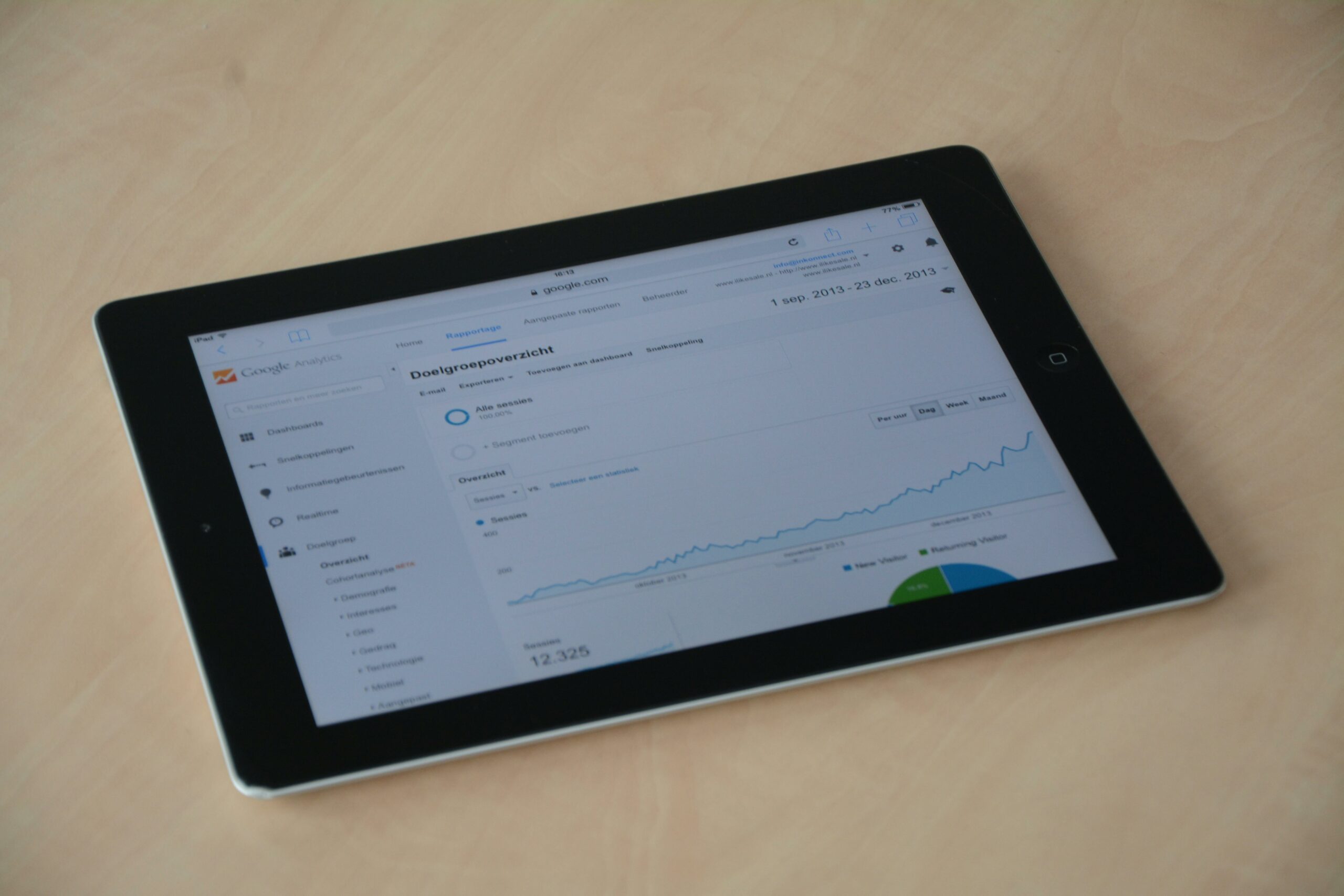
Teams often track chat metrics in isolation, which makes it hard to justify staffing or improve scripts. Instead, connect chat to the same performance language you use for marketing. Here are key terms you should define in your operating doc, along with how they relate to chat.
- Reach: Unique people who saw a piece of content or ad. Chat tie-in: how many of those visitors opened chat.
- Impressions: Total views, including repeats. Chat tie-in: repeated exposure can increase chat opens on later visits.
- Engagement rate: Engagements divided by reach or impressions (depends on platform). Chat tie-in: treat “chat started” as a high-intent engagement on site.
- CPM: Cost per 1,000 impressions. Formula: CPM = (Spend / Impressions) x 1000. Chat tie-in: higher CPM traffic may justify higher chat coverage if intent is strong.
- CPV: Cost per view (often video). Formula: CPV = Spend / Views. Chat tie-in: video-driven visitors often have product questions that chat can answer quickly.
- CPA: Cost per acquisition. Formula: CPA = Spend / Conversions. Chat tie-in: measure “chat-assisted conversions” to see if chat lowers CPA.
Now add chat-specific KPIs that actually predict outcomes:
- First response time (FRT): Time from chat start to first human or qualified bot response.
- Time to resolution (TTR): Time to solve the issue or complete the sale.
- Containment rate: Percent resolved in chat without escalation to email or ticket.
- Chat-to-conversion rate: Percent of chats that end in a purchase, signup, or booked call.
- CSAT: Post-chat satisfaction score.
Example calculation: You spend $12,000 on a creator campaign that drives 40,000 landing page visits. 1,200 visitors start a chat (3% chat start rate). 180 of those chats result in a purchase (15% chat-to-conversion). If average order value is $80, chat-assisted revenue is 180 x $80 = $14,400. That does not mean chat “caused” every sale, but it gives you a baseline to test staffing, scripts, and routing.
Staffing and scheduling: match coverage to intent, not to office hours
Most chat programs fail because staffing is based on internal convenience. Instead, schedule around when high-intent traffic arrives. Pull hourly site sessions, checkout starts, and chat opens for the last 30 days, then overlay campaign calendars. If creators post at 7 pm local time, your chat coverage should spike from 6:30 to 9:30, even if that means a split shift.
Use a simple capacity model. Start with your target first response time and your average handle time (AHT). Then estimate concurrency: how many chats one agent can manage at once without quality dropping. Many teams start at 2 concurrent chats for sales and 3 for basic support, then adjust based on QA.
| Input | What it means | Starter benchmark |
|---|---|---|
| Peak chats per hour | Highest hourly chat volume | Measure your last 30 days |
| Average handle time (AHT) | Minutes per chat to resolve | 6 to 10 minutes for ecommerce |
| Concurrency | Chats per agent at once | 2 for sales, 3 for support |
| Target first response time | Seconds to first meaningful reply | 30 to 60 seconds |
Takeaway: Build a “coverage heatmap” for the week and staff the top 20% highest-intent hours first. If budget is tight, cover evenings and weekends for campaign bursts, then backfill weekday mornings later.
Write chat scripts that sound human: macros, tone rules, and decision trees
Scripts should reduce cognitive load for agents, not turn them into robots. The best approach is a macro library plus decision rules. Macros handle repetitive parts (greeting, policy language, shipping timelines), while decision rules tell agents when to ask a question, when to offer an alternative, and when to escalate.
Start with a tone guide that fits your brand voice. Keep it short: 6 to 10 rules max. For example: use contractions, avoid exclamation marks in support situations, ask one question at a time, and mirror the customer’s level of formality. Then write macros in modular blocks so agents can mix and match.
- Takeaway: Every macro should have a “humanizer” line that can be customized (for example, “If you tell me your usual fit in Brand X, I can recommend the closest size”).
- Takeaway: Add a “next step” line to every resolution (refund timeline, tracking link, or a direct checkout link).
Decision trees are where conversion happens. For instance, if a customer asks, “Is this worth it?” your agent should not paste a features list. Instead, they should qualify intent: “What are you trying to solve – speed, comfort, or durability?” Then they can recommend the right product or plan. That one question often beats three paragraphs of copy.
Routing, escalation, and handoffs: keep the customer from repeating themselves
Routing is the hidden lever of chat performance. If customers land in the wrong queue, your first response time looks fine but your resolution time explodes. Build routing around intent and customer value. A first-time visitor asking about sizing needs a fast answer. A high-LTV subscriber with a billing issue needs accuracy and a clean handoff.
Create three escalation tiers: Tier 1 for common questions, Tier 2 for account-specific or technical issues, Tier 3 for exceptions and policy overrides. Then define what information must be captured before escalation so the next person can continue without restarting the conversation.
| Intent | Required fields to collect | Escalation trigger | Best next action |
|---|---|---|---|
| Order status | Email or order number | No match found in system | Escalate to Tier 2 with transcript |
| Returns | Order number, reason, item condition | Outside return window | Tier 3 review for exception |
| Product fit | Use case, size, preferences | Medical or safety question | Provide safe guidance, escalate if needed |
| Billing | Account email, last 4 digits if applicable | Chargeback threat | Escalate immediately, document clearly |
Takeaway: Add a “no-repeat” rule: if you escalate, the next agent must start by summarizing what they see in the transcript and confirming the goal in one sentence.
AI, automation, and compliance: where bots help and where they hurt
Automation can reduce load, but it can also create rage if it blocks a human. Use bots for triage, simple FAQs, and data collection, not for complex disputes. A practical rule is to allow a human handoff within two turns if the customer asks for it or if confidence is low.
Be careful with privacy and marketing claims. If you collect personal data in chat, document what you store, where it is stored, and who can access it. If you operate in regulated categories, involve legal early. For advertising and endorsements, keep your team aligned with disclosure expectations and truth-in-advertising standards. The FTC guidance on endorsements and reviews is a useful reference when chat agents answer questions that touch creator claims, promos, or incentives.
Key terms to define for your team:
- Whitelisting: A brand runs ads through a creator’s handle or account permissions. Chat tie-in: agents should know which promos are ad-driven and what landing pages they map to.
- Usage rights: Permission to use creator content in ads or owned channels. Chat tie-in: if customers reference a creator video, agents should be able to find the exact asset and offer the correct product shown.
- Exclusivity: A creator agrees not to promote competitors for a period. Chat tie-in: customer questions about “Why did I see them promote X?” should be handled with factual, non-defensive language.
Takeaway: Put a one-line “human escape hatch” at the top of your bot flow: “Type AGENT to talk to a person.” Measure how often it is used and why.
If you cannot attribute, you cannot improve. Start with clean campaign hygiene: UTM parameters on creator links, dedicated landing pages when possible, and consistent promo codes. Then connect chat events to analytics so you can see which campaigns drive high-intent conversations and which drive low-quality traffic.
At minimum, log these fields in your CRM or analytics layer: campaign source, creator name, landing page, chat intent, outcome, and revenue if available. When you review performance, do not just look at chat volume. Look at chat quality: conversion rate, refunds, and repeat contacts.
For measurement standards and definitions around ad metrics and reporting, the Google Analytics UTM parameter documentation helps keep naming consistent across teams.
- Takeaway: Create a “campaign tag” dropdown inside your chat tool so agents can label chats in 2 seconds.
- Takeaway: Review top creator-driven chat transcripts monthly and turn the best answers into landing page FAQs and new macros.
Best practices checklist for 2026: what high-performing teams do weekly
Once the basics are in place, consistency wins. High-performing chat teams run a tight weekly cadence: they QA transcripts, update macros, and adjust staffing based on traffic shifts. They also treat chat as a product, with a backlog and owners, rather than a side task for whoever is online.
- Audit 30 transcripts per week across intents and score them on accuracy, empathy, and next-step clarity.
- Update the top 10 macros monthly based on new objections, promos, and policy changes.
- Run a 15-minute calibration session so agents answer the same question the same way.
- Track “contact reasons” and fix the top driver at the source (shipping page, pricing page, onboarding email).
- Set a clear SLA for creator campaign windows (for example, 30-second first response during launch nights).
Takeaway: If one question shows up 50 times in a week, that is not a chat problem – it is a website or product communication problem. Fixing the root cause reduces cost and improves customer trust.
Common mistakes that quietly kill conversion
Chat can look “busy” while doing very little. These mistakes are common, especially when teams scale quickly or add automation without guardrails. Fixing them usually improves both CSAT and revenue within weeks.
- Slow first response: Customers leave before you speak. Fix: staff peak hours and use a short, honest opener while you look up details.
- Asking too many questions at once: It overwhelms people. Fix: ask one question, then confirm.
- Overusing macros: Customers sense copy-paste. Fix: personalize one line and reference their exact situation.
- No clear next step: The chat ends with “Let me know if you need anything.” Fix: offer a link, a recommendation, or a timeline.
- Weak escalation: Customers repeat themselves. Fix: require a summary before handoff.
Takeaway: Pick one mistake to eliminate this week and measure the impact on chat-to-conversion rate and repeat contact rate.
A practical 30-day rollout plan you can actually follow
If you are rebuilding chat or launching it for the first time, a 30-day plan keeps you focused. Do not aim for perfection. Aim for a stable baseline with measurement, then iterate. In the first month, you are building a system that can learn.
- Days 1 to 5: Define objectives, intents, tone rules, and KPIs. Set up UTM naming and a campaign tag field.
- Days 6 to 12: Build the macro library for the top 15 questions. Create escalation tiers and required fields.
- Days 13 to 18: Staff peak hours only. Train agents on decision trees for product fit and refunds.
- Days 19 to 24: Launch QA scoring and weekly calibration. Fix the top 3 root-cause issues on site.
- Days 25 to 30: Run one controlled experiment: new greeting, new sizing flow, or proactive chat on a high-intent page. Compare outcomes.
Takeaway: Your first experiment should change only one variable. Otherwise, you will not know what caused the improvement.
Done well, chat becomes a feedback loop that improves your product pages, your creator briefs, and your paid social creative. It also gives you a rare advantage in 2026: real conversations with customers at the exact moment they are deciding.






