

Social media automation is no longer just about scheduling posts – in 2026 it is a full workflow that connects content planning, publishing, moderation, measurement, and paid amplification without losing your brand voice. The upside is real: fewer manual handoffs, faster iteration, and cleaner reporting. However, automation also creates new failure modes, like accidental tone-deaf replies, duplicated posts across channels, and attribution gaps when influencer content gets boosted. This guide breaks down what to automate, what to keep human, and how to set guardrails so your system stays reliable as your volume grows.
Social media automation: what it is (and what it is not)
At its core, automation means using software rules and integrations to execute repeatable tasks with minimal human input. That includes scheduling, routing approvals, tagging assets, responding to common questions, and pushing performance data into dashboards. What it is not is “set it and forget it” marketing, because platforms, audiences, and brand risk change too quickly. In practice, the best teams automate the boring parts and keep humans on the parts that require judgment: creative direction, sensitive community responses, and final sign-off on high-stakes posts. As a decision rule, if a task is frequent, rules-based, and reversible, it is a good automation candidate. If it is rare, subjective, or hard to undo, it needs a human owner.
Before you build anything, define success in operational terms. For example: reduce time-to-publish from five days to two, cut weekly reporting time from four hours to one, or keep response time under two hours during launches. Those targets will help you choose tools and decide where to invest in integrations.
Key terms you need before you automate campaigns
Automation gets messy when teams use metrics and deal terms loosely, so align definitions early. Here are the terms that most often cause confusion in influencer and social workflows, plus how to apply them when you are building automated reporting and approvals.
- Reach – unique accounts that saw content. Use it to estimate how many people you actually touched.
- Impressions – total views, including repeats. Use it to understand frequency and creative fatigue.
- Engagement rate – engagements divided by impressions or reach (pick one and stick to it). For consistency, document your formula in your dashboard.
- CPM – cost per 1,000 impressions. Formula: CPM = (Cost / Impressions) x 1000.
- CPV – cost per view (common for video). Formula: CPV = Cost / Views.
- CPA – cost per acquisition (purchase, signup, lead). Formula: CPA = Cost / Conversions.
- Whitelisting – creator grants a brand permission to run ads through the creator handle (or as a partnership ad). This affects approvals, access, and reporting.
- Usage rights – permission to reuse creator content (organic, paid, duration, channels). Automate reminders for expiration dates.
- Exclusivity – creator agrees not to work with competitors for a period. Automate contract fields and alerts so you do not violate it.
Concrete takeaway: write these definitions into your brief template and your reporting schema. If your dashboard mixes reach-based engagement rate for TikTok and impression-based engagement rate for Instagram, your automation will produce misleading “winners.”
What to automate first: a practical prioritization checklist
Automation works best when you start with high-volume, low-drama processes. Instead of automating everything at once, score each workflow using three questions: how often does it happen, how risky is it, and how much time does it take today. Then automate the items with high frequency, low risk, and high time cost. This approach prevents the common trap of spending weeks automating a process that happens twice a quarter.
- High ROI to automate: scheduling, asset naming and tagging, UTM creation, weekly reporting pulls, comment triage, and approval routing.
- Medium ROI: content repurposing drafts (caption variants, hook ideas), influencer shortlisting, and competitor monitoring alerts.
- Keep human-led: crisis responses, sensitive DMs, creator negotiations, and final review of paid ads tied to regulated claims.
If you need a starting point, build a single “content ops lane” first: idea – draft – review – schedule – publish – measure. Once that lane is stable, add influencer-specific steps like whitelisting permissions and usage rights tracking.
Tool stack in 2026: how to choose without overbuying
The tool landscape is crowded, and many platforms overlap. Focus on capabilities, not brand names: scheduling, approvals, asset management, social inbox, listening, analytics, and integrations. Also, check whether the vendor supports your must-have platforms and whether it offers an API or native connectors to your data warehouse. Finally, consider governance: role-based access, audit logs, and approval gates matter more as teams scale.
| Capability | Why it matters | Must-have features | Good fit for |
|---|---|---|---|
| Scheduling and publishing | Reduces manual posting and missed windows | Platform-native support, link in bio handling, post previews | Lean teams with steady cadence |
| Approvals and workflows | Prevents off-brand or non-compliant posts | Multi-step approvals, version history, locked fields | Brands with legal or regulated claims |
| Social inbox and moderation | Keeps response times low and tone consistent | Saved replies, sentiment flags, escalation rules | High-comment volume accounts |
| Listening and alerts | Detects spikes, issues, and trends early | Keyword alerts, competitor tracking, anomaly detection | Launches and reputation-sensitive brands |
| Analytics and reporting | Turns content into decisions, not screenshots | Custom dashboards, exports, UTM ingestion | Teams running experiments weekly |
Concrete takeaway: shortlist tools by writing a one-page “non-negotiables” list first. If you cannot connect performance data to your existing reporting, you will end up with automation that still requires manual spreadsheets.
For platform rules and supported publishing methods, verify details in official documentation rather than vendor sales pages. For example, Meta’s business help center is the right place to confirm what is possible for publishing and permissions: Meta Business Help Center.
Build a reliable automation workflow: step-by-step framework
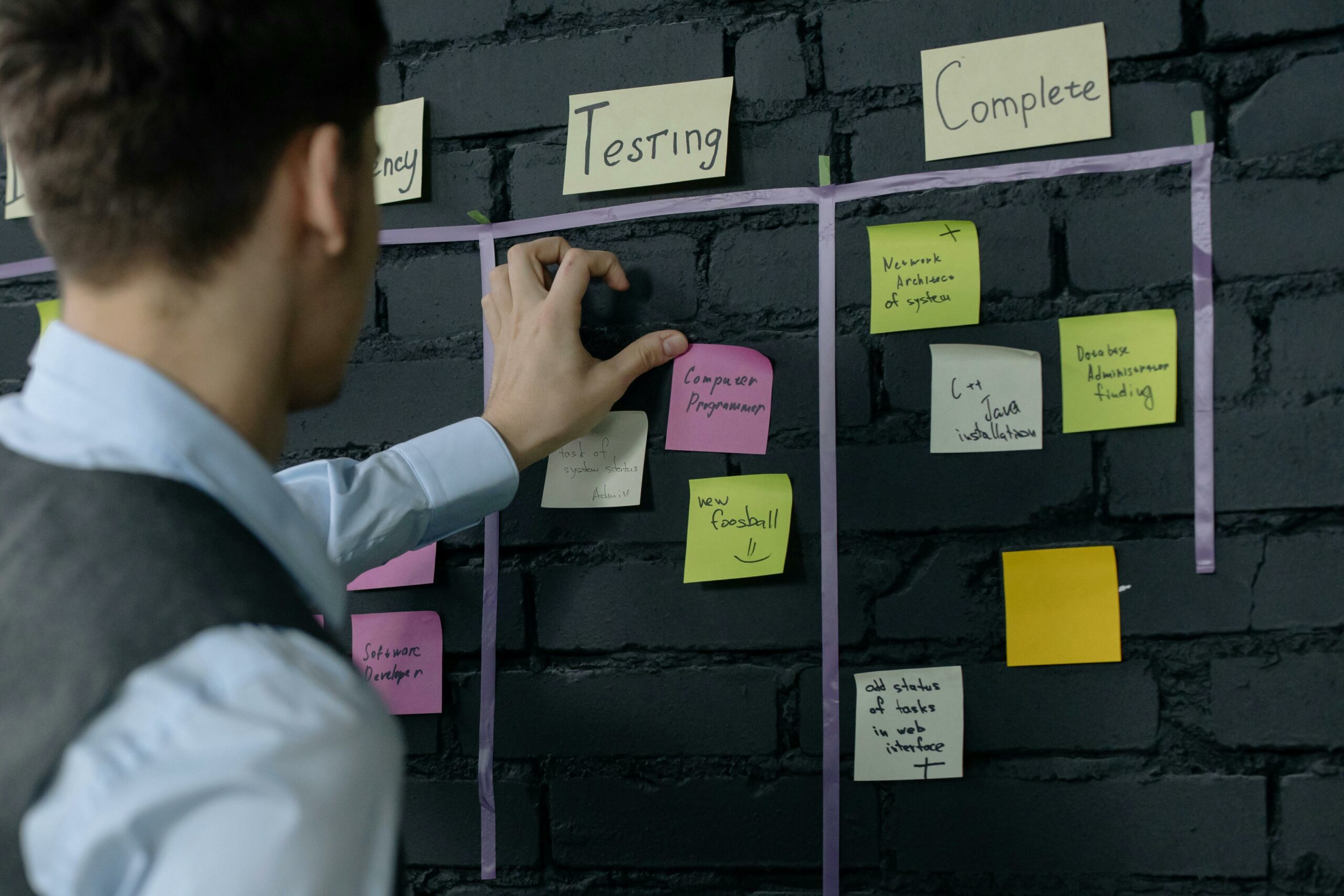
A strong system has clear inputs, owners, and failure handling. Start by mapping your workflow as a sequence of states, then decide what triggers each transition. In other words, do not automate tasks – automate state changes: “draft approved,” “assets final,” “scheduled,” “live,” “reported.” This makes it easier to troubleshoot when something breaks.
- Standardize inputs: create templates for briefs, captions, and creative specs. Lock required fields like platform, objective, CTA, and tracking links.
- Automate tracking links: generate UTMs from a controlled naming convention. Example: utm_source=instagram, utm_medium=creator, utm_campaign=summer_launch, utm_content=creatorname_reel1.
- Route approvals: set rules based on risk. For instance, posts mentioning pricing or claims go to legal, while lifestyle posts go to brand only.
- Schedule with guardrails: block blackout dates, prevent duplicates, and require a final preview on each platform.
- Publish and monitor: trigger an alert if a post underperforms in the first hour compared to your baseline, or if comments spike.
- Report automatically: pull metrics into a dashboard weekly, and snapshot key posts for creative analysis.
Concrete takeaway: build a “stop button.” Your automation should include a fast way to pause scheduled posts across channels if a crisis or breaking news makes your planned content inappropriate.
Automation for influencer campaigns: briefs, approvals, and paid amplification
Influencer work adds complexity because you do not control the creator’s account, timelines, or editing process. Still, you can automate the parts that are consistent: brief delivery, asset collection, compliance checks, and reporting. Start by standardizing your creator brief so creators know exactly what is required and your internal team can review quickly. If you want more practical planning templates and measurement ideas, browse the InfluencerDB Blog for campaign frameworks you can adapt into your workflow.
For paid amplification, set up a repeatable “whitelisting packet” that includes: the access request, ad account details, creative do’s and don’ts, and the approval SLA. Then automate reminders for creators who have not granted access within 48 hours. On the reporting side, separate organic creator performance from paid performance so you do not accidentally attribute ad results to the creator alone.
| Campaign phase | Automate | Human review | Deliverable |
|---|---|---|---|
| Planning | Brief template creation, UTM generation, creator intake form | Creator fit, brand safety, budget allocation | Approved brief and tracking plan |
| Production | Deadline reminders, asset upload requests, checklist validation | Creative feedback, claim checks, tone alignment | Final assets and captions |
| Publishing | Post time coordination, whitelisting access checklist | Final go live approval for high-risk posts | Live links and screenshots |
| Optimization | Performance alerts, comment triage routing | Creative iteration decisions, budget shifts | Updated creative and spend plan |
| Reporting | Weekly pulls, dashboard refresh, invoice status reminders | Insights write-up, next-test recommendations | Post-mortem and benchmarks |
Concrete takeaway: treat whitelisting, usage rights, and exclusivity as structured fields in your system, not free-text notes. Once structured, you can automate alerts for expirations and prevent accidental policy violations.
Measurement you can automate: formulas and example calculations
Automation is only valuable if it produces decisions. That means your dashboards must answer: what worked, why it worked, and what to do next. Start with a small set of metrics tied to objectives, then add diagnostic metrics for creative learning. For awareness, track reach, impressions, video views, and CPM. For consideration, add click-through rate and CPV. For conversion, track CPA and revenue where possible.
Example calculation for CPM: you pay $2,400 for a creator package that generates 320,000 impressions across a Reel and a Story. CPM = (2400 / 320000) x 1000 = $7.50. Now compare that to your paid social CPM baseline. If your paid baseline is $10, the creator package is efficient on impressions, but you still need to check downstream outcomes like clicks or conversions.
Example calculation for engagement rate (impression-based): a post gets 50,000 impressions and 2,250 engagements (likes, comments, saves, shares). Engagement rate = 2250 / 50000 = 4.5%. Automate this calculation per post, then compute medians by format so you can set realistic benchmarks.
Concrete takeaway: automate a “creative learning log.” Each week, capture the top three posts by objective and write one sentence on the hook, format, and CTA. Over time, this becomes a playbook you can reuse across creators and channels.
Compliance and brand safety guardrails for automated content
Automation increases speed, which can increase risk. Build guardrails that prevent the most common compliance issues: missing disclosures, unapproved claims, and misuse of licensed assets. For influencer content, ensure your workflow includes a required disclosure check and a record of approval. The FTC’s endorsement guidance is a useful reference point for disclosure expectations: FTC guidance on endorsements and influencers.
- Disclosure checklist: require #ad or platform disclosure tools where applicable, and confirm placement is clear and unavoidable.
- Claims checklist: flag health, financial, or performance claims for legal review automatically.
- Usage rights tracker: store start date, end date, channels allowed, and paid usage permission.
- Exclusivity tracker: store category, excluded competitors, and enforcement period.
Concrete takeaway: add an automated “policy linting” step before scheduling. Even a simple rule set that flags banned words, missing disclosures, or expired usage rights can prevent expensive mistakes.
Common mistakes to avoid
Most automation failures are process failures, not software failures. One common mistake is automating before standardizing inputs, which produces inconsistent data and broken reporting. Another is ignoring edge cases, like time zones, platform outages, or last-minute creator edits that invalidate approvals. Teams also over-automate community management, which can lead to robotic replies that escalate conflicts instead of resolving them. Finally, many brands forget to separate organic and paid results when they whitelist creator content, which makes performance look better or worse than it really is.
- Automating without a naming convention for campaigns and UTMs
- Letting anyone publish without approval gates for high-risk topics
- Using one engagement rate formula across platforms without documenting it
- Failing to log usage rights and exclusivity terms in structured fields
Concrete takeaway: run a monthly “automation audit” where you sample 10 posts and check: tracking accuracy, approval history, disclosure presence, and reporting consistency.
Best practices: a 2026-ready playbook
Good automation feels invisible because it supports creative work instead of replacing it. Start small, document everything, and expand only after you have stable baselines. Keep humans accountable by assigning owners to each workflow stage, even if the tasks are automated. Also, build feedback loops: when a post performs unusually well or poorly, your system should prompt a review, not just record the numbers. Over time, that loop is what turns automation into a competitive advantage.
- Use a single source of truth: one calendar, one asset library, one dashboard.
- Design for exceptions: crisis pause, manual override, and escalation paths.
- Automate learning: tag posts by hook, format, and CTA so you can analyze patterns.
- Protect voice: keep saved replies short, editable, and reviewed quarterly.
- Measure what matters: tie CPM, CPV, and CPA to objectives, not vanity metrics.
Concrete takeaway: if you only implement one improvement this quarter, automate tracking and reporting first. Clean data makes every other decision faster, from creator selection to paid amplification.