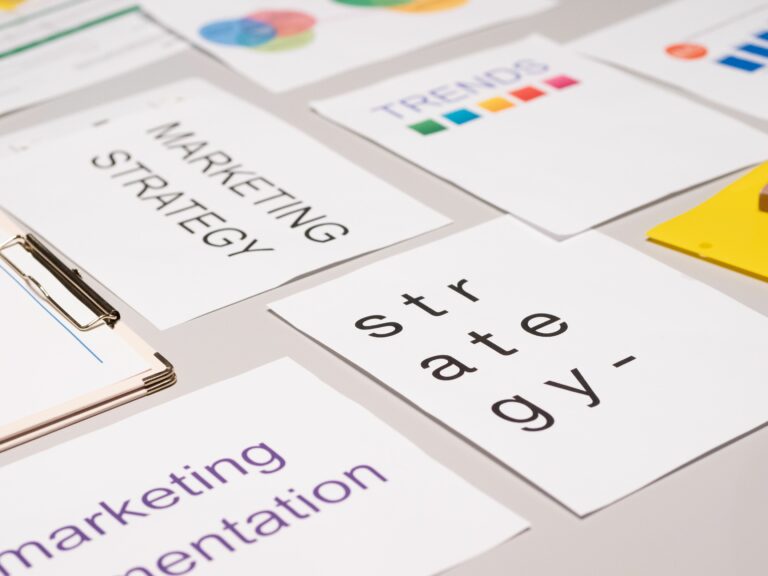

Content Hub planning is the fastest way to turn scattered influencer posts into a system you can scale, measure, and improve in 2026. Instead of treating each collaboration as a one off, you build a library of reusable assets, repeatable briefs, and clear performance rules. That makes creative easier to approve, budgets easier to defend, and results easier to compare across creators and platforms. In practice, a hub is not just a folder of files – it is a workflow: how ideas become briefs, how briefs become deliverables, and how deliverables become learnings. This guide shows you how to design that workflow with concrete templates, definitions, and simple calculations you can use immediately.
What a Content Hub is – and what it is not
A Content Hub is a centralized system for planning, producing, distributing, and measuring content across creators, channels, and campaigns. It includes your content taxonomy (topics, formats, funnel stage), your asset library (raw footage, edited cuts, captions, thumbnails), and your measurement layer (tracking links, naming conventions, benchmarks). It is not a single tool, and it is not only a content calendar. A calendar tells you what to post, while a hub tells you why it exists, how it gets made, and how you will judge success. If you want a simple decision rule: if someone new joined your team tomorrow, could they find the latest brief, the approved claims, the usage rights terms, and last quarter’s performance benchmarks in under 10 minutes? If not, you do not yet have a hub.
To keep the hub practical, define three scopes up front. First, the operational scope: which teams contribute (brand, social, performance, legal, agency). Second, the channel scope: which platforms and placements count (TikTok organic, Instagram Reels, YouTube Shorts, paid whitelisting). Third, the measurement scope: which KPIs are mandatory (reach, impressions, engagement rate, CPV, CPA). Write those scopes into a one page “hub charter” and store it next to your templates so it stays current.
Key terms you need before you build
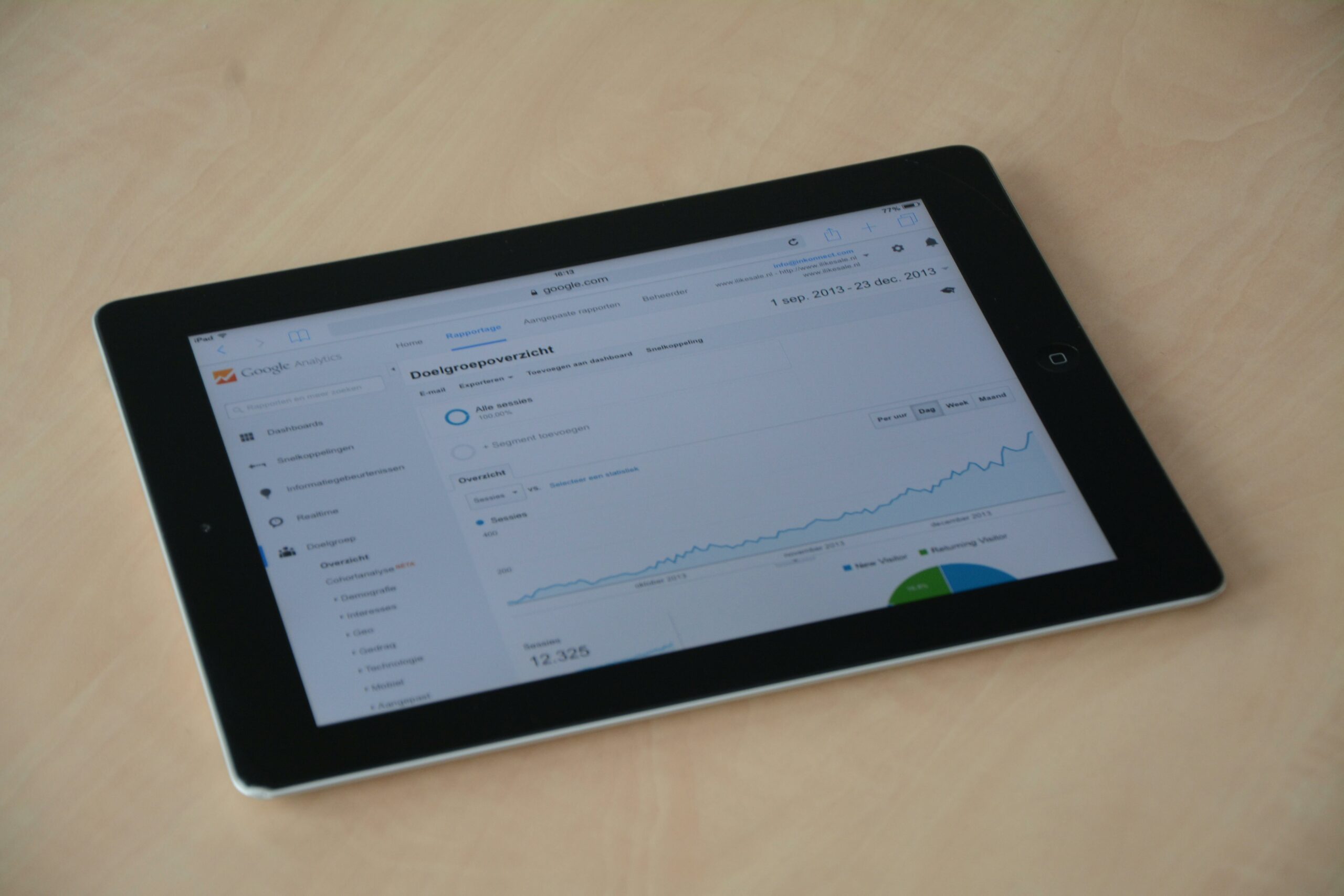
Before you set up folders or dashboards, align on definitions so your reporting does not collapse under inconsistent math. CPM is cost per thousand impressions, calculated as (cost / impressions) x 1000. CPV is cost per view, calculated as cost / views, and it is most useful when view definitions are consistent across placements. CPA is cost per acquisition, calculated as cost / conversions, and it requires reliable attribution. Engagement rate is typically engagements / impressions or engagements / followers, but you must choose one and stick to it for benchmarking. Reach is the number of unique accounts that saw the content, while impressions are total views including repeats.
Two terms that often derail influencer programs are whitelisting and usage rights. Whitelisting means running paid ads through a creator’s handle, usually via platform permissions, so the ad looks native and can outperform brand handle ads. Usage rights define how you can reuse the creator’s content, where you can use it (organic, paid, email, website), and for how long. Exclusivity is a restriction that prevents the creator from working with competitors for a set period, and it should be priced because it limits their income. Concrete takeaway: put these terms into a standard deal memo and require every campaign to fill them in before outreach starts.
Content Hub architecture: folders, taxonomy, and naming rules
Start with a structure that matches how you work, not how software vendors label features. A reliable model is: Strategy, Creators, Production, Distribution, Measurement, and Learnings. Under Strategy, store your audience insights, positioning, and your evergreen content pillars. Under Creators, store creator profiles, outreach notes, contracts, and performance history. Under Production, store briefs, scripts, raw files, edits, and approvals. Under Distribution, store posting schedules, whitelisting permissions, and paid media specs. Under Measurement and Learnings, store dashboards, weekly readouts, and experiment notes.
Next, create a taxonomy that makes content searchable. At minimum, tag each asset with: platform, format, funnel stage (awareness, consideration, conversion), product line, creator tier, and hook type. Then enforce a naming convention so assets can be found without opening files. One practical naming format is: YYYYMMDD – Platform – CreatorHandle – Product – Format – FunnelStage – Version. For example: 20260314 – TikTok – @alexfit – ProteinBar – UGCReview – Consideration – v2. The payoff is immediate: editors can locate the latest cut, paid teams can pull the right aspect ratio, and analysts can match assets to results without guesswork.
If you want more templates and examples for influencer workflows, keep a running list of your internal standards and update it as you learn. You can also browse additional playbooks and measurement notes in the InfluencerDB Blog, then mirror the best ideas into your own hub so knowledge does not live in Slack threads.
Build a measurement layer that ties content to outcomes
Measurement is where most hubs fail, because teams track what is easy instead of what is decision useful. Build your measurement layer around three questions: did people see it (distribution), did they care (engagement and watch time), and did it drive action (clicks, signups, purchases). For distribution, track reach, impressions, and frequency (impressions / reach). For engagement, track saves, shares, comments, and average watch time where available. For action, track link clicks, landing page views, and conversions, but only if your tracking is clean.
Use simple formulas to make performance comparable. Example: you pay $3,000 for a Reel that generates 180,000 impressions. CPM = (3000 / 180000) x 1000 = $16.67. If the same post gets 2,700 engagements (likes + comments + saves + shares), engagement rate by impressions = 2700 / 180000 = 1.5%. If you also drove 120 purchases with a tracked code, CPA = 3000 / 120 = $25. Now you can compare that creator to another creator, even if follower counts differ. Concrete takeaway: require every campaign report to include CPM, engagement rate definition, and at least one downstream metric, even if it is only clicks.
Finally, standardize your data sources. Pull platform metrics from official reporting where possible, and document any differences in definitions. For example, Meta’s business help center clarifies how impressions and reach are counted across placements, which helps you avoid mixing incompatible metrics in one chart. Reference: Meta Business Help Center.
Content Hub planning: a repeatable workflow from brief to publish
A hub becomes valuable when it enforces a workflow that reduces rework. Use a six step loop: (1) insight, (2) brief, (3) production, (4) approvals, (5) distribution, (6) learning. In the insight step, pull three inputs: audience questions, competitor creative patterns, and your own top performing hooks. In the brief step, write one clear objective and one primary KPI, then specify the non negotiables: claims, brand safety, and required talking points. In production, collect raw footage requirements early, because missing b roll is the most common reason edits stall. In approvals, set a single owner and a deadline, otherwise feedback will drift. In distribution, decide whether the post is organic only or also used for paid via whitelisting. In learning, write down what you would repeat and what you would never do again.
Here is a campaign checklist you can copy into your hub and assign owners to. The key is that each phase produces a tangible artifact that lives in the hub, not in someone’s inbox.
| Phase | Tasks | Owner | Deliverable stored in hub |
|---|---|---|---|
| Insight | Pull top hooks, audience pain points, prior benchmarks | Analyst | 1 page insight note + benchmark snapshot |
| Brief | Define objective, KPI, talking points, do not say list | Influencer lead | Creator brief + deliverables list |
| Production | Confirm script, shot list, raw file specs, deadlines | Creator + producer | Shot list + raw footage folder |
| Approvals | Review claims, disclosures, brand safety, final cut | Brand + legal | Approval log + final assets |
| Distribution | Schedule posts, set tracking links, whitelisting access | Social + paid | Posting plan + UTM sheet + permissions |
| Learning | Report results, annotate creative, recommend next test | Analyst | Postmortem + test backlog |
Pricing, rights, and negotiation rules you can store as defaults
Influencer pricing becomes easier when your hub stores “default deal terms” and a consistent way to evaluate quotes. Separate the fee into components: creative production, posting, usage rights, exclusivity, and paid amplification support (whitelisting). Then compare creators on effective CPM or CPV, not only on flat fees. If a creator charges $5,000 for a TikTok but consistently delivers 500,000 views, your CPV is $0.01, which can be competitive versus paid social. On the other hand, if views are volatile, you may prefer a hybrid deal: lower base fee plus a performance bonus tied to tracked conversions.
Use a simple negotiation checklist. First, ask what is included: number of concepts, rounds of revisions, raw footage, and posting window. Second, clarify usage rights: organic only versus paid, duration, and channels. Third, price exclusivity explicitly by category and time period. Fourth, confirm disclosure requirements and brand safety constraints. Fifth, document whitelisting access steps and timelines. Concrete takeaway: store a one page “rate card intake form” in your hub so every quote arrives with the same fields, making comparisons fair.
| Deal element | What to specify | How to price it | Common pitfall |
|---|---|---|---|
| Deliverables | Format, length, aspect ratio, hooks, CTA | Base fee per asset | Vague scope leads to endless revisions |
| Usage rights | Organic vs paid, channels, duration, territories | Add on fee or % of base | Assuming paid usage is included |
| Exclusivity | Competitor set, category, time window | Monthly premium based on lost deals | Overbroad exclusivity that creators reject |
| Whitelisting | Access method, duration, ad review process | Flat fee or performance bonus | Missing permissions delays the launch |
| Reporting | Screenshot requirements, timelines, metrics | Included, or small admin fee | Inconsistent metrics break benchmarks |
Common mistakes that quietly break a hub
The first mistake is building the hub around tools instead of decisions. If your folders are organized by software names, people will not know where to put work or how to find it later. Another frequent issue is mixing metric definitions, such as engagement rate by followers in one report and by impressions in another, which makes trends meaningless. Teams also forget to store negative learnings, so they repeat the same creative mistakes each quarter. In addition, many programs under document rights, so high performing content cannot be reused in paid or on product pages. Finally, some hubs become “write only” systems where people upload files but never review performance, so the hub grows without improving outcomes.
Fix these with three rules. Rule one: every asset must have a purpose tag and a KPI tag. Rule two: every campaign must end with a one page postmortem that includes one thing to repeat and one thing to change. Rule three: no asset is considered final until rights and disclosure status are recorded. If you enforce these rules, your hub stays usable as it scales.
Best practices for 2026: make the hub creator friendly and compliance safe
In 2026, the best hubs are built to reduce friction for creators. Provide a brief that is specific but not suffocating: one objective, three key points, two prohibited claims, and examples of tone. Offer creators a menu of hooks that have worked, then let them choose what fits their voice. Store your best performing hooks and opening lines in a swipe file inside the hub, and update it monthly. Also, keep a standard “asset request” list ready so creators know what raw files you need for repurposing. Concrete takeaway: if you want more usable footage, ask for it upfront, not after the post goes live.
Compliance is part of performance because takedowns and audience distrust are expensive. Make disclosure rules visible in the hub and include them in every brief. The FTC’s endorsement guidelines are the baseline for US campaigns and are worth linking directly in your internal documentation: FTC Endorsements, Influencers, and Reviews. If you run YouTube integrations, align with platform policies and ad disclosure expectations as well, since creators often cross post. Reference: YouTube paid product placements policy. Put a compliance checklist next to your approval log so reviewers can move quickly without missing essentials.
A simple 30 day rollout plan
You can launch a functional hub in a month if you prioritize standards over perfection. Week 1: write the hub charter, choose your taxonomy tags, and set naming conventions. Week 2: build templates – brief, rate card intake, approval log, and postmortem – then run one pilot campaign through the system. Week 3: set up measurement basics – UTM rules, dashboard fields, and a benchmark sheet – and train the team on how to log results. Week 4: audit what broke in the pilot, tighten the workflow, and migrate only the most useful legacy assets. The decision rule here is simple: do not migrate everything, migrate what you will actually reuse.
Once the hub is live, schedule a monthly “hub hygiene” meeting with a 30 minute agenda: remove duplicates, update benchmarks, and add two new learnings from recent campaigns. Over time, that rhythm turns your influencer program into a compounding asset. When budgets tighten, you will still know which creators, formats, and hooks reliably deliver, because your hub makes performance visible and repeatable.