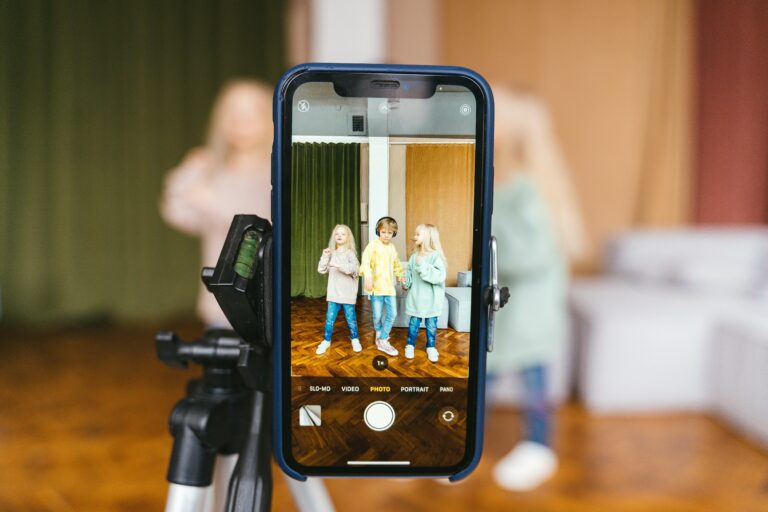

Facebook Live for business is one of the fastest ways to turn attention into trust because viewers can ask questions in real time and see how you respond. However, most company Lives fail for predictable reasons – weak hooks, unclear offers, and no plan to reuse the footage. This guide gives you a repeatable system: what to stream, how to structure it, what to measure, and how to connect Live video to influencer and paid distribution. Along the way, you will get definitions, simple formulas, and checklists you can hand to a teammate.
Why Facebook Live for business still works in 2026
Live video is not magic, but it is uniquely good at compressing the trust-building timeline. People tolerate rougher production when the content is timely, interactive, and useful. That makes Live a strong fit for product education, Q and A, demos, launches, and community moments. In addition, Live creates multiple assets: the live event, the replay, short clips, quotes, and FAQs you can publish later. Takeaway: if you cannot name the single action you want after the Live, you are not ready to go live.
Before you plan topics, decide which of these outcomes matters most: lead capture, direct sales, retention, or brand credibility. Then match the Live format to that outcome. For example, a demo with objections handled live is better for conversion, while a behind-the-scenes stream is better for affinity. Finally, set a realistic cadence. A monthly Live that you repurpose well often beats a weekly Live you abandon after three episodes.
Key terms you need before you plan a Live
To make Live video measurable, you need shared language across marketing, sales, and any creator partners. Start with the basics: reach is the number of unique people who saw your Live, while impressions count total views including repeats. Engagement rate is typically engagements divided by reach or impressions, depending on your reporting standard. CPM means cost per thousand impressions, CPV means cost per view, and CPA means cost per acquisition, such as a lead or purchase.
When you involve creators, two terms matter immediately. Whitelisting is when a creator authorizes your brand to run ads through the creator account, which can improve performance because the ad appears from the creator handle. Usage rights define how you can reuse the creator content, for how long, and in which channels. Exclusivity means the creator agrees not to promote competitors for a defined window, which raises pricing. Takeaway: write these terms into your brief and agreement before you schedule the Live, not after a clip goes viral.
Plan the show: a step-by-step framework that prevents awkward Lives
A good Live looks spontaneous, but it is usually tightly planned. Start with a one-page brief that answers five questions: who is it for, what problem are you solving, what is the promise, what proof will you show, and what is the next step. Then build a simple run-of-show so the host never wonders what to say next. If you work with influencers, include their role, talking points, and what they can and cannot claim.
Use this repeatable structure for most business Lives:
- 0:00 to 0:20 Hook – name the outcome and who it is for.
- 0:20 to 1:00 Credibility – why you or your guest can help, plus what will be covered.
- 1:00 to 8:00 Core value – demo, lesson, or story with clear steps.
- 8:00 to 10:00 Objections – answer the top three questions you expect.
- 10:00 to end CTA – one action only, repeated twice, plus a pinned link.
Next, script the first 45 seconds word-for-word. That is where most drop-off happens, so you need a clean opening. After that, use bullet prompts rather than a full script so you sound human. Takeaway: if your CTA requires more than one click and one form field, simplify it or you will waste the Live.
Production that looks credible without a studio budget
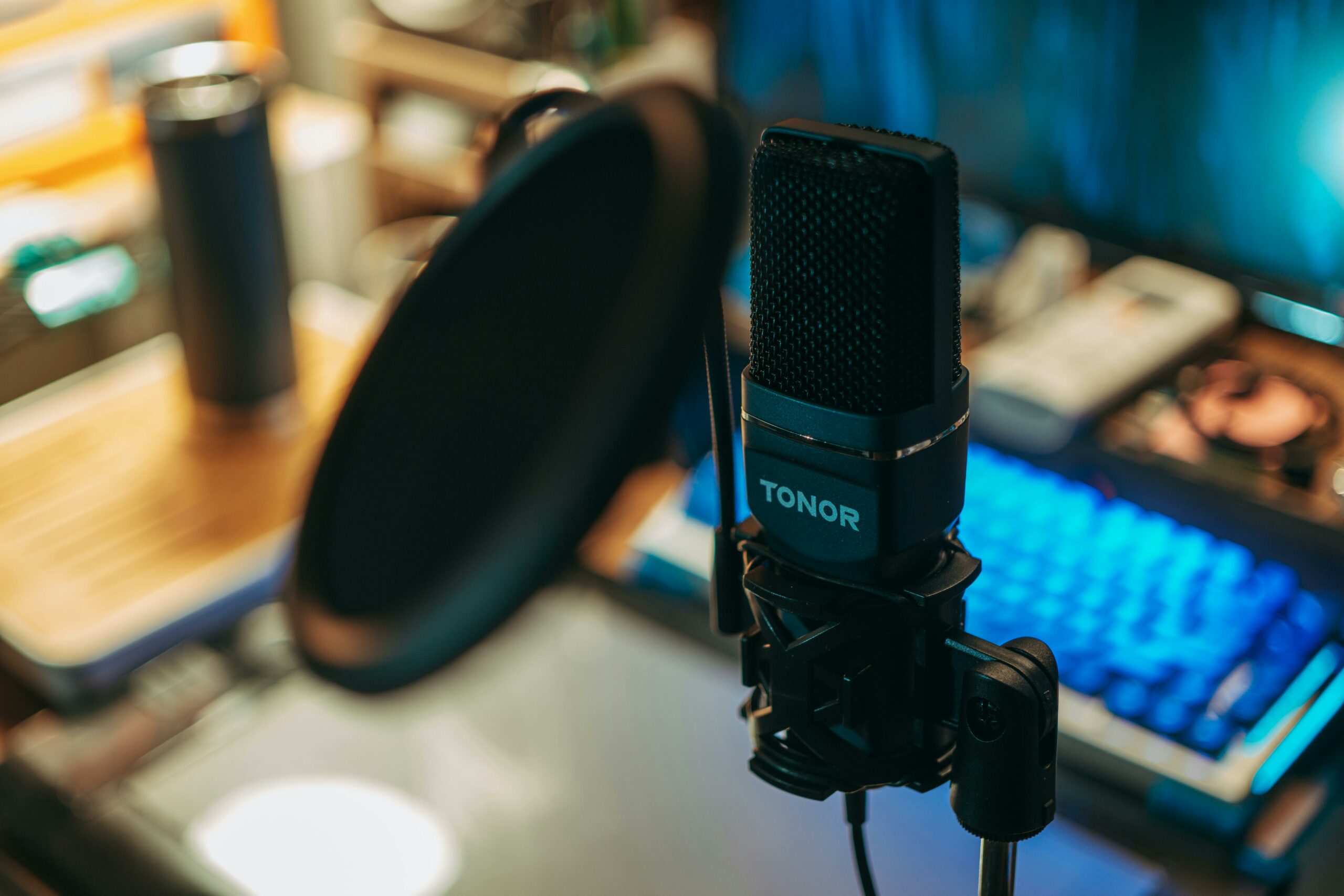
You do not need cinema gear, but you do need stable audio and lighting. Viewers will forgive a soft image sooner than they forgive noisy sound. Use a lav mic or a small shotgun mic, and test levels with a 15-second private recording. For lighting, face a window or use a ring light placed slightly above eye level. Keep the background intentional: a clean office, a product shelf, or a branded wall, not a messy corner.
Also plan your on-screen assets. Prepare a short list of links for the comments, a pinned comment template, and any lower-third name graphics if you use streaming software. If you want to add a second camera angle, do it only if you have someone monitoring the switch. Takeaway: assign one person as the producer whose only job is to watch comments, time, and technical issues.
KPIs and simple formulas: how to measure a Live like a performance channel
Facebook Live can support brand goals, but you still need numbers that connect to revenue. Start with three layers of measurement: attention, engagement, and conversion. Attention metrics include peak concurrent viewers, 3-second views, and average watch time. Engagement metrics include reactions, comments, shares, and link clicks. Conversion metrics include leads, purchases, booked calls, or trial starts.
Here are practical formulas you can use in a spreadsheet:
- Engagement rate = (reactions + comments + shares) / reach
- Click-through rate = link clicks / reach
- Lead conversion rate = leads / link clicks
- CPA = total cost / acquisitions
Example calculation: you spend $600 total (host time, design, and a small boost), reach 18,000 people, get 540 engagements, 360 link clicks, and 24 leads. Engagement rate = 540 / 18,000 = 3.0%. Lead conversion rate = 24 / 360 = 6.7%. CPA = $600 / 24 = $25 per lead. Takeaway: if you cannot track link clicks and leads, at least track a unique URL with UTM parameters so you can compare Lives over time.
| KPI | What it tells you | Good sign | Fix if weak |
|---|---|---|---|
| Peak concurrent viewers | How strong your topic and promotion were | Steady growth after minute 1 | Improve title, thumbnail, and pre-promo |
| Average watch time | Content quality and pacing | Viewers stay through the first segment | Tighten the first 60 seconds and add chapters |
| Comment rate | Interactivity and community pull | Questions appear early | Ask a specific question every 2 to 3 minutes |
| Link clicks | Intent to act | Clicks spike after CTA | Use one offer and pin the link |
| CPA | Economic efficiency | Below your target lead or sale cost | Refine audience, offer, and landing page |
Distribution: creators, whitelisting, and paid support without wasting budget
Organic reach is unpredictable, so treat distribution as part of production. Start with owned channels: schedule the Live, post a teaser, and email your list with one reason to show up live. Then consider partner distribution. A creator guest can bring a warmer audience, but only if the topic fits their niche and you give them a clean promo kit.
If you work with influencers, decide whether you want a co-hosted Live, a guest appearance, or a clip licensing deal. Co-hosting can boost credibility, while clip licensing is often easier to manage. When you need scale, whitelisting can help you run the best-performing clip as an ad from the creator handle. Takeaway: negotiate usage rights and whitelisting permissions up front, including duration, territories, and whether you can edit clips.
For a deeper view on how creators fit into performance goals, use the resources in the InfluencerDB influencer marketing blog to align deliverables, tracking, and reporting. To keep your Live compliant with platform rules, review Meta guidance on Facebook Business Help Center in a separate planning session so you are not scrambling on launch day.
| Distribution tactic | Best for | What to prepare | Decision rule |
|---|---|---|---|
| Scheduled Live + reminder posts | Predictable attendance | Title, teaser clip, agenda | Use if you can promote for 3 to 5 days |
| Creator guest | Borrowed trust and new reach | Talking points, offer, tracking link | Use if creator audience matches your buyer |
| Whitelisted clip ads | Performance scaling | Usage rights, ad-ready edits, UTMs | Use if organic clip has strong watch time |
| Retargeting replay viewers | Lower CPA | Audience setup, follow-up offer | Use if you have enough viewers to segment |
| Community cross-posting | Engagement and comments | Moderator plan, questions list | Use if you can actively moderate live |
Offer design and conversion: turn Live attention into revenue
A Live without an offer is usually just content. Your offer does not need to be a discount, but it must be specific. Good Live offers include a downloadable checklist, a limited-time consult slot, a product bundle, or early access to a feature. Keep the landing page minimal: one promise, three bullets, one form, and a clear confirmation step.
Use a single tracking link with UTMs, and create a short backup link in case comments get buried. If you have a sales team, set a service-level agreement before the Live: how fast leads are contacted and what message they receive. Takeaway: if you cannot follow up within 24 hours, switch to an automated nurture sequence so leads do not go cold.
For measurement standards that keep your reporting defensible, align definitions like reach and impressions with industry references such as the IAB measurement guidelines. That way, when you compare Live performance to other channels, you are not mixing incompatible metrics.
Common mistakes that quietly kill results
Most Live failures are preventable. One common mistake is starting with small talk and waiting for people to join. Instead, begin with the hook and deliver value immediately, because replays matter as much as the live audience. Another mistake is trying to cover too much. A tight topic with one clear outcome beats a broad overview every time.
Teams also underestimate moderation. Without someone managing comments, you miss questions and the stream feels one-way. Finally, many businesses forget repurposing. If you do not cut clips within 48 hours, the content will sit unused even if it performed well. Takeaway: put clip editing and posting dates on the calendar before you go live.
Best practices checklist: what to do every time
Consistency is what makes Live a channel, not a one-off event. Build a pre-flight checklist and reuse it. Keep your intro structure the same, so returning viewers know what to expect. Then experiment with one variable per episode, such as the time, the title style, or the CTA.
- Write a one-page brief with audience, promise, proof, and CTA.
- Script the first 45 seconds and rehearse it twice.
- Assign roles: host, producer, moderator, and clip editor.
- Pin one link and repeat one CTA, not three.
- Capture FAQs from comments and turn them into posts and emails.
- Cut 3 to 5 clips: hook, best tip, objection answer, proof moment, CTA.
- Track KPIs in a single sheet and compare episode to episode.
Takeaway: treat every Live as an experiment with a hypothesis, such as “A demo-first opening will increase average watch time by 20%.” That mindset keeps your team improving instead of guessing.
Repurposing workflow: get 10 assets from one Live
Repurposing is where the ROI often shows up. Start by downloading the replay and creating a transcript. Then identify timecodes for the strongest moments: a surprising stat, a clear step-by-step explanation, and one customer story. Edit vertical clips for short-form platforms, and keep at least one horizontal clip for ads or your website.
Next, turn the transcript into a blog-style FAQ and a sales enablement doc. If you collaborated with a creator, share the best clips with them in a folder along with suggested captions. Takeaway: publish the first clip within 24 to 48 hours while the topic is still fresh and the algorithm signals are warm.
A simple 30-day launch plan you can copy
If you want a practical starting point, run a 30-day Live sprint with four episodes. Week 1 is a problem framing session, week 2 is a demo, week 3 is a customer story or case study, and week 4 is a Q and A with a clear offer. Between episodes, retarget replay viewers with the best clip and a single next step. This approach builds familiarity without overwhelming your team.
Here is the decision rule to keep you honest: if episode 1 does not hit your minimum watch time or click target, do not add complexity. Fix the hook, tighten the topic, and improve the CTA before you bring in guests or paid spend. Takeaway: scale only what already works organically, because paid amplification will not rescue a weak Live.