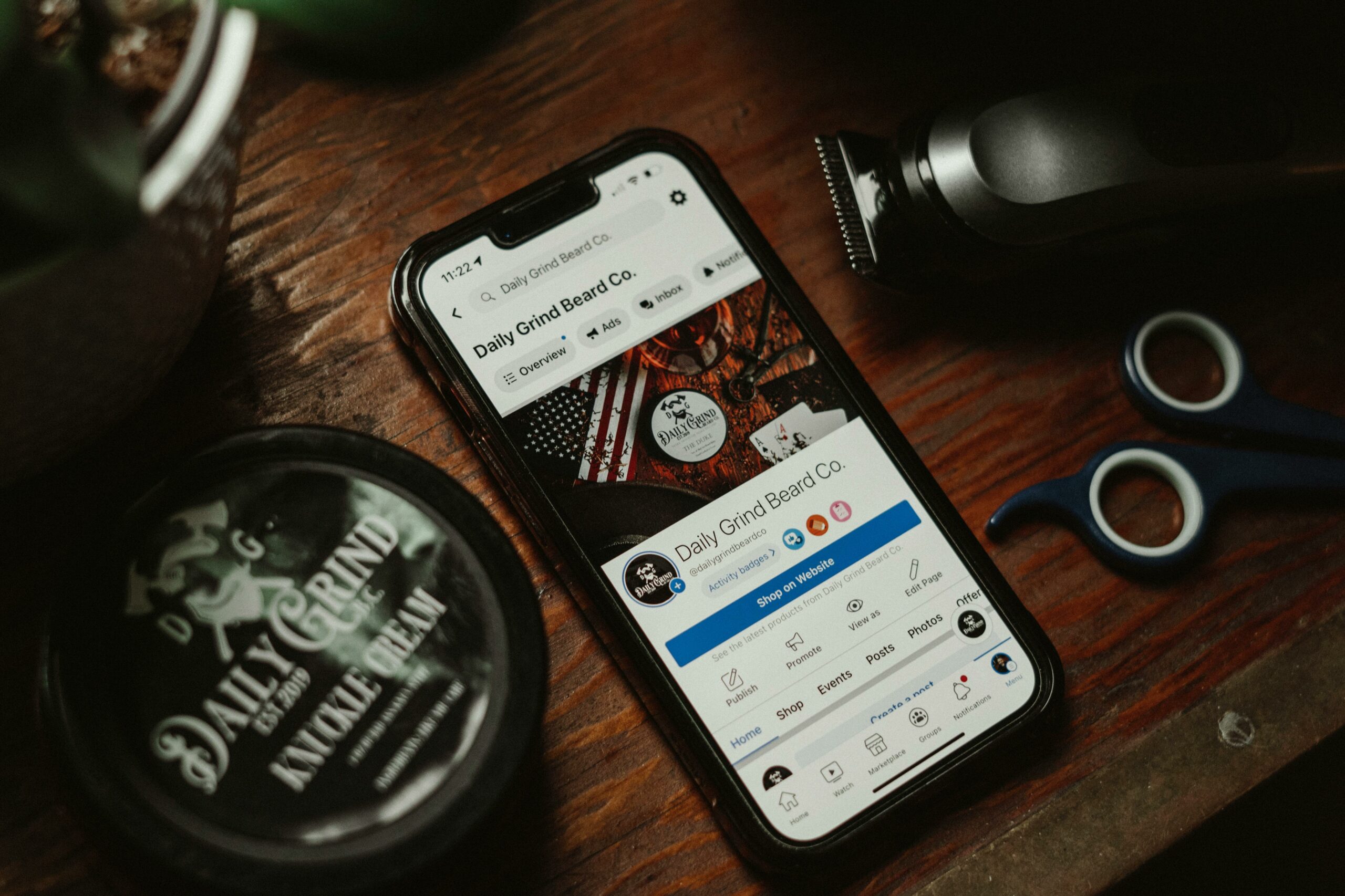

Multiple Facebook Pages can be a growth lever or a maintenance nightmare, depending on how you structure ownership, publishing, and reporting. In 2026, the biggest risk is not creating another Page – it is creating one without a clear purpose, clean access controls, and a measurement plan. This guide breaks down when to add a new Page, how to set it up inside Meta’s current tooling, and how to keep content and analytics consistent across a portfolio.
Multiple Facebook Pages: when you actually need more than one
Before you create anything, decide whether a new Page solves a real problem. A second Page makes sense when you have distinct audiences, separate storefronts, different languages, or regulated lines of business that require different moderation and disclosures. On the other hand, if the only reason is “we want more reach,” you will usually do better with one strong Page and clearer content pillars. As a rule, if two groups of followers would disagree on what “good content” looks like, split them. If they would happily follow the same updates, keep them together and use playlists, Guides, pinned posts, and audience targeting where available.
Use this quick decision rule: create a new Page only if you can commit to a minimum publishing cadence and a dedicated owner. A neglected Page signals low trust, and it can pull down brand perception faster than a quiet Instagram account because Facebook Pages are often where customers go for support. Also, multiple Pages create more surfaces for impersonation and spam, so you need monitoring. If you are a creator, the same logic applies: separate Pages for a personal brand and a media property can work, but only if each has a distinct content promise.
- Create a new Page for: separate brands, regions, languages, franchises, product lines with different buyers, or a distinct creator persona.
- Do not create a new Page for: minor content experiments, short campaigns, or “we might use it later.”
- Alternative: keep one Page and segment with post targeting, topic series, and a clear weekly schedule.
2026 setup checklist: ownership, roles, and Business Manager hygiene
Structure matters more than design. The cleanest approach is to manage Pages through Meta Business Suite with a Business Manager that is owned by the company, not by an employee’s personal profile. That way, when people change roles, you can remove access without losing the asset. Start by documenting who owns what, then assign the minimum permissions required for each job. In practice, most teams over-grant access, which increases the chance of accidental deletions, policy violations, or compromised accounts.
Meta’s official guidance changes over time, so verify the current steps in the help center before you migrate assets or consolidate access. For reference, Meta maintains documentation on Page roles and access in its business help resources: Meta Business Help Center. Keep a simple access log in a shared doc: Page name, Business Manager, primary admin, backup admin, and last access review date. Review access quarterly, and immediately after any agency contract ends.
- Assign two trusted admins (primary and backup) and avoid “shared admin” logins.
- Require two-factor authentication for everyone with elevated permissions.
- Standardize naming: Brand – Region – Language (example: Acme – Canada – French).
- Set up a moderation plan: response time target, escalation path, and banned keywords list.
Content architecture across multiple Pages: avoid duplication and audience fatigue
Once you have more than one Page, your biggest editorial risk is copy-pasting the same post everywhere. Facebook’s distribution systems reward relevance and engagement, so duplicates often underperform and can annoy followers who see repeated content. Instead, build a “core story” and then adapt it per Page. Think of it as one reporting assignment with multiple angles: the same product update can be framed as a local customer story for a region Page, a behind-the-scenes clip for a creator Page, and a support FAQ for a service Page.
Create a simple content matrix that forces differentiation. For each Page, define: audience, primary goal, top three content themes, and one signature format. Then, plan weekly so each Page has at least one unique post that only makes sense there. If you need a single source of truth for your broader social planning, keep a master calendar and then filter by Page. You can also use this site’s resources to sharpen your editorial process and influencer workflows – see the InfluencerDB blog on influencer marketing strategy for templates and measurement ideas you can adapt to Facebook.
- Rule: no more than 30 percent of posts should be identical across Pages in the same week.
- Tip: local Pages should lead with local proof – store staff, local creators, local comments.
- Tip: keep a shared asset folder with approved logos, fonts, and disclaimers.
Measurement that works: define metrics, terms, and a reporting framework
Multiple Pages are only worth the effort if you can compare performance fairly. Start by defining your terms so your team does not argue about basics in every monthly review. Reach is the number of unique people who saw your content. Impressions are total views, including repeat views by the same person. Engagement rate is typically engagements divided by reach or impressions – pick one and stick to it. CPM is cost per 1,000 impressions, CPV is cost per view (often for video), and CPA is cost per acquisition (a purchase, lead, or other conversion). For creator collaborations, whitelisting means running ads through a creator’s handle or content permissions, usage rights define where and how long you can reuse content, and exclusivity limits a creator from working with competitors for a set period.
Now build a reporting framework that works across Pages. Use one dashboard view per Page, plus a roll-up view that shows portfolio totals and share of performance. You want to answer three questions each month: which Page grew, which Page drove outcomes, and which Page needs a content reset. If you run paid support, track organic and paid separately so you do not mistake spend for creative success. For definitions and measurement consistency, align your terminology with industry standards where possible; the Interactive Advertising Bureau is a useful reference for ad measurement concepts: IAB.
| Metric | What it tells you | Simple formula | Decision rule across Pages |
|---|---|---|---|
| Reach | How many unique people you touched | Reported by platform | If Page A has 2x reach with similar engagement rate, scale its winning formats |
| Engagement rate | Content resonance | Engagements / Reach | If a Page drops 25%+ for 2 weeks, refresh themes and hooks |
| CTR | Link intent | Link clicks / Impressions | If CTR is low, test new thumbnails, first lines, and clearer CTAs |
| CPM | Cost to buy attention | Spend / (Impressions/1000) | If CPM spikes on one Page, check audience overlap and creative fatigue |
| CPA | Cost to drive outcomes | Spend / Conversions | Shift budget toward Pages with stable CPA and improving conversion rate |
Example calculation: you spend $600 promoting posts from one Page and generate 120,000 impressions and 24 purchases. Your CPM is $600 / (120,000/1,000) = $5. Your CPA is $600 / 24 = $25. If another Page has a CPM of $7 but a CPA of $18, the second Page is more expensive for attention but better for conversions, which often means its audience is smaller but more qualified.
Influencer and creator collaborations across Pages: whitelisting, rights, and tracking
When you operate multiple Pages, creator partnerships get complicated fast because content can be posted, boosted, and repurposed in several places. Start with a clear brief that states which Page publishes the content, which Pages may repost it, and whether paid amplification is allowed. If you plan to run whitelisting, specify who pays for spend, who owns the ad account, and what the approval process looks like. Also, define usage rights in plain language: platforms (Facebook, Instagram, website), placements (ads, organic, email), territories, and duration. Exclusivity should be narrow and realistic, otherwise you will pay for a restriction you do not use.
Tracking is where most teams lose signal. Use unique links per Page and per creator, even if the landing page is the same. For example, assign UTM parameters like utm_source=facebook, utm_medium=page, utm_campaign=spring_launch, utm_content=creatorname_pageA. If you are measuring leads or purchases, confirm your pixel and events are firing correctly before the campaign starts. Finally, align on what “success” means: reach, saves, video completion, leads, or sales. A creator can win on reach while losing on CPA, so you need both a brand metric and a business metric.
| Deliverable | Best Page to publish | Rights to request | Tracking must-have |
|---|---|---|---|
| Creator video (30 to 60s) | Main brand Page or product Page | Paid usage 90 days, social only | UTM link + video view and click reporting |
| Local store visit post | Regional Page | Organic repost rights for other regional Pages | Unique promo code per region |
| Giveaway announcement | Community Page | Short usage window, clear rules text | Comment and follower growth tracking |
| Testimonial carousel | Support or trust Page | Website and email rights if needed | Landing page conversion rate by Page |
Governance and compliance: disclosures, impersonation, and brand safety
More Pages mean more risk surfaces. Put governance in writing: who can publish, who can respond to sensitive comments, and what requires legal review. Disclosures matter on Facebook just as much as on other platforms, especially when creators are involved. If you are in the US, you should align your influencer disclosure practices with the Federal Trade Commission’s guidance: FTC endorsement guidelines. In addition, if you run promotions or collect data, make sure your Page policies and landing pages reflect what you actually do.
Impersonation is another practical issue. Claim your brand name variations early, and monitor for fake Pages that copy your logo and posts. Set up a weekly check: search your brand name, review Pages with similar names, and document anything suspicious. For comment moderation, define a “red flag” list: medical claims, hate speech, doxxing, and scam links. Train moderators to hide, delete, or escalate based on severity, and keep screenshots for records when needed.
- Create a one-page disclosure standard for creators: where the disclosure goes, what wording is acceptable, and examples.
- Use a monthly access review to remove ex-employees and expired agencies.
- Maintain a crisis response playbook with pre-approved holding statements.
Common mistakes (and how to fix them fast)
The most common mistake is launching multiple Pages without assigning distinct goals. When every Page tries to do everything, none of them build a clear audience expectation, and performance becomes hard to diagnose. Another frequent error is inconsistent branding: different logos, outdated bios, and mismatched contact details. That creates customer support friction and makes your organization look fragmented. Finally, teams often forget to unify measurement, so they compare raw engagement counts instead of rates, which rewards the biggest Page rather than the best content.
- Mistake: duplicating posts across Pages. Fix: adapt the hook and localize proof points per Page.
- Mistake: too many admins. Fix: least-privilege roles and quarterly audits.
- Mistake: no portfolio dashboard. Fix: one reporting template with rates, not just totals.
- Mistake: unclear rights for creator content. Fix: write usage rights and whitelisting terms into every agreement.
Best practices for a scalable Page portfolio in 2026
To keep multiple Pages healthy, treat them like a small newsroom. Each Page needs an editor, a beat, and a weekly plan. Start with a quarterly content strategy that sets themes and tentpole moments, then run a weekly planning meeting that assigns posts and owners. Next, standardize creative: templates for thumbnails, caption style, and CTAs so your brand looks consistent without feeling robotic. When you test new formats, test on one Page first, then roll out winners to the rest with light adaptation.
Measurement should drive action, not just reporting. Set a monthly “keep, fix, stop” review: keep the top two formats per Page, fix one underperforming theme with a new angle, and stop one activity that is not moving metrics. Also, build a simple archive of what worked: screenshots, hooks, and performance notes. Over time, that library becomes your fastest way to onboard new team members and agencies.
- Define one primary KPI per Page (example: reach for awareness, CPA for performance, response time for support).
- Run a 2-week creative test cycle: two hooks, two thumbnails, two CTAs, then pick a winner.
- Document your “Page purpose statement” in one sentence and keep it visible in your calendar.
Quick start plan: your next 14 days
If you want momentum without chaos, follow a short sprint. On day 1, inventory every Page you control and list admin access, posting cadence, and the last 10 posts. Days 2 to 4 are for cleanup: update bios, contact info, profile images, and pinned posts so each Page has a clear promise. Next, define KPIs and set up a reporting sheet that captures reach, engagement rate, CTR, and outcomes. Then, build a two-week calendar with at least three unique posts per Page, plus one shared campaign post that you adapt per audience.
Finally, schedule a review on day 14. Compare Pages using rates, not raw counts, and write down one change you will make per Page for the next cycle. If a Page cannot justify its existence after two cycles, consolidate or pause it. That decision alone is often the difference between a portfolio that grows and one that drains your team.