
A live shopping event is a livestream built to sell – not just to entertain – using real time demos, offers, and checkout prompts to drive measurable purchases. Done well, it blends creator trust with direct response discipline: a tight run of show, clear product focus, and tracking that ties content to revenue. However, many teams treat it like a casual live and then wonder why conversion is weak. This guide breaks the process into decisions you can actually make: what to measure, how to price, how to brief talent, and how to review performance so the next event improves.
What a live shopping event is – and the metrics that matter
In practice, live shopping sits between influencer content and performance marketing. Viewers show up for the host, but they buy because the product story is clear, the offer is credible, and the path to purchase is frictionless. Before you plan anything, align on the terms and metrics you will use in the brief and reporting. That keeps the conversation grounded when you negotiate rates or evaluate results.
Key terms (plain English):
- Reach – unique accounts that saw the live or the replay.
- Impressions – total views, including repeat views by the same person.
- Engagement rate – interactions divided by reach or views (define which). For live, include comments, likes, shares, and follows gained during the stream.
- CPM (cost per mille) – cost per 1,000 impressions. Formula: CPM = (total cost / impressions) x 1000.
- CPV (cost per view) – cost per video view. Formula: CPV = total cost / views.
- CPA (cost per acquisition) – cost per purchase or desired action. Formula: CPA = total cost / purchases.
- Whitelisting – brand runs ads through the creator handle (or uses creator content in paid) with permission and access.
- Usage rights – how long and where the brand can reuse the live recording or clips (organic, paid, email, site).
- Exclusivity – creator agrees not to promote competing brands for a defined period and category.
Concrete takeaway: Put the metric definitions in the first page of the brief. If you do not specify whether engagement rate uses reach or views, you will argue about performance later.
Set goals and KPIs before you pick a host
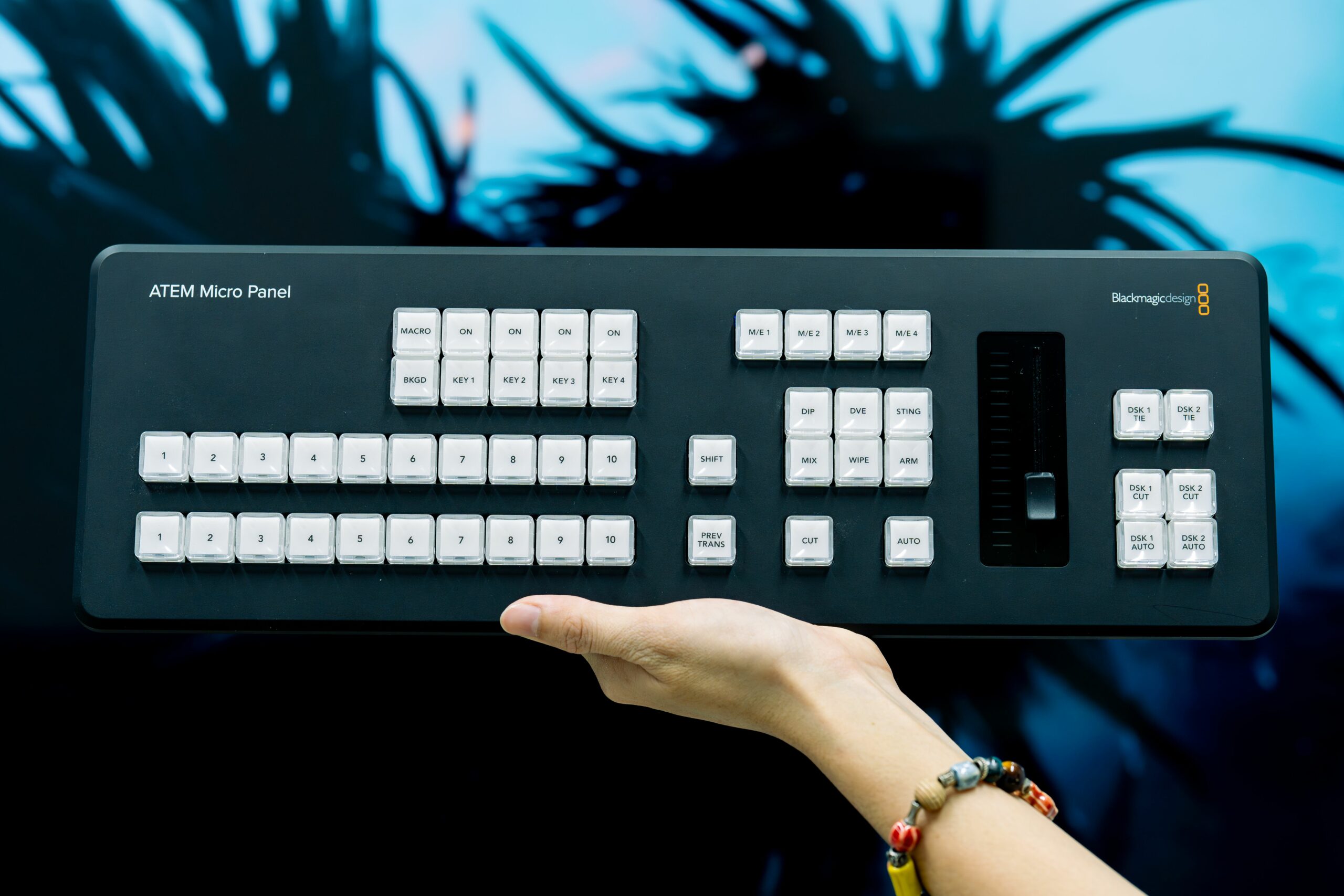
Live shopping can be optimized for different outcomes: immediate revenue, product education, list growth, or content capture for paid. Because each goal changes the creative and the economics, start by choosing one primary KPI and two secondary KPIs. Then build your event around that hierarchy.
Common KPI stacks by objective:
- Revenue first – primary: purchases; secondary: conversion rate, average order value (AOV).
- Demand generation – primary: email or SMS signups; secondary: click through rate, cost per lead.
- Product education – primary: average watch time; secondary: comment rate, saves/shares.
- Creative production – primary: number of usable clips; secondary: hook retention, paid CTR on whitelisted ads.
Next, set baseline targets using what you already know. If you have historical ecommerce data, estimate a reasonable conversion rate for warm traffic and a conservative rate for cold traffic. If you do not have a baseline, start with a pilot and treat the first event as measurement.
Simple forecasting method: estimate the number of qualified viewers, then multiply by expected conversion and AOV.
- Qualified viewers = expected live viewers + replay viewers within 48 hours (if you plan to promote the replay)
- Orders = qualified viewers x conversion rate
- Revenue = orders x AOV
Example: You expect 8,000 qualified viewers, a 1.2% conversion rate, and a $55 AOV. Orders = 8,000 x 0.012 = 96. Revenue = 96 x 55 = $5,280. That number is not a promise, but it tells you whether a $10,000 talent fee makes sense without a performance component.
Concrete takeaway: If your forecasted revenue is less than the fixed cost, negotiate a hybrid deal (lower base + CPA or revenue share) or shift the goal to list growth and content capture.
Build the run of show that sells (without feeling like an ad)
A live shopping event fails most often because it lacks structure. Viewers need a reason to stay, and they need repeated, clear prompts to buy. At the same time, the host needs room to be natural. The solution is a run of show that is tight on beats and flexible on wording.
Run of show template (45 minutes):
- Minute 0 to 3 – hook, who the live is for, what you will cover, and the offer terms. Pin the link and repeat it once.
- Minute 3 to 10 – hero product demo with one clear problem statement and one proof point (before/after, ingredients, warranty, or comparison).
- Minute 10 to 15 – social proof segment: reviews, FAQs, or live testimonials. Answer 3 questions from comments.
- Minute 15 to 25 – second product or bundle, plus a limited time incentive (gift with purchase, free shipping, or bonus item).
- Minute 25 to 35 – objection handling: price, sizing, compatibility, returns. Show the checkout steps on screen if possible.
- Minute 35 to 45 – recap, last call, and next steps (replay availability, code expiration, where to find more info).
Plan your calls to action like a performance marketer. Mention the offer early, then restate it at natural moments: after a demo, after a question, and during recap. Avoid reading a script. Instead, give the host a short list of “must say” facts: price, code, deadline, and what is included.
Concrete takeaway: Write three versions of the CTA (short, medium, and detailed). That prevents repetitive phrasing while keeping the message consistent.
Pricing and deal structures: how to pay fairly and protect ROI
Live shopping pricing is messy because deliverables vary: some creators bring production value and a loyal audience, while others are better as on camera talent for a brand channel. Start by separating what you are buying: audience access, hosting skill, content rights, and performance risk. Then choose a deal structure that matches your forecast and your appetite for uncertainty.
| Deal structure | Best for | How it works | Watch outs |
|---|---|---|---|
| Flat fee | Predictable budgets, strong brand fit | One fixed payment for hosting + agreed deliverables | Brand carries performance risk, define minimum promo support |
| Hybrid (base + bonus) | Most brand creator partnerships | Lower base fee plus bonus for sales, leads, or view milestones | Define attribution window and what counts as a purchase |
| CPA or revenue share | High margin products, creators confident in conversion | Creator earns per order or % of net revenue | Requires clean tracking and clear refund handling |
| Hosted on brand channel | Brands building owned audiences | Creator is paid as talent, brand controls traffic and checkout | Creator may need extra fee for usage rights and whitelisting |
When you negotiate, ask for the inputs that influence conversion: expected promo posts, email support, and whether the creator will push the replay. If the creator is also providing edited clips, price those separately. Usage rights and whitelisting should never be assumed. For disclosure expectations, reference the FTC’s endorsement guidance so everyone is aligned on transparent labeling: FTC Endorsement Guides.
Concrete takeaway: Put a performance bonus in writing with a simple table: threshold, payout, and reporting source. Complexity kills trust and slows payment.
Tracking, attribution, and a simple reporting model
Live shopping feels hard to measure because viewers move across surfaces: live, replay, profile link, and sometimes a separate landing page. Still, you can get clean enough data to make decisions if you standardize your tracking. Use a dedicated URL with UTM parameters, a unique discount code, and a defined attribution window. Then reconcile platform analytics with ecommerce data.
Minimum tracking setup:
- One dedicated landing page per event (or per creator) with a clear offer and fast checkout.
- UTM tagged link for the pinned comment and bio link during the event.
- Unique code tied to the event (easy to say out loud).
- Attribution window defined in the contract (for example, live time + 48 hours replay).
Core formulas:
- Conversion rate = purchases / landing page sessions
- ROAS = revenue attributed / total cost
- CPA = total cost / purchases
- Gross margin ROI = (revenue x gross margin – total cost) / total cost
Example calculation: Total cost is $7,500 (creator fee + production + samples). Attributed revenue is $18,000. ROAS = 18,000 / 7,500 = 2.4. If gross margin is 55%, gross profit is 9,900. Gross margin ROI = (9,900 – 7,500) / 7,500 = 0.32, or 32%.
| Metric | What it tells you | Good sign | Fix if weak |
|---|---|---|---|
| Average watch time | Whether the opening and pacing hold attention | Stable retention after the first 2 minutes | Improve hook, shorten intro, tease offer earlier |
| Comment rate | Audience intent and Q and A momentum | Questions about fit, price, shipping | Prompt questions, add a moderator, show product details |
| Click through rate | How well CTAs and link placement work | Clicks spike after demos and recaps | Pin link, repeat CTA, simplify landing page |
| Conversion rate | Offer strength and purchase friction | Improves during limited time segments | Clarify offer terms, reduce steps, add trust signals |
| Refund rate | Product market fit and expectation setting | Low and stable | Tighten claims, show real usage, improve sizing guidance |
If you plan to repurpose clips into ads, align early on whitelisting access and usage rights. Meta’s documentation on branded content and partnership ads is a useful reference for how permissions work on their platforms: Meta Business Help Center.
Concrete takeaway: Use a single source of truth for revenue (your ecommerce platform) and treat platform sales estimates as directional unless they match your backend.
Briefing creators and staffing the live: roles, checklists, and timing
A strong live shopping event is a small production. Even if it looks casual, someone needs to manage comments, someone needs to watch the link and code, and someone needs to keep the host on time. Brands that staff this properly get cleaner data and a smoother viewer experience.
Recommended roles:
- Host – leads the show, demos, answers questions.
- Moderator – pins links, surfaces questions, removes spam, posts reminders.
- Producer – keeps the run of show moving, tracks time, coordinates product swaps.
- Analytics owner – validates UTMs, monitors sessions, captures screenshots, compiles report.
Creator brief essentials:
- Event goal and primary KPI.
- Product claims that are allowed vs. not allowed (especially for health and beauty).
- Offer details: code, expiration, exclusions, shipping thresholds.
- Run of show beats and “must cover” features.
- Disclosure requirements and exact wording guidance.
- Deliverables beyond the live: teaser post, story frames, replay link, cutdowns.
To keep your planning grounded in data, build a repeatable template and refine it after each event. You can also pull additional planning and measurement ideas from the InfluencerDB Blog, especially when you are comparing creators or building a reporting cadence.
Concrete takeaway: Schedule a 20 minute tech rehearsal. Test lighting, audio, link placement, and product close ups. Most conversion problems start as production problems.
Common mistakes that quietly kill conversions
Live shopping is unforgiving because viewers can leave instantly. The most damaging mistakes are usually small, and they compound: unclear offer terms, weak pinning of the link, or a host who never shows the product up close. Fixing these does not require a bigger budget, just tighter execution.
- Starting with a long personal intro – viewers need the value proposition in the first minute.
- Too many products – focus on one hero item and one upsell bundle.
- Vague CTAs – “link in bio” is not enough; repeat the exact steps.
- No moderator – questions go unanswered, and the chat becomes noise.
- Ignoring objections – price, sizing, returns, and shipping must be addressed directly.
- Messy rights and exclusivity terms – disputes delay reuse and damage relationships.
Concrete takeaway: After the event, write down the top 10 questions asked in chat. Use them as your next run of show outline and your landing page FAQ.
Best practices to scale repeatable wins
Once you have one successful live, the goal is repeatability. That means standardizing your offer architecture, building a creator bench, and treating each event like an experiment with one or two variables. Over time, you will learn what actually moves conversion: the host, the product, the incentive, or the production.
Best practices checklist:
- Use a consistent offer format – for example, code + free shipping threshold + bundle option.
- Limit variables per event – change one thing at a time (host, price, or run of show).
- Clip the replay fast – publish 3 to 5 short cutdowns within 48 hours while intent is warm.
- Negotiate rights up front – define usage length, paid usage, and whitelisting access.
- Build a post live report – include what worked, what failed, and the next test.
Finally, treat compliance as part of performance. Clear disclosure protects trust, and trust is the real conversion lever in creator led commerce. If you want a quick standard, require an on screen “Paid partnership” label when available and a verbal disclosure early in the live, then repeat it when you restate the offer.
Concrete takeaway: Create a one page “live shopping scorecard” with your KPI stack, formulas, and benchmarks. Use it in every recap so your team stops reinventing the analysis.
Quick start: your first live shopping event in 7 steps
If you want a simple path from idea to execution, follow this sequence. It forces clarity early, which saves money later. It also makes it easier to compare events because the inputs stay consistent.
- Pick one hero product with a clear demo and enough margin to support incentives.
- Choose your KPI stack and write down baseline targets.
- Select the host based on audience fit and on camera skill, not follower count alone.
- Lock the offer and build a dedicated landing page with UTMs and a unique code.
- Write the run of show with three CTA versions and a Q and A segment.
- Rehearse audio, lighting, product close ups, and link pinning.
- Report within 72 hours using ROAS, CPA, and a qualitative summary of objections and questions.
Concrete takeaway: If you only do one thing today, draft the run of show and the tracking plan together. Creative and measurement should be designed as one system, not two separate tasks.