
A social media content calendar is the simplest way to turn scattered posting into a repeatable system you can actually maintain. Instead of guessing what to publish each day, you plan themes, formats, and deadlines in advance, then leave room for timely posts. The goal is not to schedule every second of your life. It is to make sure your best ideas ship, your campaigns hit dates, and your audience sees consistent value. This guide walks you through a practical build process, plus the metrics and terms marketers use so your calendar supports real outcomes.
Social media content calendar basics: what it is and what it is not
Think of a calendar as a lightweight operating system for your content. At minimum, it records what you will post, where it will go, and when it will publish. A stronger version also includes the objective, the creative brief, the asset status, and the measurement plan. Importantly, it is not a rigid script that kills spontaneity. In practice, the best calendars include a planned backbone and a flexible slot for trends, community moments, and reactive content. Takeaway: if your calendar does not reduce decision fatigue, it is too complicated.
Before you build, define a few terms you will see in briefs and performance reports. Reach is the number of unique people who saw your content, while impressions are total views including repeats. Engagement rate typically means engagements divided by reach or impressions (you must specify which). CPM is cost per thousand impressions, CPV is cost per view, and CPA is cost per acquisition (a purchase, signup, or other conversion). If you run creator partnerships, you will also hear usage rights (permission to reuse content), exclusivity (limits on working with competitors), and whitelisting (a brand running ads through a creator handle). These definitions matter because your calendar should reflect what you are trying to achieve and how you will measure it.
Set goals and KPIs before you pick posting dates
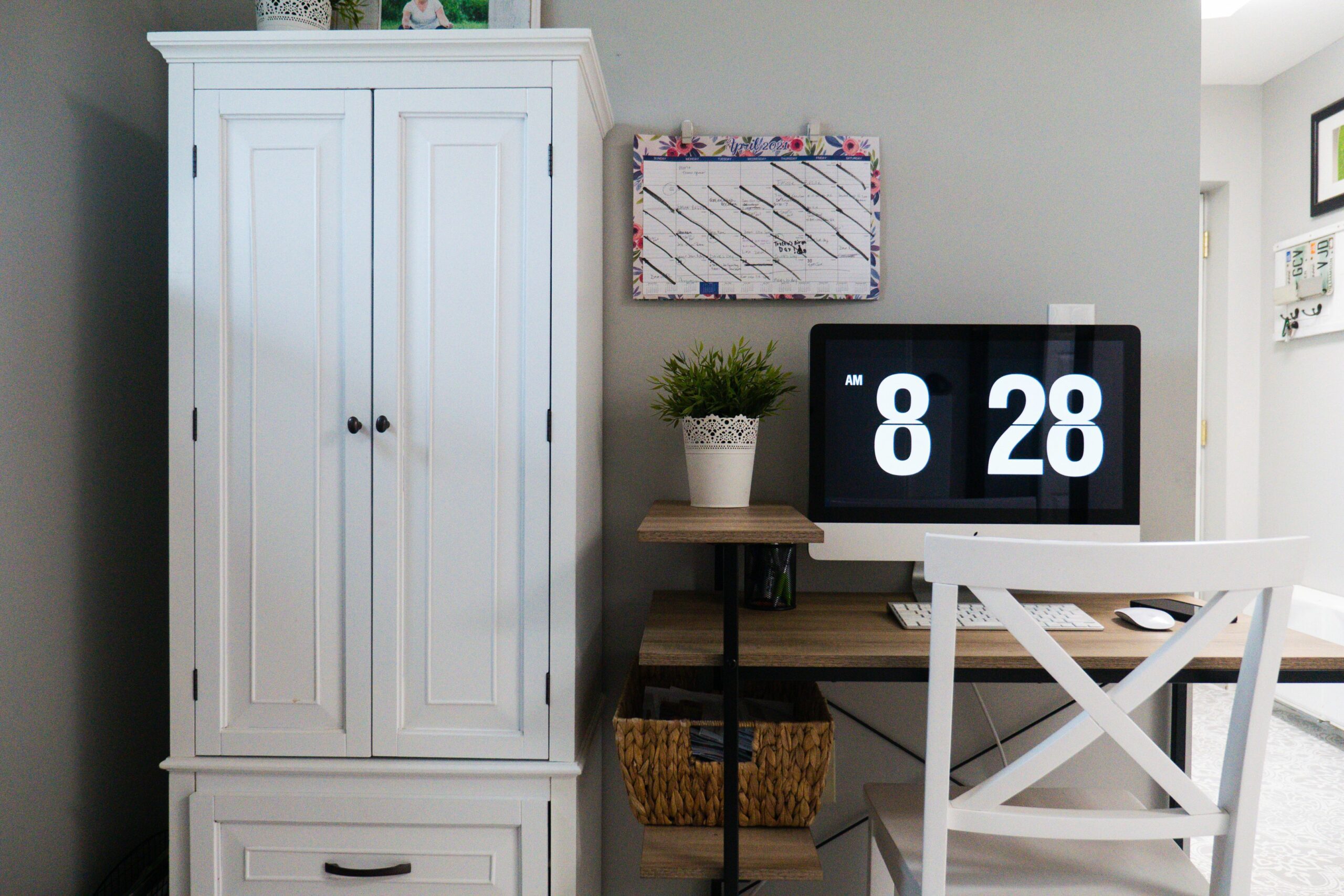
Calendars fail when they start with dates instead of outcomes. Begin by choosing one primary goal per platform for the next 30 days, then attach a KPI you can track weekly. For example, Instagram might focus on reach growth, TikTok on video views, and LinkedIn on qualified clicks. Next, decide what success looks like in numbers so you can adjust quickly. A practical rule is to pick one leading metric (like reach) and one lagging metric (like conversions) per platform. Takeaway: if you cannot name the KPI in one sentence, you are not ready to schedule posts.
Use simple formulas so your reporting stays consistent. Engagement rate (by reach) can be: ER% = (likes + comments + saves + shares) / reach x 100. CPM can be: CPM = spend / impressions x 1000. CPV can be: CPV = spend / views. CPA can be: CPA = spend / conversions. Example: you spend $300 boosting a Reel that gets 50,000 impressions and 1,200 engagements, reaching 35,000 people. CPM = 300 / 50,000 x 1000 = $6. ER by reach = 1,200 / 35,000 x 100 = 3.43%. Those numbers tell you whether to repeat the format next week or swap the hook and thumbnail.
Choose your content pillars and map them to formats
Once goals are clear, you need a content mix that can hit them without burning you out. Start with 3 to 5 content pillars – recurring themes your audience expects and your brand can sustain. Examples include education, behind the scenes, product demos, community stories, and opinion or commentary. Then map each pillar to 2 or 3 repeatable formats. Education could become carousels, short tutorials, and myth busting clips. Behind the scenes could become day in the life, process breakdowns, and bloopers. Takeaway: pillars are the strategy, formats are the execution – keep both visible in your calendar.
To keep the mix balanced, assign a percentage to each pillar for the month. A creator selling a course might do 40% education, 30% proof, 20% community, 10% personal. A DTC brand might do 35% product, 25% education, 25% UGC and testimonials, 15% culture. This prevents the common trap of posting only what is easiest that week. It also makes it easier to brief collaborators because you can say, “We need two proof posts and one community post by Friday,” instead of scrambling for ideas.
Build the calendar: a step by step workflow that takes one hour
You can build a workable month plan in one focused session. First, pick your planning horizon: 2 weeks if you are moving fast, 4 weeks if you have approvals. Second, choose your publishing cadence per platform based on capacity, not ambition. Third, fill in anchor moments like launches, events, holidays, and partner deliverables. Fourth, add your recurring series, then fill remaining slots with pillar based ideas. Finally, assign owners and deadlines so posts do not stall in “almost done.” Takeaway: the calendar is only real when each post has a next action and a due date.
Use this checklist to build your first version:
- List key dates: launches, promos, live streams, collaborations, events
- Set weekly cadence per channel (example: 3 TikToks, 2 Reels, 1 newsletter)
- Create a weekly theme (example: Week 1 onboarding, Week 2 objections, Week 3 proof, Week 4 offer)
- Draft post titles and hooks for each slot
- Assign format, pillar, CTA, and KPI per post
- Add production deadlines: script, shoot, edit, review, schedule
- Reserve 1 to 2 flexible slots per week for reactive content
If you want more planning and measurement ideas that fit influencer and creator workflows, browse the InfluencerDB Blog and borrow the parts that match your team size.
Use a simple template: what columns to include (with examples)
A calendar template should answer five questions quickly: what is it, where does it go, when does it publish, why does it exist, and what is blocking it. That means your columns should cover content, distribution, and operations. If you are a solo creator, keep it lean so you actually update it. If you are on a team, add status fields so handoffs are clear. Takeaway: the best template is the one you will open every day.
| Column | What to write | Example | Why it matters |
|---|---|---|---|
| Date and time | Publish date and local time | Aug 6, 11:30 | Prevents last minute scheduling |
| Platform | Channel and placement | Instagram Reel | Formats differ by platform |
| Pillar | Theme bucket | Education | Keeps your mix balanced |
| Working title and hook | One line promise | “3 mistakes killing your reach” | Improves creative clarity |
| CTA | Action you want | Save and comment “CAL” | Aligns content to outcomes |
| Asset links | Drive folder or doc URL | Drive: /Aug/Reel03 | Speeds up approvals and posting |
| Status | Idea, script, filmed, edited, scheduled | Edited | Shows bottlenecks instantly |
| KPI | Primary metric to watch | Reach | Makes weekly reviews faster |
For teams, add two more fields: owner and reviewer. That one change eliminates most “I thought you had it” delays. Also add a usage rights note if you plan to repurpose creator content across ads or email. If you are working with partners, include exclusivity terms and the end date so you do not accidentally conflict with a deal.
Plan distribution and repurposing so one idea becomes five assets
Publishing is only half the job. Distribution is how you make sure the work gets seen. For each anchor piece of content, plan at least two supporting assets that point back to it. A long tutorial can become a short teaser, a carousel summary, and a story Q and A. Similarly, a customer testimonial can become a Reel, a static quote, and a website snippet. Takeaway: if you are creating from scratch for every channel, your calendar will collapse under its own weight.
Use a simple repurposing rule: one core idea per week, then slice it into formats that match each platform. Keep the message consistent, but adjust the packaging. TikTok needs a fast hook and tight edit, while LinkedIn can handle more context. If you are unsure about specs, check official documentation like YouTube Shorts guidelines so your exports do not get cropped or downgraded.
| Core asset | Repurpose into | Time estimate | Best for |
|---|---|---|---|
| 10 minute tutorial video | 3 Shorts + 1 carousel + 1 email | 2 to 4 hours | Reach and saves |
| Creator UGC product demo | Reel + Story cutdown + ad variant | 1 to 2 hours | Conversions and CPA |
| Podcast episode | Quote graphics + 2 clips + blog outline | 2 to 3 hours | Authority and search |
| Customer case study | Thread + LinkedIn post + landing page section | 1 to 3 hours | Trust and sales enablement |
Scheduling, approvals, and measurement: keep the engine running
A calendar becomes sustainable when it includes operations, not just ideas. Set a weekly rhythm with two meetings or blocks: a planning block to lock next week’s posts, and a review block to learn from performance. During planning, confirm assets, captions, and links, then schedule what you can. During review, look at reach, impressions, engagement rate, and clicks, then write one sentence about what you will repeat and one sentence about what you will change. Takeaway: small weekly adjustments beat big quarterly overhauls.
If you work with brands or run influencer campaigns, add a measurement layer that connects content to spend. For paid amplification, track CPM and CPV for awareness, then CPA for conversion. For example, if a whitelisted creator ad has a low CPM but a high CPA, your targeting might be broad enough for cheap impressions but not qualified enough for purchases. In that case, keep the creative and tighten the audience. For disclosure and ad labeling, follow FTC disclosure guidance so your calendar includes time for compliance checks.
Common mistakes that make calendars useless
Most calendars fail for predictable reasons. The first is overcommitting to a cadence you cannot produce, which leads to missed posts and guilt. Another is planning only “what” without planning “how,” so assets never move past the idea stage. Teams also forget to reserve time for editing, approvals, and versioning, especially when multiple formats are involved. Finally, many people track vanity metrics without tying them to a goal, so the review meeting becomes a shrug. Takeaway: a calendar should reduce stress, not create a second job managing the calendar.
- Scheduling every slot with no room for reactive posts
- Mixing too many pillars so the feed feels random
- Not writing hooks in advance, which slows production
- Ignoring usage rights and exclusivity until after content is made
- Reviewing performance monthly instead of weekly
Best practices: decision rules that keep you consistent
Consistency comes from rules, not motivation. Set a minimum viable cadence you can hit even in a busy week, then treat anything extra as a bonus. Build a small library of repeatable series so you are never starting from zero. Keep one “evergreen” post in draft for emergencies, and maintain a backlog of hooks and headlines. Also, document your brand voice and visual basics so posts look coherent even when multiple people contribute. Takeaway: your calendar should make quality easier, not optional.
- Capacity rule: plan 70% of what you think you can produce, leaving 30% for reality
- Quality rule: if a post does not have a clear promise in the first line, rewrite the hook
- Measurement rule: every post gets one KPI and one note after 48 hours
- Repurposing rule: every core asset must generate at least two derivatives
- Compliance rule: add disclosure and rights checks before scheduling partner content
A 30 day starter plan you can copy today
If you want a fast start, use a simple four week structure. Week 1 focuses on audience onboarding: who you help and what you stand for. Week 2 tackles objections with myth busting and comparisons. Week 3 is proof: testimonials, case studies, and behind the scenes. Week 4 is offer and conversion: demos, FAQs, and a clear CTA. Then repeat the cycle with new angles. Takeaway: a repeating monthly arc gives you structure while still leaving room for creativity.
Here is a practical example cadence for one primary platform plus support channels. Post three short videos per week, one carousel or static post, and daily stories with light community prompts. On your support channel, repurpose one clip and one written post. Each Friday, review top reach and top saves, then choose one winning format to repeat next week. That loop is how a calendar turns into growth over time.