

Message Spike Alerts are the fastest way to spot a sudden jump in DMs, comments, or inbox requests before it turns into missed leads, creator burnout, or a campaign reporting mess. In influencer marketing, a message surge can be great news, a sign of a successful post, or a red flag for bots, giveaways gone sideways, or a competitor stirring trouble. Either way, you need a repeatable method to detect the spike, diagnose the source, and respond with the right playbook. This guide breaks down what to track, how to set thresholds, and how to turn alerts into decisions you can defend in a performance review.
Message Spike Alerts – what they are and why they matter
A message spike is a short window where inbound volume jumps well above normal. “Messages” can mean Instagram DMs, TikTok inbox messages, YouTube comments that demand replies, brand email replies, or even support tickets triggered by a creator’s link. Message Spike Alerts are automated notifications that fire when volume, velocity, or sentiment crosses a threshold. The point is not just awareness – it is early intervention.
In practice, spikes matter because they change outcomes. First, response time affects conversion when the messages are purchase intent or partnership inquiries. Second, a spike can distort campaign measurement if you confuse “inbox noise” with real demand. Third, spikes can signal fraud patterns, such as bot swarms that inflate engagement and then flood DMs with scam links. The takeaway: treat inbound messages as a measurable channel, not an afterthought.
Before you build alerts, align on definitions. Reach is the number of unique accounts that saw content, while impressions are total views including repeats. Engagement rate is typically engagements divided by reach or impressions, depending on your standard. CPM is cost per thousand impressions, CPV is cost per view, and CPA is cost per acquisition. Whitelisting means running ads through a creator’s handle, usage rights define how you can reuse content, and exclusivity limits the creator from working with competitors. These terms show up in spike analysis because a paid boost, a whitelisted ad, or a new usage placement can trigger sudden inbound volume.
Key metrics to monitor (and the decision rules behind them)
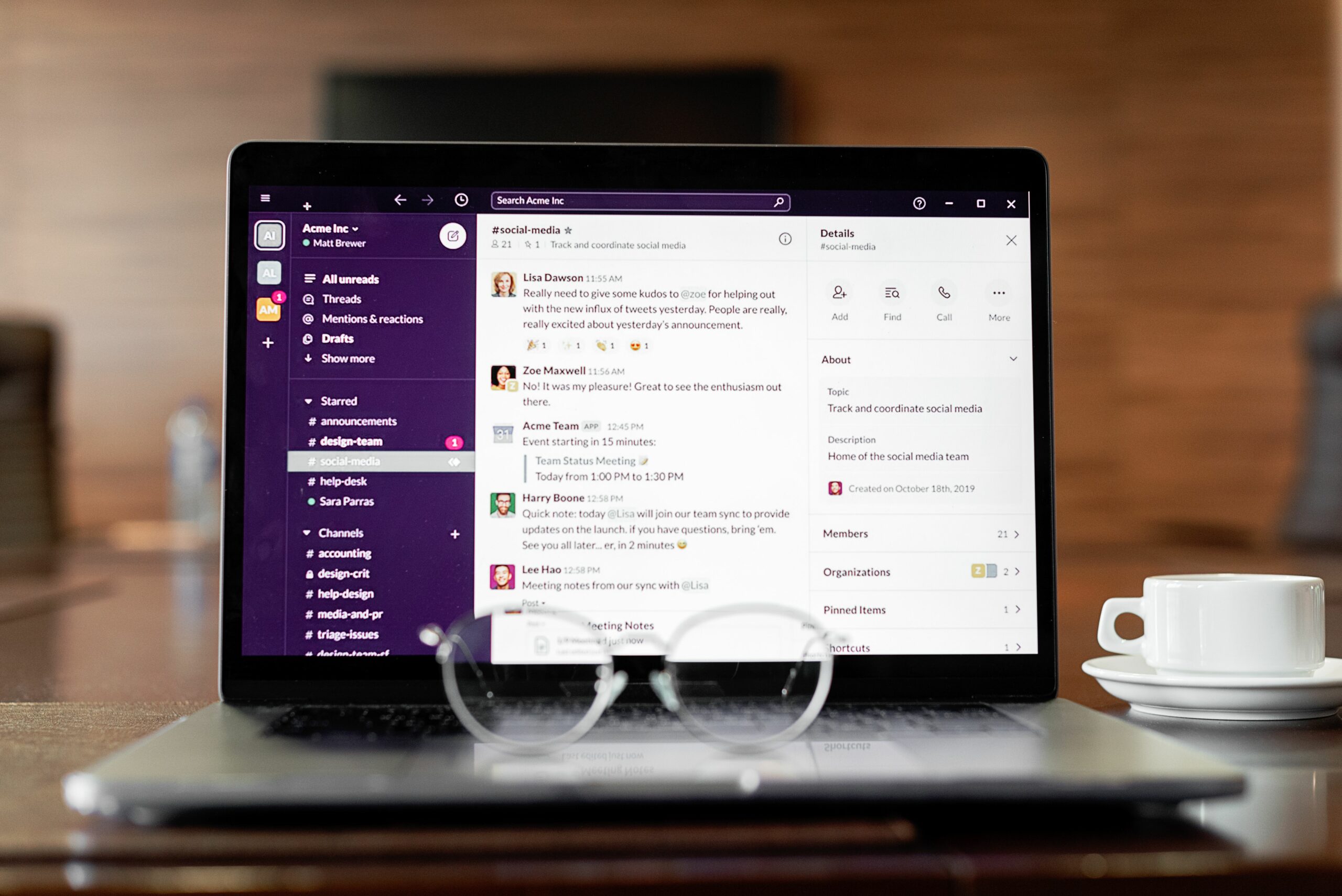
Alerts work when they are tied to decision rules. Start with a small set of metrics that map to actions, then expand once your team trusts the signals. You want at least one volume metric, one speed metric, and one quality metric.
- Message volume: total inbound messages per hour or per day. Rule: alert when volume exceeds baseline by a fixed multiple.
- Message velocity: messages per minute in a rolling window. Rule: alert when velocity rises faster than your team can respond.
- Unique senders: distinct accounts. Rule: alert when volume rises but unique senders do not – a bot clue.
- Reply backlog: unanswered messages older than X hours. Rule: alert when backlog crosses a service level target.
- Sentiment and intent tags: “pricing,” “where to buy,” “scam,” “refund.” Rule: alert when negative intent rises above a threshold.
Also track context metrics that explain spikes. Post time, story frames, link clicks, and paid spend changes are common causes. If you run whitelisted ads, log every creative swap and budget change because those shifts often create spikes that look “organic” unless you annotate them.
How to set thresholds for Message Spike Alerts (baseline method)
Thresholds fail when they are arbitrary. Instead, build them from baseline behavior per creator and per platform. A creator with 50 inbound DMs per day can handle a 2x jump, while a creator who normally gets 5 DMs will feel a 10 DM day as a flood. Use a rolling baseline and a simple multiplier, then refine with seasonality.
Step 1 – pick a baseline window. Use the last 14 to 28 days of inbound volume for that inbox or campaign. Exclude known anomalies like giveaway days, major press hits, or product drops.
Step 2 – calculate baseline and spread. Compute the average and standard deviation. If you want a simpler approach, use median and interquartile range to reduce outlier impact.
Step 3 – choose an alert rule. Two practical options:
- Multiplier rule: Alert if today’s volume > (baseline average x 2.5) for small creators, or x 1.8 for large creators.
- Standard deviation rule: Alert if volume > (mean + 3 x standard deviation).
Step 4 – add a velocity trigger. Volume alerts can be late. Add a rolling 15 minute velocity alert, for example: “If messages in 15 minutes exceed the typical hourly average, alert.”
Step 5 – define the action. Every alert must map to an owner and a response. Otherwise, alerts become noise and get ignored.
| Alert type | Trigger example | Best for | Immediate action |
|---|---|---|---|
| Daily volume | Today > baseline x 2.0 | Slow-building surges | Check campaign annotations and recent posts |
| Rolling velocity | 15 min messages > typical hourly avg | Sudden floods | Assign triage responder and add quick replies |
| Unique sender anomaly | Volume up 3x, unique senders flat | Bot or spam patterns | Enable spam filters and report suspicious accounts |
| Negative intent | “Scam” mentions > 5% of messages | Brand risk | Escalate to brand and publish clarification |
Diagnosing the spike – a practical triage framework
When an alert fires, you need to answer one question: is this demand, confusion, or abuse? A fast triage keeps you from overreacting. Use a three-bucket framework and force a classification within 30 minutes.
Bucket A – demand spike. Messages include “where do I buy,” “discount code,” “restock,” or partnership inquiries. Action: prioritize replies that move revenue or relationships. If you can, pin a story highlight or comment with the answer to reduce repeats.
Bucket B – confusion spike. Messages ask the same clarifying question, often caused by unclear CTA, broken link, or ambiguous pricing. Action: fix the source. Update the link in bio, correct the caption, and add a short clarification post. This is also where you check usage rights and exclusivity terms if the creator reposted content in a way the brand did not expect.
Bucket C – abuse spike. Repetitive messages, suspicious links, or identical phrasing from many accounts. Action: protect the creator and the audience. Turn on stricter message requests, block obvious bots, and coordinate with platform reporting tools. For platform safety guidance, review Meta’s official help resources at Instagram Help Center.
To speed up triage, sample 30 messages and tag them. If more than 60% fit one bucket, treat that as the primary cause. If the sample is mixed, look for a timeline clue: spikes that start within minutes of a post are usually demand or confusion, while spikes that start at odd hours and have low unique senders often point to abuse.
Turning alerts into campaign measurement (with formulas)
Message spikes can be a proxy for intent, but only if you measure them correctly. The mistake is counting raw messages as conversions. Instead, treat messages as a mid-funnel signal and connect them to outcomes like link clicks, purchases, or qualified leads.
Start by defining a “qualified message.” For example: a DM that includes a product question, a store locator request, or a clear purchase intent phrase. Then track the qualified message rate.
- Qualified Message Rate (QMR): qualified messages / total messages
- Message to Click Rate: link clicks attributed to the creator / qualified messages
- Message CPA: spend / number of qualified messages (if you value them like leads)
Example calculation: A brand pays $4,000 for a creator package. During the campaign window, the creator receives 600 DMs, and 180 are qualified. Message CPA = 4000 / 180 = $22.22 per qualified message. If 45 of those qualified messages lead to tracked purchases, then CPA = 4000 / 45 = $88.89. Now you can compare performance to other channels using CPM, CPV, or CPA without guessing.
When you run whitelisting, separate organic and paid-driven message spikes. A whitelisted ad can increase reach and impressions dramatically, which can inflate inbound messages. Annotate spend changes and creative swaps so your report can explain why the inbox surged on a specific day.
Workflow and tooling – from alert to resolution
Alerts only help if the team can act quickly. Build a lightweight workflow with clear owners, response templates, and escalation paths. Even a two-person team can run this well if responsibilities are explicit.
| Phase | Owner | Tasks | Deliverable |
|---|---|---|---|
| Detection | Analyst or community manager | Review alert, confirm spike is real, sample 30 messages | Spike classification: demand, confusion, abuse |
| Triage response | Creator or support lead | Deploy quick replies, update pinned comment, fix broken links | Response playbook executed within 60 minutes |
| Escalation | Brand lead | Approve public clarification, coordinate refunds or safety actions | Approved statement and next steps |
| Measurement | Analyst | Tag messages, compute QMR and message CPA, annotate timeline | Campaign report section with charts and notes |
| Prevention | Campaign manager | Update brief, refine CTAs, adjust moderation settings | Revised brief and updated thresholds |
For ongoing education and frameworks that support this workflow, keep a running library of playbooks and measurement notes. A practical starting point is the InfluencerDB blog resources on campaign measurement, which you can use to standardize how your team defines metrics and reporting windows.
Common mistakes that make spikes worse
1) Treating every spike as success. A flood of DMs can be bots or confusion. Always sample and classify before you celebrate. This one habit prevents bad reporting and protects the creator’s time.
2) No separation between organic and paid. If you use whitelisting, a spike may be driven by paid reach, not creator trust. Without annotations, your CPM and CPA comparisons become misleading.
3) Slow response to repeated questions. If 200 people ask the same thing, replying 200 times is the wrong move. Fix the source with a pinned comment, story update, or landing page change.
4) Ignoring usage rights and exclusivity triggers. A repost on a brand channel can expose the creator to a new audience and trigger a spike. Make sure your contract defines usage rights clearly and that the creator knows where content will appear.
5) Alert fatigue. Too many alerts train the team to ignore them. Start with two alerts, prove value, then expand.
Best practices for creators and brands (checklists you can use today)
Strong Message Spike Alerts are part analytics, part operations. The best teams decide in advance what “good” looks like and what “danger” looks like. Use these checklists to tighten your system without buying new tools.
- Creator checklist: set quick replies for top five questions, keep a link hub updated, and define office hours for replies during launches.
- Brand checklist: provide a clear FAQ, confirm discount code rules, and share escalation contacts for refunds, safety, and PR.
- Campaign checklist: annotate post times, paid boosts, and creative changes; track reach and impressions daily; log message volume and qualified messages.
- Fraud checklist: monitor unique senders, look for repeated phrasing, and watch for suspicious links. If abuse rises, tighten message requests and report patterns.
Finally, keep your disclosures clean. Confusion spikes often start when audiences do not understand what is sponsored. For disclosure basics, review the FTC disclosure guidance for influencers and align your briefs accordingly. Clean disclosure reduces angry DMs and protects the brand when a post goes viral.
A simple implementation plan for the next 7 days
Day 1: Pick one inbox and define what counts as a message spike. Decide whether you are tracking DMs, comments needing replies, or email replies. Day 2: Pull 14 to 28 days of baseline volume and compute a basic threshold. Day 3: Create two alerts – daily volume and rolling velocity – and assign an owner. Day 4: Write five quick replies and a pinned comment template that covers the most common questions. Day 5: Run a tabletop exercise: simulate a spike and time your response. Day 6: Add a “qualified message” tag and start tracking QMR. Day 7: Review the first week of alerts, adjust thresholds, and document what you learned.
If you do only one thing, make it this: connect every alert to a single action and a single owner. That discipline turns Message Spike Alerts from noise into a real performance lever for influencer campaigns.