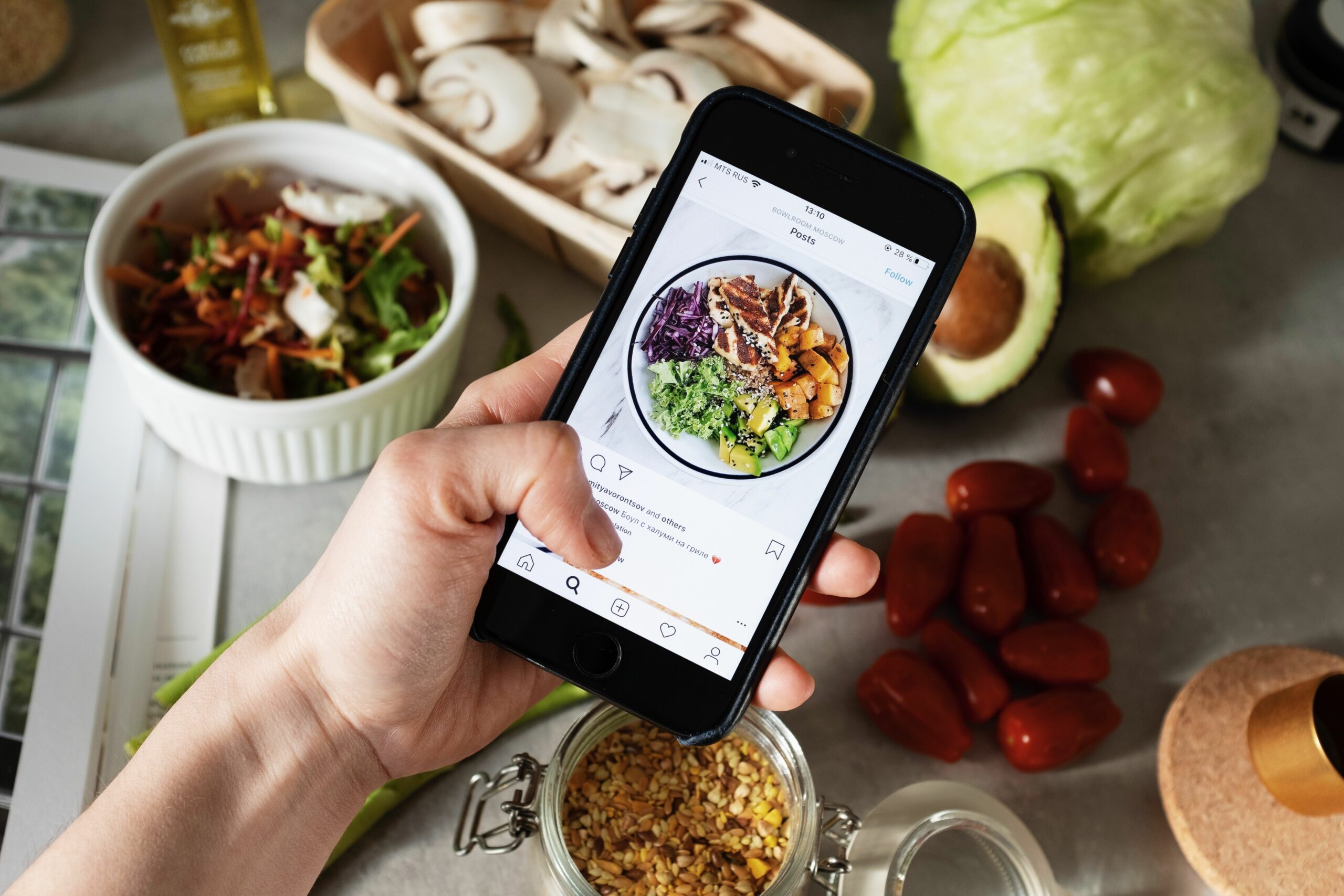

Best time to post on Instagram is not a single magic hour – it is a repeatable process for finding when your audience is most likely to see and act on your content. The platform rewards early engagement, so timing can change your reach even when the creative stays the same. Still, “best time” depends on who follows you, where they live, and what they do before and after they open the app. In this guide, you will get baseline time windows that often work, plus a step-by-step method to calculate your own posting schedule using Instagram Insights and simple tracking. Along the way, you will also learn the metrics that matter, the common mistakes that waste good content, and a practical weekly plan you can run in under 30 minutes.
Best time to post on Instagram: what “best” actually means
Before you pick a time slot, define what you mean by “best.” For most accounts, “best” means the post earns strong early signals – saves, shares, comments, and meaningful watch time – which helps distribution. However, the right timing can differ by goal: a product launch wants clicks and conversions, while a creator might prioritize follows and profile visits. As a rule, choose one primary KPI per content type, then optimize timing for that KPI. Finally, remember that Instagram is a mix of surfaces (Feed, Stories, Reels, Explore), and each surface can respond differently to timing.
Concrete takeaway: Write one sentence for each format you publish: “For Reels, best means ____ within the first ____ minutes.” This keeps your tests honest.
- Reach – unique accounts that saw your content.
- Impressions – total views, including repeat views.
- Engagement rate – engagements divided by reach or impressions (pick one and stay consistent).
- CPM – cost per 1,000 impressions (mostly for paid, but useful for valuing inventory).
- CPV – cost per view (common for video and Reels in paid contexts).
- CPA – cost per acquisition (purchase, signup, install).
- Whitelisting – a brand runs ads through a creator’s handle (also called creator licensing in some workflows).
- Usage rights – permission for a brand to reuse your content (duration, channels, regions matter).
- Exclusivity – agreement not to work with competitors for a period of time.
Baseline posting windows that often work (and why)
General benchmarks are helpful as a starting point, especially if you are new or you are rebuilding consistency. In many verticals, people check Instagram during commute windows, lunch breaks, and evening downtime. That said, the “best” windows are usually the ones where your followers are active and not overwhelmed by competing posts. Therefore, use the ranges below as test candidates, not final answers.
| Audience pattern | Typical local time window | Why it can work | What to watch |
|---|---|---|---|
| Morning check-in | 7:00 – 9:00 | Habit scroll before work or school | Fast early engagement, lower comment depth |
| Lunch break | 11:30 – 13:30 | Short sessions, high story consumption | Saves and shares vs. quick likes |
| After work | 17:00 – 19:30 | Longer sessions, more attention for video | Reels watch time and completion |
| Evening wind-down | 20:00 – 22:30 | High overall activity, strong DM behavior | Competition is higher, reach can flatten |
Concrete takeaway: If you have no data yet, test two windows per day for two weeks: one “high competition” evening slot and one “habit” slot (morning or lunch). Keep content type consistent across tests.
Use Instagram Insights to find your real peak hours
Instagram gives you enough data to build a timing strategy without third-party tools. Start with Insights for follower activity, then validate with post-level performance. Importantly, follower activity charts show when people are online, not when they will engage with your content. That is why you need a second step: measuring early performance by time slot.
To access follower activity, open your professional dashboard, go to Insights, then Audience (or Total followers). Look for “Most active times” by hours and by days. If you manage multiple markets, note the top cities and countries so you understand time zones. For official guidance on account features and insights, Meta’s help resources are a reliable reference: Instagram Help Center.
Concrete takeaway checklist:
- Record your top 3 follower time zones (or cities) and pick one “primary” time zone for scheduling.
- Write down the top 3 active hours for each of your top 3 days.
- Choose 4 test slots per week that match those peaks, plus 1 off-peak control slot.
A simple testing framework to calculate your best posting time
Timing tests fail when people change too many variables at once. Instead, run a controlled schedule experiment for 14 days. Keep format stable (Reels vs. carousel), keep topic clusters similar, and keep the hook style consistent. Then compare performance by time slot using a small set of metrics that reflect your goal.
Step-by-step method:
- Pick one format to test first (for example, Reels). Mixing formats makes results noisy.
- Pick one KPI (for example, reach for awareness, saves for evergreen value, link clicks for traffic).
- Choose 5 time slots you can realistically post in, based on Insights.
- Post 2 times per slot over two weeks (10 posts total). Rotate days so one slot does not always land on weekends.
- Measure at fixed intervals – 30 minutes, 2 hours, 24 hours. Early signals matter, but 24-hour results confirm.
Useful formulas:
- Engagement rate by reach (ERR) = (likes + comments + saves + shares) / reach
- Save rate = saves / reach
- Share rate = shares / reach
Example calculation: You post a carousel at 18:00. After 24 hours it has 8,000 reach, 520 likes, 40 comments, 210 saves, and 90 shares. ERR = (520 + 40 + 210 + 90) / 8,000 = 860 / 8,000 = 10.75%. Save rate = 210 / 8,000 = 2.6%. Compare those rates to the same content type posted at 12:00 and 21:00, then pick the slot that wins on your KPI, not just likes.
| Time slot | Post # | Reach (24h) | ERR (24h) | Save rate | Notes (topic, hook) |
|---|---|---|---|---|---|
| 12:00 | 1 | 7,200 | 9.8% | 2.1% | How-to, strong first slide |
| 18:00 | 2 | 8,000 | 10.75% | 2.6% | Same series, similar length |
| 21:00 | 3 | 8,600 | 8.9% | 1.7% | More reach, weaker saves |
Concrete takeaway: If one slot wins reach but loses save rate, decide based on your goal. For evergreen creators, saves and shares usually beat raw reach.
Best times by format: Reels vs Stories vs Feed
Different formats behave differently because people consume them in different moods. Reels often travel beyond your followers, so early retention and replays can matter more than follower online time. Stories are closer to “live” behavior, so posting when your audience is actively checking the app can lift taps and replies. Feed posts sit in a blended ranking system, so timing helps, but content quality and relevance still dominate.
Practical decision rules:
- Reels: prioritize times when your audience can watch with sound and attention. For many niches, after work performs well, but validate with completion rate and average watch time.
- Stories: post in clusters around active hours. A good pattern is 3 frames in the morning, 3 at lunch, 3 in the evening, then adjust based on drop-off.
- Feed carousels: test lunch and evening. Carousels often earn saves, so aim for times when people are planning, shopping, or learning.
- Lives: schedule them like events. Announce 24 hours before, then remind 1 hour before.
Concrete takeaway: Build a “format map” in your notes app: each format gets two preferred time windows and one backup window. Use it to plan your week quickly.
How brands and creators should align timing with campaign goals
If you are a creator working with brands, timing is part of performance, not just aesthetics. A brand that wants conversions may prefer weekday slots that match shopping behavior, while a brand that wants awareness may accept broader windows. This is also where terms like whitelisting, usage rights, and exclusivity affect timing decisions. For example, if a brand plans to whitelist your post into paid ads, they may care less about organic timing and more about having the content live before the ad launch.
When you negotiate deliverables, add timing expectations in writing: “Post between 17:00 – 20:00 local time on a weekday” is clearer than “post in the evening.” If you need flexibility, propose a range and a backup date. Also, clarify measurement windows: some brands judge performance at 24 hours, others at 7 days. For standard definitions and ad measurement concepts, the Interactive Advertising Bureau is a strong reference point: IAB.
Concrete takeaway: Put a timing clause in your brief or contract that includes (1) time zone, (2) acceptable window, (3) backup slot, and (4) reporting checkpoint.
Common mistakes that make timing data useless
Timing is easy to overthink, and that is why many accounts end up with “data” that cannot guide decisions. One common mistake is changing content type, topic, and posting time all at once, then crediting timing for the result. Another is judging winners too early: a Reel might spike at 2 hours, then flatten, while another grows steadily over 48 hours. People also forget time zones, especially when their audience is split across regions. Finally, inconsistent frequency can distort results because the algorithm learns your cadence over time.
Concrete takeaway checklist:
- Do not compare a Reel to a carousel when testing time slots.
- Do not pick a winner based on the first 15 minutes unless your goal is live engagement.
- Do not ignore day-of-week effects – rotate slots across weekdays and weekends.
- Do not post at random times during a test period. Consistency is part of the experiment.
Best practices: a weekly schedule you can actually maintain
A good schedule is one you can repeat. Start with a realistic cadence, then optimize timing once you can publish consistently for a month. If you post three times a week, you can still test timing by rotating slots. If you post daily, you can run faster experiments, but you need a tracking habit. To stay organized, keep a simple spreadsheet or notes template with date, time, format, topic, hook, and results at 2 hours and 24 hours.
Here is a practical weekly plan for a creator or small brand team:
- Monday: post at Slot A (your current best guess), track 2h and 24h.
- Wednesday: post at Slot B, keep format and topic cluster similar.
- Friday: post at Slot C, then compare results across the week.
- Sunday: review Insights, pick next week’s slots, and pre-write captions.
For more practical social growth analysis and testing ideas, browse the InfluencerDB Blog and adapt the frameworks to your niche.
Concrete takeaway: Set a recurring 20-minute “timing review” on Sundays. You only need to update three numbers per post to see patterns.
Does posting time matter if my content is strong? Yes, but it matters less than the hook, retention, and relevance. Timing is a multiplier, not a substitute for quality.
Should I post at the exact top of the hour? Test it. Some accounts see a lift because user activity clusters, but others see more competition. If you do test it, compare 18:00 vs 18:20 with similar posts.
Do hashtags change the best time to post? Not directly. Hashtags can help discovery, but timing still affects early engagement velocity, which influences distribution.
How often should I update my “best time”? Re-check monthly, and re-test when you change content strategy, audience geography, or posting frequency.
Concrete takeaway: Treat timing as a living setting. Lock in a schedule for four weeks, then adjust based on measured results, not vibes.