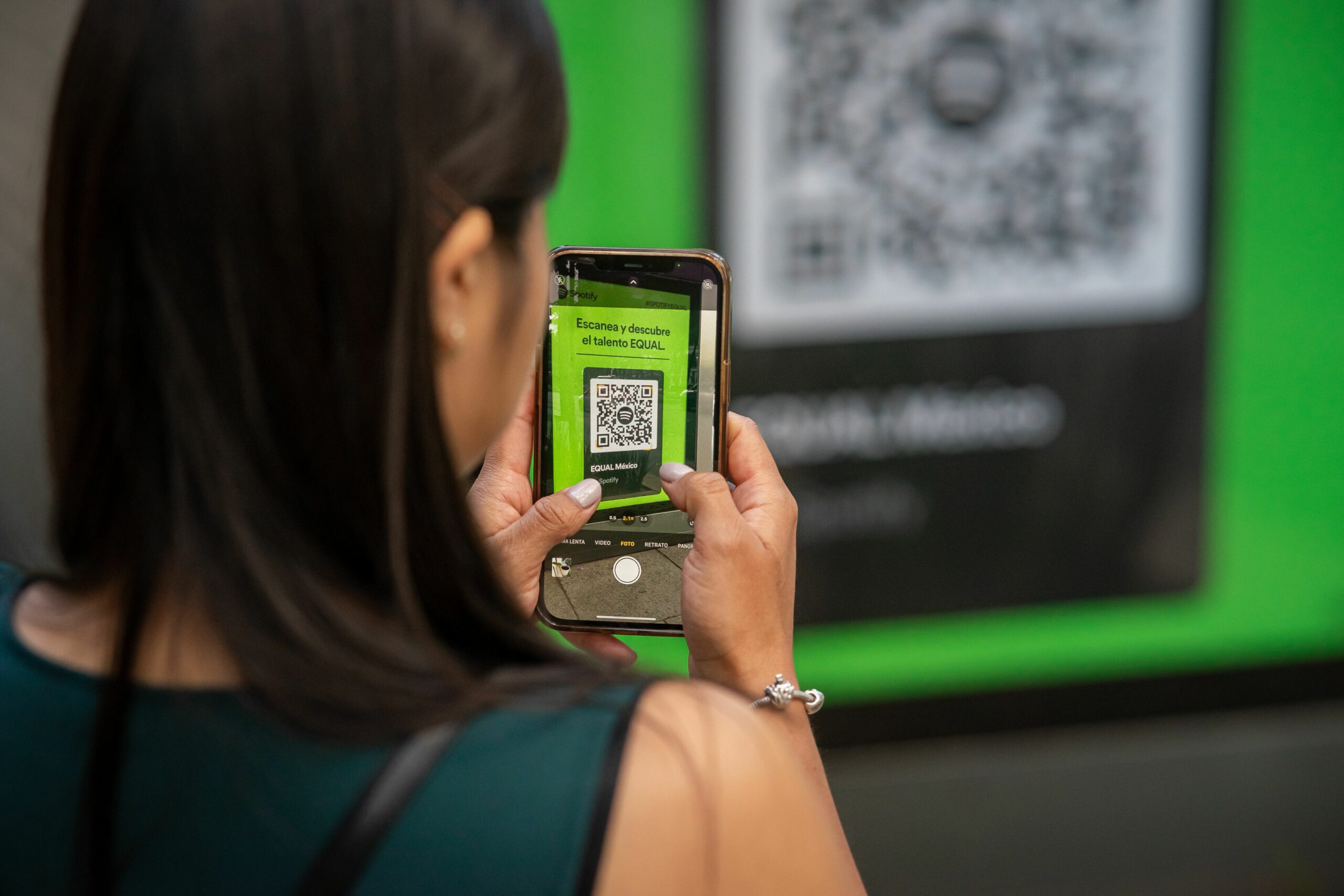

Free QR code generator is one of the fastest ways to turn offline attention into measurable clicks for influencer campaigns. Instead of guessing whether a poster, product insert, event booth, or creator shoutout drove sales, you can route every scan through a trackable link and tie it back to reach, engagement rate, and conversions. The key is not the black and white square itself, but the measurement setup behind it. In this guide, you will learn how to build QR codes that are campaign ready, how to track performance cleanly, and how to avoid the common mistakes that make QR data useless.
Why a free QR code generator matters for influencer marketing
QR codes are not new, but they became a practical attribution tool once smartphone cameras started scanning without extra apps. For influencer marketing, they solve a specific problem: creators often drive demand in places where clickable links are awkward or impossible, such as live events, retail shelves, packaging, print, or out of home placements. A QR code turns that moment into a measurable action, and it can do so without forcing a long URL or a complicated search. As a result, you get a clean bridge from attention to traffic, which makes post campaign reporting more credible.
However, QR codes only help if you treat them like any other performance asset. That means you need consistent naming, a clear destination, and a plan for what you will measure. If you want to compare creators fairly, you also need to normalize results by exposure, such as scans per 1,000 impressions. For ongoing learning, keep QR performance alongside your usual creator metrics, and review patterns in your reporting workflow. If you want more measurement and reporting ideas, browse the InfluencerDB Blog for influencer analytics and campaign planning and adapt the templates to your QR tracking.
Key terms you should understand before you generate a QR code

Before you create anything, align on the language you will use in briefs, contracts, and reports. This prevents confusion when a creator asks what success looks like, or when a stakeholder questions the numbers. Keep these definitions in your campaign doc and reuse them across partners.
- Reach – the number of unique people who saw the content.
- Impressions – total views, including repeat views by the same person.
- Engagement rate – engagements divided by reach or impressions (pick one and stay consistent). Example: (likes + comments + shares) / reach.
- CPM – cost per 1,000 impressions. Formula: cost / impressions x 1,000.
- CPV – cost per view, typically for video. Formula: cost / views.
- CPA – cost per acquisition (sale, lead, signup). Formula: cost / conversions.
- Whitelisting – when a brand runs ads through a creator account (also called creator licensing on some platforms). It can change performance and reporting expectations.
- Usage rights – permission to reuse creator content (where, how long, and in what formats).
- Exclusivity – limits on a creator working with competitors for a set period or category.
QR codes interact with these metrics because scans are a mid funnel action. A scan is closer to a click than a view, so it can be used to estimate intent. Still, do not confuse scans with conversions. Treat scans as a traffic signal, then measure what happens after the landing page loads.
How to use a free QR code generator the right way – a step by step framework
Most QR tools look identical, so the difference is your setup. Use this framework to make QR codes that are trackable, comparable across creators, and easy to audit later.
- Define the goal and the conversion event. Decide what success means: email signup, purchase, app install, store locator click, or coupon redemption. Write the event name exactly as it appears in your analytics platform.
- Create a dedicated landing page. Avoid sending scans to a generic homepage. A good QR landing page loads fast, repeats the offer, and has one primary call to action.
- Build a trackable URL. Add UTM parameters so traffic is labeled. Example fields: utm_source, utm_medium, utm_campaign, utm_content. For creators, utm_content is a clean place to store the creator handle or asset name.
- Shorten the URL if needed. Shorter URLs often produce simpler QR patterns that scan more reliably. If you use a shortener, confirm it preserves UTM parameters.
- Generate the QR code. Choose error correction that matches the use case. For print, higher error correction helps if the code gets scratched, but it can make the pattern denser.
- Test on multiple devices. Scan on iOS and Android, in bright and low light, and from different distances. Confirm the UTM parameters are intact after the redirect.
- Name and archive the asset. Store the QR image file with a naming convention that includes campaign, creator, placement, and date.
- Monitor and iterate. Watch scans, click through, and conversion rate. If scans are high but conversions are low, the landing page or offer is the problem, not the QR code.
For standards and technical background, it helps to understand how QR codes are structured and why error correction matters. The GS1 organization maintains widely used barcode standards and practical guidance for scannable codes in commerce – see GS1 barcode standards for a reliable reference.
Tool checklist: what to look for in a QR generator
Not every generator is equal for marketing work. Some tools only create static codes, while others offer dynamic redirects, scan analytics, and team management. Use the checklist below to pick the right option for your campaign rather than defaulting to the first free site you find.
- Static vs dynamic – static codes hardcode the destination URL and cannot be changed. Dynamic codes redirect through a service so you can update the destination later.
- UTM friendly redirects – confirm the tool does not strip parameters.
- Download formats – SVG for print, PNG for digital, and EPS if your designer requests it.
- Scan analytics – at minimum, unique scans, time series, and device breakdown.
- Privacy and retention – understand what data is collected and how long it is stored.
- Branding controls – logo insertion and color can help, but only if scan reliability stays high.
| Feature | Why it matters | Best for | Red flag |
|---|---|---|---|
| Dynamic QR | Lets you change the destination without reprinting | Packaging, retail, long running campaigns | Vendor lock in with no export plan |
| UTM preservation | Keeps attribution clean in analytics | Influencer reporting and ROI analysis | Redirect drops or rewrites parameters |
| SVG download | Scales for print without pixelation | Posters, inserts, billboards | Only low res PNG available |
| Scan analytics | Shows performance by day and placement | Optimization and A B tests | Only total scans with no timeline |
| Access controls | Prevents accidental edits to live codes | Teams and agencies | Anyone with the link can edit |
Measurement: how to connect QR scans to influencer ROI
QR scans are useful, but they are not the finish line. To make them decision grade, connect scans to downstream behavior and compare creators using consistent denominators. Start by deciding which metric answers your business question: efficiency, scale, or profitability.
- Scan rate – scans / impressions. Use when you want to compare creative effectiveness across placements.
- Cost per scan – creator fee / scans. Use when QR is the primary call to action.
- Click to conversion rate – conversions / sessions from QR traffic. Use to judge landing page and offer fit.
- CPA from QR traffic – creator fee / conversions attributed to QR. Use when you can track purchases or leads reliably.
Example calculation: A creator charges $1,200 for an event appearance and you place their QR on a booth banner. Over the weekend, the QR link receives 900 sessions and 45 purchases. Cost per scan session is $1,200 / 900 = $1.33. CPA is $1,200 / 45 = $26.67. If your margin per order is $40, the campaign is profitable even before you count any halo effect from organic search or word of mouth.
To keep attribution consistent, use the same UTM schema across creators and placements. Google explains UTM parameters and how they are interpreted in analytics products – see Google Analytics campaign URL builder guidance for the official definitions and examples.
| Metric | Formula | What it tells you | Decision rule |
|---|---|---|---|
| Scan rate | Scans / impressions | How compelling the QR prompt is | If low, rewrite CTA or change placement height |
| Cost per scan | Cost / scans | Efficiency of driving traffic | If rising, renegotiate fee or add deliverables |
| QR conversion rate | Conversions / QR sessions | Landing page and offer quality | If low, fix page speed, message match, or friction |
| QR CPA | Cost / conversions | Profitability signal | If above target CPA, adjust offer or audience fit |
Creative and placement rules that improve scan performance
Most QR failures are physical, not digital. A code that looks fine on a laptop can be unscannable at a distance, under glare, or when printed too small. Use these rules to protect scan rate before you worry about advanced analytics.
- Size for distance. If people scan from 6 feet away, the code must be large enough to resolve. As a practical starting point, test at the real distance and increase size until scanning is instant.
- Protect contrast. Dark code on light background scans best. If you brand with color, keep contrast high and avoid gradients behind the code.
- Give it a clear CTA. Add a short instruction: “Scan for 10% off” or “Scan to watch the tutorial.” Without a reason, people ignore it.
- Use a quiet zone. Leave whitespace around the code so scanners can detect edges.
- Match the moment. At events, pair QR with a quick reward. On packaging, link to setup videos, warranty registration, or refill reminders.
When creators are involved, treat the QR like any other deliverable. Include it in the brief, specify where it appears, and request a proof photo or screenshot. If you are running a multi creator activation, assign each creator a unique QR destination so you can compare performance without guesswork.
Common mistakes that make QR data misleading
QR codes can create false confidence if you skip the basics. These are the mistakes that most often break attribution or make results impossible to interpret later. Fixing them is usually cheap, but only if you catch them before launch.
- Sending scans to a homepage. You lose message match and you cannot isolate the campaign impact.
- Reusing the same QR across creators. You cannot attribute performance, which makes negotiations and optimization harder.
- No UTM naming convention. Reports become a mess of inconsistent labels, and you waste time cleaning data.
- Changing the destination without documentation. If you use dynamic QR, log every change with date and reason.
- Over styling the code. Logos and custom colors can reduce scan reliability, especially in print.
Also watch for a subtle reporting trap: scans are not the same as sessions. Some scanners prefetch pages, and some users scan multiple times. For that reason, treat “unique scans” as a directional metric and rely on sessions and conversions in your analytics platform for final ROI calls.
Best practices: a repeatable QR workflow for creators and brands
If you want QR to become a reliable channel, standardize the workflow. That way, each new campaign builds on the last one, and you can compare results across quarters. Use the checklist below as a lightweight operating system for QR based influencer activations.
- Briefing – include the QR purpose, CTA copy, placement rules, and what proof you need from the creator.
- Tracking – create one destination URL per creator and per placement when possible. Keep UTMs consistent across all assets.
- QA – test scans on at least two phones, and test the printed version if it will be used offline.
- Reporting – report scans, QR sessions, conversion rate, and CPA alongside reach and engagement rate. Explain what changed if you updated a dynamic QR destination.
- Negotiation – if QR is a primary KPI, tie part of the fee to performance or add a bonus for hitting scan or conversion targets.
Finally, treat QR as one signal in a broader measurement stack. Pair it with creator specific discount codes, post level links, and platform native metrics to triangulate impact. Over time, you will learn which creators drive high intent actions, not just high engagement, and that is where budgets get smarter.
Quick start: generate, deploy, learn
To move fast, pick one high intent use case and run a small test. For example, add a QR to a product insert that links to a creator made setup video and a limited time offer. Give each creator their own trackable destination, then compare scan rate and CPA after two weeks. Once you see what good looks like, scale the pattern to events, retail, and creator content. A free QR code generator can be simple, but the results get serious when your tracking discipline is consistent.