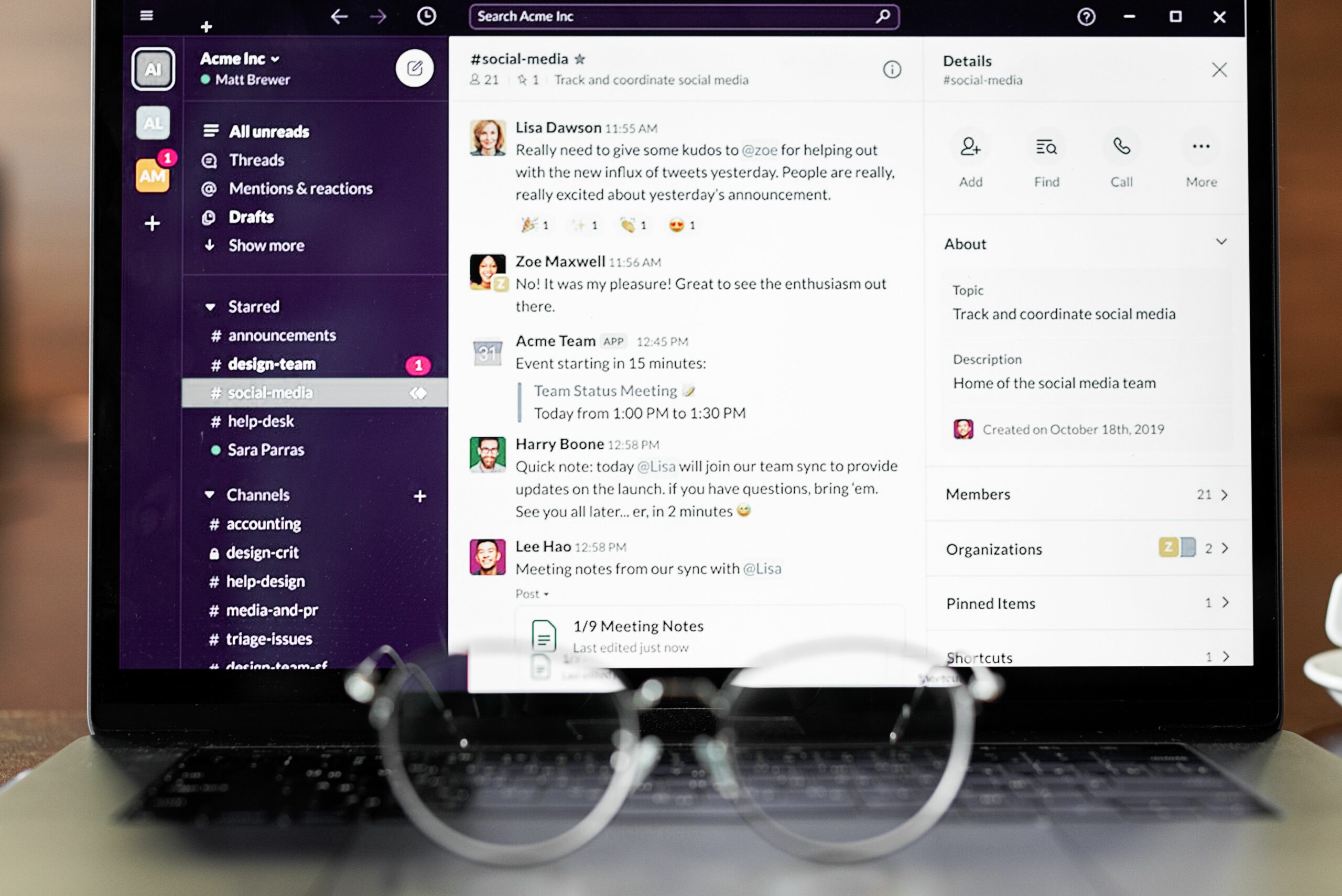

New Social Inbox is the 2025 answer to a problem every creator and brand team knows too well – important DMs get buried, follow-ups slip, and deals die in the scroll. The idea is simple: treat social messages like a revenue pipeline, not a chaotic chat feed. In practice, that means you set up routing, labels, saved replies, and lightweight reporting so your team can respond quickly and consistently. This update explains what a modern social inbox should include, how to set it up, and how to measure whether it is actually improving conversions. If you are trying to move faster without sounding robotic, the workflow below is built for that.
New Social Inbox: what it is (and what it is not)
A social inbox is a centralized place to read, respond to, and manage messages from social platforms, typically Instagram, Facebook, TikTok, YouTube, and sometimes X and LinkedIn. The “new” part in 2025 is not just consolidation – it is operational discipline: message triage, collaboration, and deal tracking. In other words, you are building a system that helps you qualify inbound opportunities, protect response time, and keep context when multiple people touch the same conversation. That is why the best setups look more like a lightweight CRM than a chat app. However, it is not a replacement for your contract tool or payment system; it is the front door where opportunities enter and get sorted.
Before you configure anything, define the inbox’s job in one sentence. For example: “Turn inbound creator and brand DMs into qualified conversations within 2 hours, and convert qualified conversations into booked collaborations within 7 days.” That single line gives you a north star for routing rules, templates, and reporting. It also helps you avoid the common trap of adding features that feel productive but do not move deals forward.
Key terms you need before you touch settings

Inbox workflows get messy when teams use performance and deal terms loosely. Align on these definitions early so your labels, templates, and reporting mean something across the team.
- Reach – the number of unique people who saw content.
- Impressions – total views, including repeat views by the same person.
- Engagement rate – engagements divided by reach or impressions (pick one and stick to it). A common formula is: ER by reach = (likes + comments + saves + shares) / reach.
- CPM – cost per 1,000 impressions. CPM = (cost / impressions) x 1,000.
- CPV – cost per view, often used for video. CPV = cost / views.
- CPA – cost per acquisition (purchase, lead, signup). CPA = cost / conversions.
- Whitelisting – a creator grants a brand permission to run ads through the creator’s handle (often called “creator licensing” on some platforms).
- Usage rights – permission to reuse creator content (where, how long, and in what formats).
- Exclusivity – restrictions on working with competitors for a defined time window and category.
Concrete takeaway: write these definitions into your team’s inbox playbook and use them in saved replies. When a brand asks for “rates,” you can respond with a structured question that clarifies whether they mean CPM, flat fee, or performance-based CPA.
The fastest teams treat the inbox like an assembly line: capture, qualify, route, respond, and track. The steps below assume you are either a creator team handling inbound brand requests or a brand team handling inbound creator pitches. The same logic applies either way.
Step 1: Define your message categories (keep it small)
Start with 6 to 10 categories. Too many labels slows triage and makes reporting useless. A practical starter set:
- Collab inquiry – inbound
- Pitch – outbound response
- Media kit requested
- Negotiation
- Contract and legal
- Payment and invoicing
- Whitelisting request
- Usage rights request
- Spam or scam
- Customer support (if you sell products)
Decision rule: if a label is used less than once per week, merge it into a broader bucket. Your inbox should reduce decisions, not create more.
Step 2: Build a qualification checklist (so you stop guessing)
Qualification is where most inboxes fail. People respond quickly, but they do not collect the details needed to price, schedule, or protect rights. Use a short checklist you can paste as a saved reply.
- Brand or creator name and website
- Campaign goal (awareness, traffic, conversions)
- Platforms and deliverables (Reels, TikTok, Shorts, Stories, static)
- Timeline and posting window
- Budget range or target CPM/CPA
- Usage rights (organic only vs paid, duration, regions)
- Exclusivity category and duration
- Whitelisting needed (yes/no), ad spend owner, duration
- Tracking method (UTM, promo code, affiliate link, pixel)
Concrete takeaway: if the sender cannot answer at least 5 of these in one thread, label the conversation “Incomplete brief” and pause negotiation until they do. That single rule prevents hours of back-and-forth.
Step 3: Create saved replies that sound human
Saved replies should reduce typing, not reduce trust. Write them like a journalist: direct, specific, and short. Keep placeholders for variable details, and always include one sentence that invites clarification.
- Fast acknowledgment: “Thanks for reaching out. I can confirm availability this week. Can you share deliverables, timeline, and whether you need usage rights or whitelisting?”
- Budget anchor: “To recommend a package, I need your goal and budget range. If you are optimizing for awareness, we can price on CPM; if you want conversions, we can discuss CPA or a hybrid.”
- Rights clarification: “Just to confirm, is this for organic posting only, or do you need paid usage and whitelisting? Rights change pricing and terms.”
Practical tip: rotate 2 to 3 variations per scenario so your replies do not look copy-pasted. Also, avoid sending a wall of questions; ask for the three most important details first, then follow up.
Step 4: Assign owners and response-time targets
In 2025, speed still matters, but consistency matters more. Set targets by category, not one blanket SLA.
| Message type | Owner | Target first response | Next step definition |
|---|---|---|---|
| Collab inquiry – inbound | Partnerships lead | Under 2 hours (business hours) | Send qualification checklist |
| Negotiation | Partnerships lead + finance | Under 24 hours | Confirm deliverables, price, rights, timeline |
| Contract and legal | Ops or legal | Under 48 hours | Redline, confirm payment terms |
| Payment and invoicing | Finance | Under 24 hours | Confirm invoice details and due date |
| Spam or scam | Anyone | Same day | Report, block, document if needed |
Concrete takeaway: define “business hours” in writing and pin it in the inbox notes. Otherwise, response-time debates will never end.
Pricing and negotiation: turn DMs into clear numbers
Most negotiations stall because the parties are pricing different things. One side is thinking “one Reel,” the other is thinking “a Reel plus usage rights plus exclusivity plus whitelisting.” Your inbox should force clarity early by asking for the deal components that change value.
Use simple formulas to sanity-check offers:
- CPM check: If a creator expects 200,000 impressions and the fee is $4,000, then CPM = (4000 / 200000) x 1000 = $20.
- CPV check: If a video is likely to generate 80,000 views and the fee is $2,400, then CPV = 2400 / 80000 = $0.03.
- CPA check: If a brand pays $3,000 and expects 60 purchases, then CPA = 3000 / 60 = $50.
Then, negotiate using levers instead of haggling. If the budget is tight, adjust one lever at a time: reduce deliverables, shorten usage rights, remove exclusivity, or shift from flat fee to hybrid (lower fee plus performance bonus). For more deal structuring ideas and measurement basics, keep a running reference from the InfluencerDB blog guides on influencer marketing so your team uses consistent language.
| Deal lever | What it changes | How to phrase it in a DM | Typical impact |
|---|---|---|---|
| Deliverables | Workload and output | “If we keep the budget, can we do 1 Reel instead of 1 Reel + 3 Stories?” | High |
| Usage rights | How long and where content can be reused | “Is 30-day organic usage enough, or do you need paid usage for 6 months?” | High |
| Whitelisting | Ad permissions and brand lift potential | “Whitelisting is available for an added fee and a defined duration.” | Medium to high |
| Exclusivity | Opportunity cost | “Exclusivity is possible if we narrow the category and set a clear time window.” | Medium to high |
| Timeline | Rush fees and scheduling | “If you need posting this week, I can prioritize with a rush fee.” | Medium |
Concrete takeaway: when you counteroffer, change only one lever per message. It keeps the negotiation readable and prevents misunderstandings.
Compliance, disclosures, and platform rules you cannot ignore
Inbox speed is useless if you create legal risk. In 2025, disclosure expectations are not optional, and they apply across platforms and formats. Make disclosure part of your qualification checklist and contract notes, not an afterthought.
At minimum, ensure your team aligns with the FTC’s endorsement guidance and keeps written proof of what was agreed. Use this as your baseline reference: FTC guidance on endorsements and influencer marketing. In practical terms, your saved replies should include a line like: “We will include clear ad disclosure (for example, #ad) as required.”
Also, be careful with access and permissions. If you are doing whitelisting, confirm who owns the ad account, what permissions are granted, and when access will be removed. For teams working inside Meta’s ecosystem, it helps to review official documentation on messaging and business tools, because features and permissions change frequently: Meta Business Help Center.
Concrete takeaway: add a “Disclosure confirmed” checkbox to your inbox deal checklist. If it is not checked, the conversation is not ready to move to contract.
Metrics to prove your inbox is working (and what to do if it is not)
A social inbox should improve outcomes you can measure. Track a small set of metrics weekly, and review them in 15 minutes. If you cannot explain the trend, your labels are probably too vague or your team is not using them consistently.
- Median first response time by message type (not just overall).
- Qualification rate: qualified conversations / total inquiries.
- Booking rate: signed deals / qualified conversations.
- Time to close: days from first DM to signed agreement.
- No-response rate: conversations where the other party goes silent after you ask for key details.
Example calculation: if you received 120 inquiries, qualified 45, and signed 12, then qualification rate = 45/120 = 37.5%, and booking rate = 12/45 = 26.7%. If qualification is high but booking is low, your pricing or terms may be misaligned. Conversely, if qualification is low, your first reply is probably asking the wrong questions or taking too long.
Concrete takeaway: set one weekly experiment. For instance, test a shorter qualification template for two weeks and compare qualification rate and time to close.
Common mistakes (and how to fix them fast)
- Mistake: treating every DM as urgent. Fix: route by category and set response targets by type.
- Mistake: negotiating before you confirm rights. Fix: ask about usage rights, exclusivity, and whitelisting in the first two messages.
- Mistake: letting multiple teammates reply without context. Fix: require an owner and a short internal note before handoff.
- Mistake: using generic templates that feel automated. Fix: write two versions per template and add one personalized line referencing the sender’s product or content.
- Mistake: no reporting, just vibes. Fix: track first response time, qualification rate, booking rate, and time to close.
Concrete takeaway: if you only fix one thing, fix qualification. It is the highest leverage point because it prevents wasted negotiation cycles.
Best practices checklist for teams scaling partnerships in 2025
- Pin a one-page inbox playbook with definitions, labels, and SLAs.
- Use a two-message rule: by message two, you should know goal, deliverables, timeline, and rights needs.
- Keep negotiation readable by changing one lever per counteroffer.
- Document deal terms inside the thread before moving to contract, including usage duration and exclusivity category.
- Review metrics weekly and run one small experiment at a time.
- Protect your brand voice by editing templates quarterly and removing anything that sounds like a script.
Final takeaway: the best inbox is not the one with the most features. It is the one that turns messy conversations into clear next steps, with numbers and terms that hold up when the campaign goes live.